146
_____________________________________________________________________________________________
9.1 External I/O Terminal
______________________________________________________________________________________________
9.1.4 Inter-lock Function
NOTE
The
INT.LOCK
―――――――――――――
terminal is always active, regardless of the status of the
EXT-E
―――――――――
terminal.
If "
0
: Not set" is selected for "Inter-lock" in Optional Functions, the inter-lock
function is inactive, regardless of the status of the
INT.LOCK
―――――――――――――
terminal. The
function is set at "
0
: Not set" by default. If the inter-lock function is to be used,
be sure to select "
1
:Set."
When the
INT.LOCK
―――――――――――――
terminal is not LOW level, the optional Inter-lock function
cannot be set to "
1
:Set."
The inter-lock function is used to cut off output from the 3153 in
combination with other devices, including external equipment. This function
cuts off output from the 3153, and disables all key operations.
(1) Setting the inter-lock function
1. Connect Pin 10
INT.LOCK
―――――――――――――
on the external I/O terminal to ISO.GND
(Pins 15, 16), and set the pin to Lo. Connect EXT.DCV and ISO.DCV.
2. In Optional Functions, set "Inter-lock" to "
1
: Set."
For the optional function settings, see Section "7.8 Inter-lock Function".
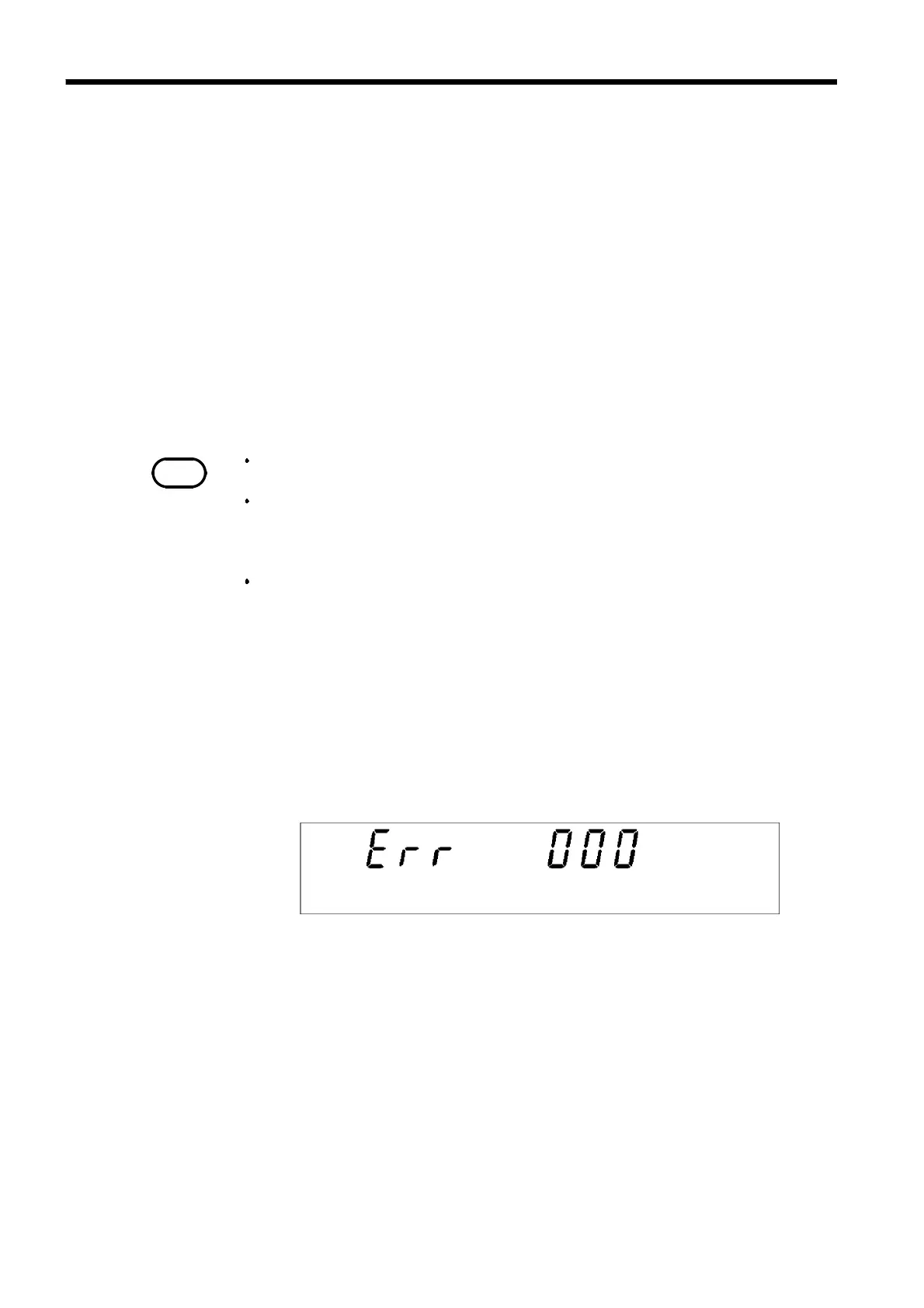
(2) Using the inter-lock function
The inter-lock function is active when the
INT.LOCK
―――――――――――――
terminal is open, with
the following displayed:
To disable the function, connect the
INT.LOCK
―――――――――――――
terminal to ISO.GND and
set it to LOW level. The unit changes to READY status once the inter-lock
function is disabled.



 To Next Page