139
_____________________________________________________________________________________________
9.1 External I/O Terminal
______________________________________________________________________________________________
1
2
3
4
5
6
7
8
9
10
11
12
13
14
15
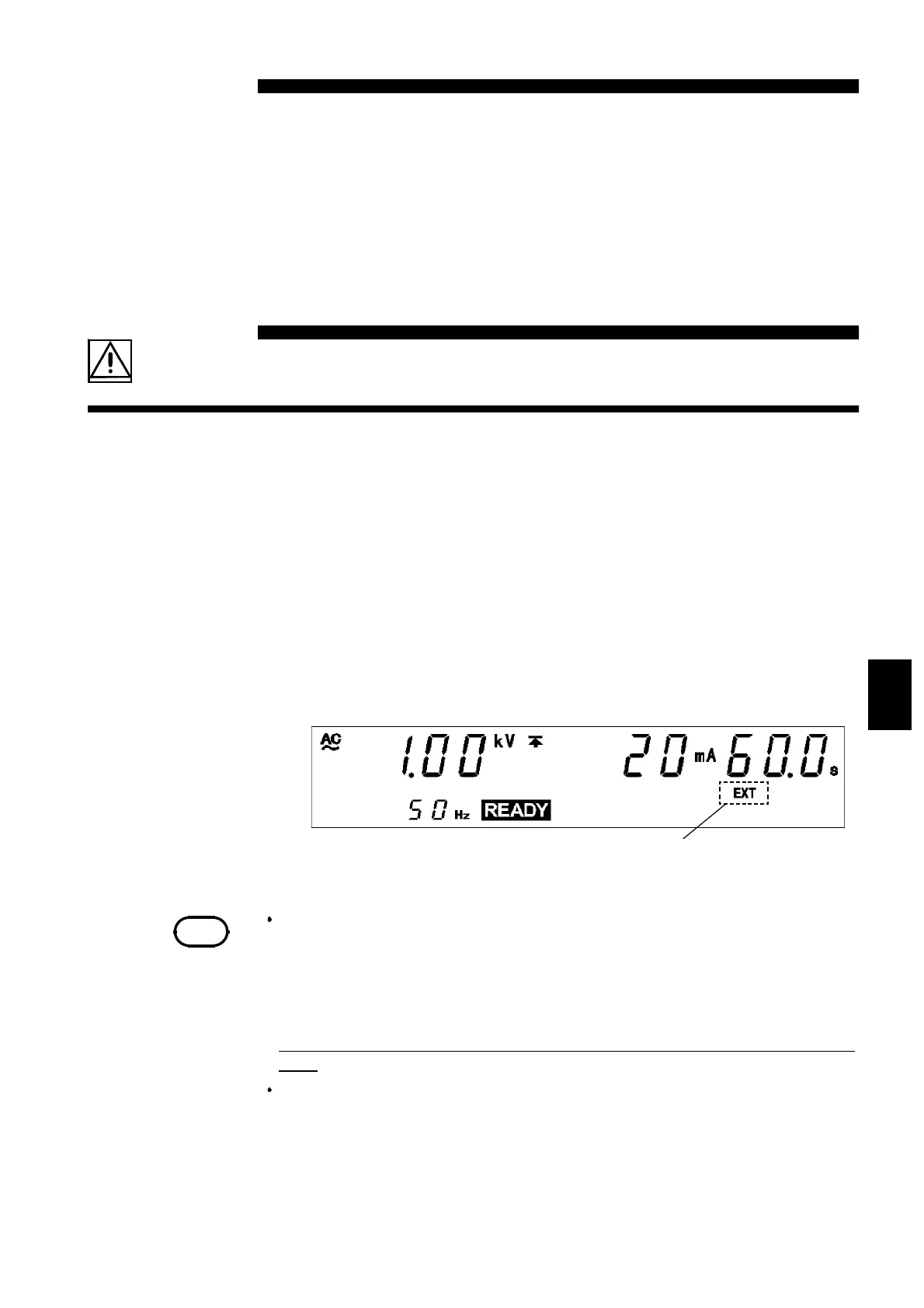
When
EXT-E
――――――――
of the external I/O terminal is at LOW level, EXT lights up
when the REMOTE CONTROL BOX is active.
NOTE
There is a priority hierarchy for the
START
keys. When a
START
key
with a higher priority is in use, lower-priority keys are disabled.
(When EXT-E of the external I/O terminal is at LOW level (EXT lights
up), the unit
START
key is disabled.) If you use the REMOTE
CONTROL BOX, the START signal for the external I/O terminal is
disabled.)
Priority: REMOTE CONTROL BOX > External I/O > Front panel of the
unit.
Do not short circuit the external I/O signal line and power source with
the voltage output (HIGH, LOW). Put the high voltage lead of the
voltage output (HIGH, LOW) as far away as possible from the test
objects as inaccurate operations may occur due to noise.
Chapter 9
External Interface
9.1 External I/O Terminal
The output of signals regarding the status of the unit (such as the TEST
state) and decisions (such as FAIL), along with control signals such as
START and STOP signals and file selection signals for program tests, are
controlled through the external I/O terminal, which is located at the rear of
the unit. In addition, an interlock terminal is provided to ensure safety.
All signal lines are insulated internally with a photocoupler. A power voltage
of 5 V (60 mA), insulated from the internal supply, is output from the
external I/O terminal. This voltage can be used as external power. If the unit
power capacity is insufficient, add an external power supply.



 To Next Page