96
_____________________________________________________________________________________________
6.4 Program-File Loading
______________________________________________________________________________________________
6.4 Program-File Loading
Loads a file that has been created or edited, so that it can be executed.
1. Press the
PG.LOAD
key in the READY state.
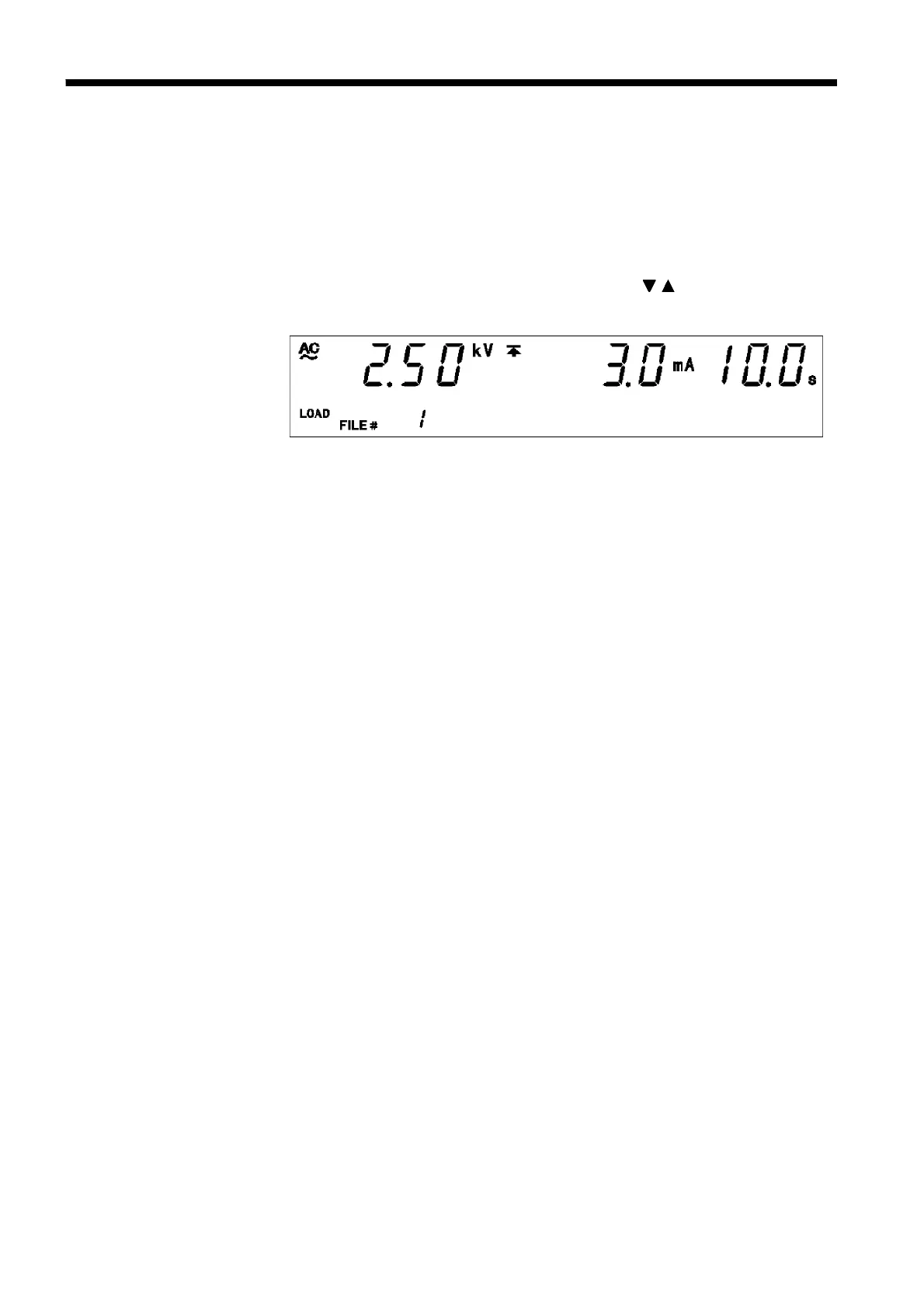
2. Set the number of the file to be loaded using the / keys.
Step 1 of the selected file will be displayed.
3. Execute file loading by pressing the
ENTER
key. The selected file will be
loaded, and the program-mode window will be displayed. To cancel
loading, press the
STOP
key. The unit will change to the program mode
with the file number used or loaded previously.



 To Next Page