118
_____________________________________________________________________________________________
7.8 Inter-lock Function
______________________________________________________________________________________________
0:
Not set (Initial setting)
1:
Set
NOTE
The Inter-lock function can be set only when
INT.LOCK
―――――――――――――
(Pin 10) of the external
I/O terminal is set at LOW level. If the terminal is set at HIGH level, "
0
:Notset"
remains effective even if the
/
ke
sare
ressed.
7.8 Inter-lock Function
Settings can be made to specify whether to use the Inter-lock function with
the external I/O terminal.
If "
0
: Not set" is selected, the Inter-lock function is cancelled regardless of
the state of Pin 10 (
INT.LOCK
―――――――――――――
) on the external I/O terminal.
If "
1
: Set" is selected, the Inter-lock function may be disabled, depending on
the state of Pin 10 (
INT.LOCK
―――――――――――――
) of the external I/O terminal. For the Inter-
lock function, see Section 9.1.4, "Inter-lock function."
1. Press
SHIFT
+
STOP
keys while in READY state to display the Optional
function setting screen.
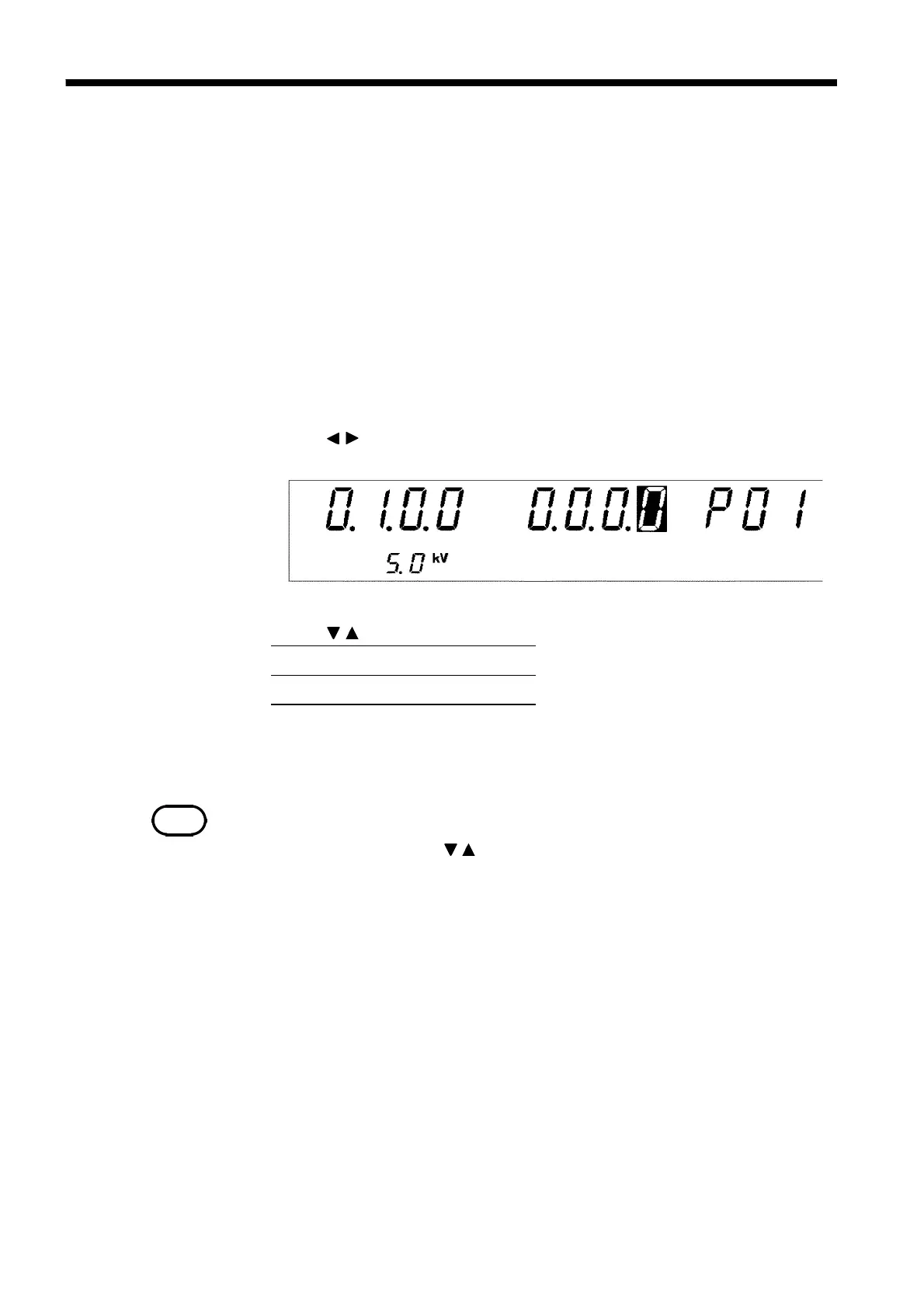
2. Use the
/
keys to move the flashing cursor to the position shown in the
figure.
3. Use the
/
keys to set a value at the flashing cursor location.
4. To complete the optional settings, press
SHIFT
+
STOP
keys. The unit
reverts to the READY state.



 To Next Page