73
_____________________________________________________________________________________________
5.4 Starting a Test
______________________________________________________________________________________________
「
READY
状態」での設定
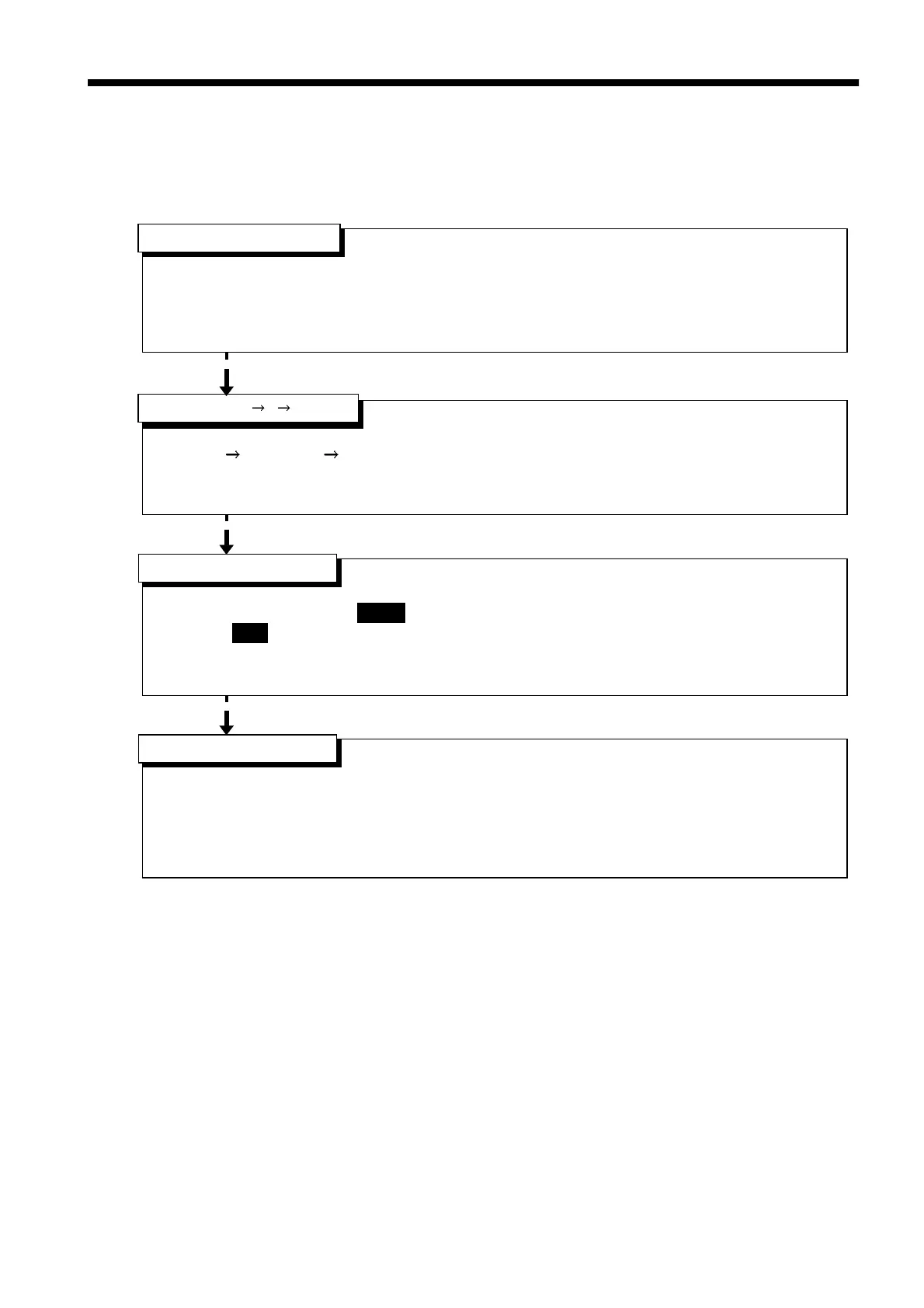
Selecting the W I/I Wmode
「
READY
状態」での設定
Select W I mode, or I W mode.
「
READY
状態」での設定
Starting a Test
Press the
START
key when
READY
is lit. The unit will change to the TEST status and a test
will start.
TEST
and the
DANGER
lamp are lit in the TEST state.
「
READY
状態」での設定
Determination
Compares the preset test settings (current upper- and lower-limit values, and resistance upper-
and lower-limit values) and the measured value, and conducts screening.
See Section 3.4.1 / 4.4.1 /5.4.1
See Section 3.5/ 4.5/ 5.5
Setting the test parameters
Make withstand-voltage test settings in withstand-voltage mode. (See chapter 3.)
Make insulation-resistance test settings in insulation-resistance mode. (See chapter 4.)
5.4 Starting a Test
The flowchart below explains how a test is carried out.



 To Next Page