115
_____________________________________________________________________________________________
7.5 Double Action
______________________________________________________________________________________________
0:
Not set (Initial setting)
1:
Set
NOTE
The Double Action function can be set in combination with the Momentary-Out
function. If settings are made in this way, press the
START
key within 0.5 seconds
after the
STOP
key is pressed to start a test. Hold down the
START
key during the
test.
7.5 Double Action
When using the Double Action function, the test starts if the
START
key is
pressed within approximately 0.5 s of the
STOP
key being pressed.
Normally, pressing the
START
key only starts the test. However, when using
the Double Action function, the
STOP
key must be pressed before pressing
the
START
key. This function increases testing safety by preventing
operational errors.
Double Action function is set,
READY
only lights up for approximately 0.5
seconds after the
STOP
key is pressed.
1. Press
SHIFT
+
STOP
keys while in READY state to display the Optional
function setting screen.
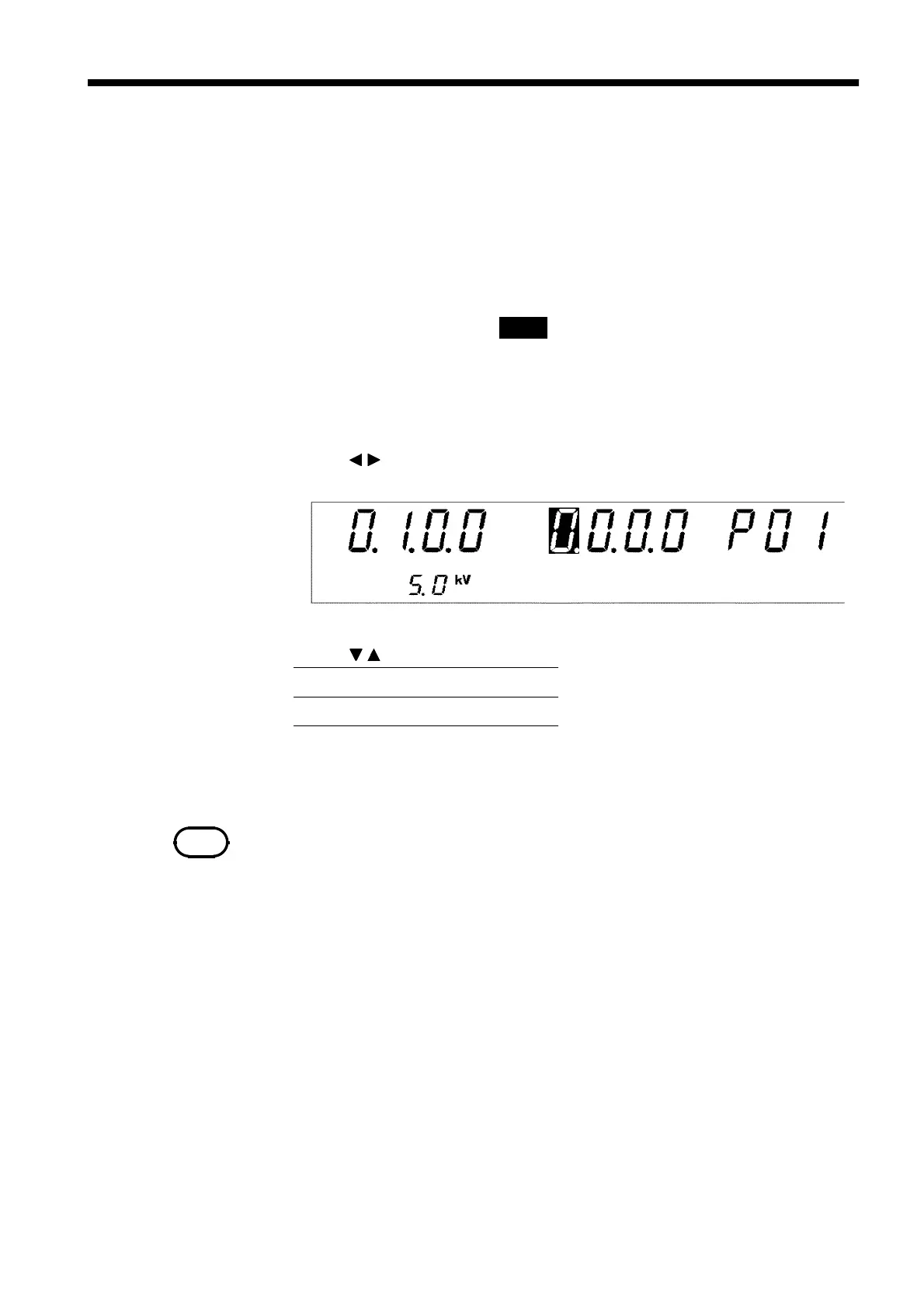
2. Use the
/
keys to move the flashing cursor to the position shown in the
figure.
3. Use the
/
keys to set a value at the flashing cursor location.
4. To complete the optional settings, press
SHIFT
+
STOP
keys. The unit
reverts to the READY state.



 To Next Page