107
_____________________________________________________________________________________________
______________________________________________________________________________________________
1
2
3
4
5
6
7
8
9
10
11
12
13
14
A
1 2 3 4 5 6 7 8
Pa
e number
9
10
11 12 13 14 15
Pa
e number
Chapter 7
Optional Functions
Setting the optional functions allows testing under various conditions.
To set an optional function, select the number assigned to the function
(except for output-voltage setting).
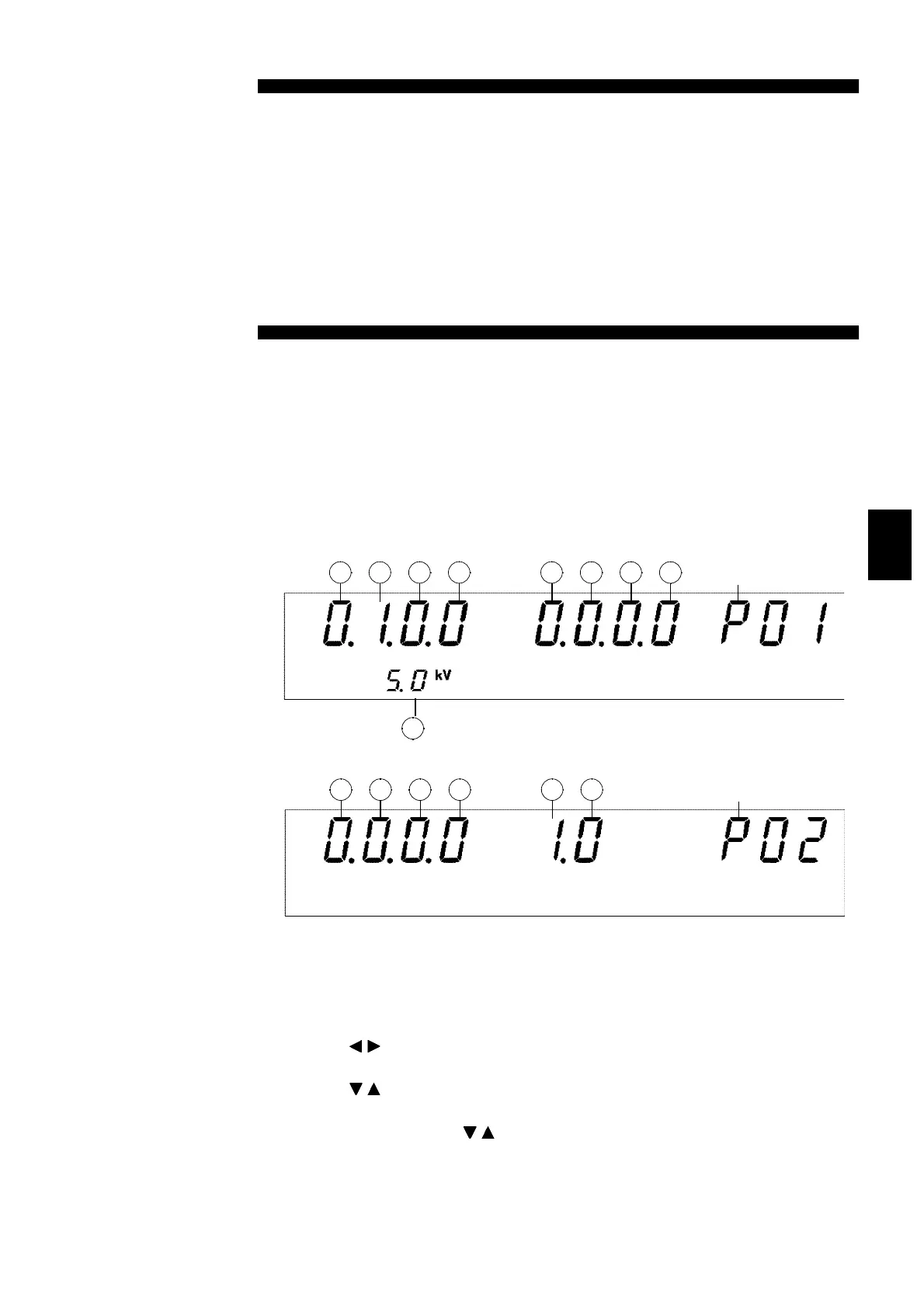
(1) Optional Function Settings Screen
Press
SHIFT
+
STOP
keys while in READY state to display the Optional
function setting screen.
Page 1
Page2
Press
SHIFT
+
STOP
keys once more to complete the Optional function
setting screen.
(2) Setting optional functions
1. Use the
/
keys to move the flashing cursor to the target function.
2. Use the
/
keys to set a value at the flashing cursor location.
To change the page, move the flashing cursor to the page number and
selectapageusingthe
/
keys.
3. To complete the optional settings, press
SHIFT
+
STOP
keys. The unit
reverts to the READY state.



 To Next Page