57
_____________________________________________________________________________________________
4.4 Starting a Test
______________________________________________________________________________________________
「
READY
状態」での設定
"SETTING" State
Key-lock Function
Optional Function
「
READY
状態」での設定
Starting a Test
Press the
START
key when
READY
is lit. The unit will change to the TEST status and a test
will start.
TEST
and the
DANGER
lamp are lit in the TEST state.
If the output voltage doesn't reach a level between 5% lower and 50% higher than the set test
voltage value, screening will not be performed.
「
READY
状態」での設定
Determination
PASS
/
FAIL
screening is conducted after the set test time based on whether a measured
resistance value exceeded the upper- or lower- limit value.
If the test time has elapsed without the output voltage reaching a level between 5% lower and
50% higher than the set test voltage value, FAIL will result.
See Section 4.3
See Section 4.2.1
See Cha
ter 7
See Section 4.4.1
See Section 4.5
READY state
Setting the test parameters
4.4 Starting a Test
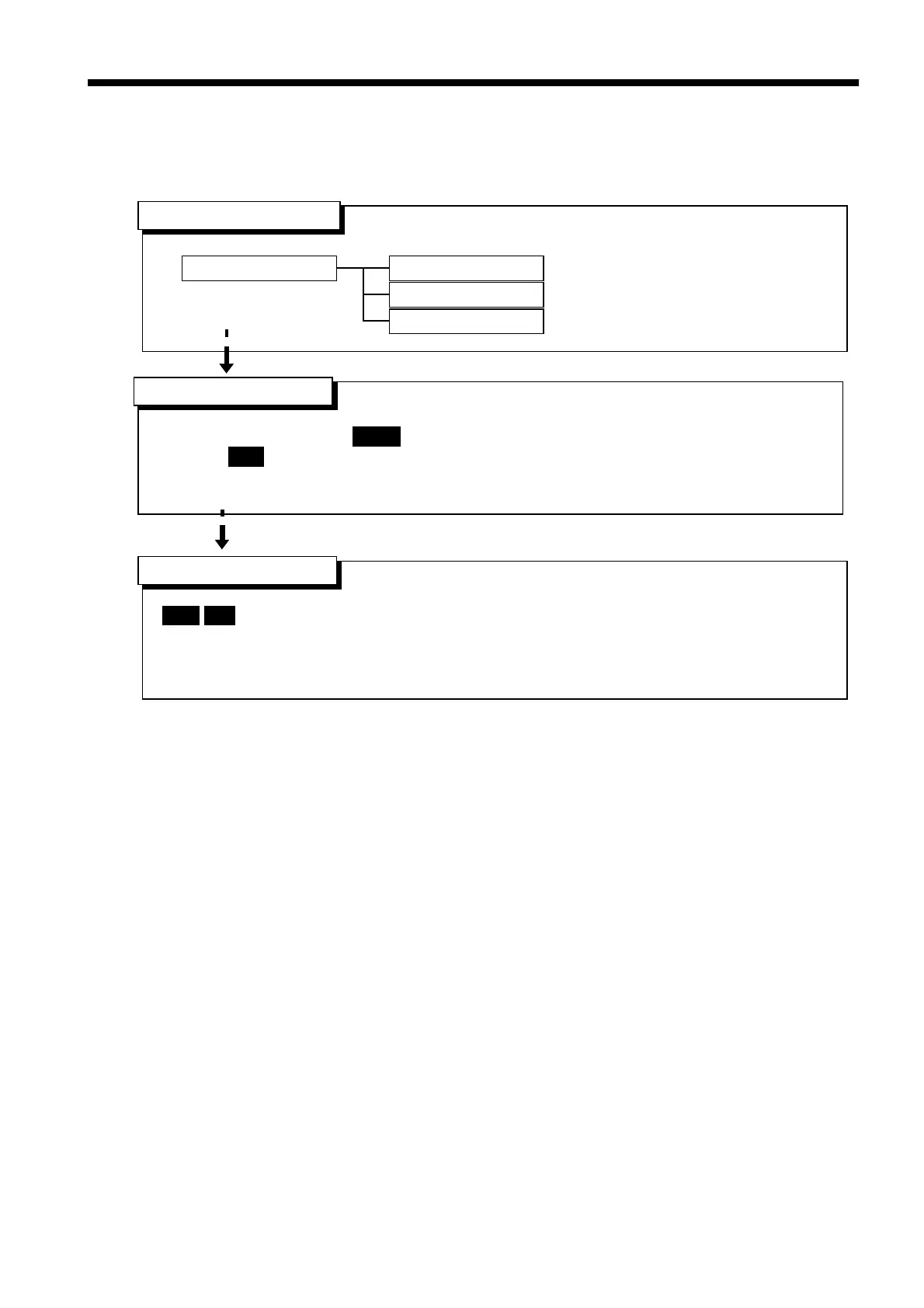
The flowchart below explains how a test is carried out.



 To Next Page