116
_____________________________________________________________________________________________
7.6 FAIL Mode
______________________________________________________________________________________________
0:
Not set (Initial setting)
1:
Set
7.6 FAIL Mode
The FAIL mode is a function that is limited to manually cancelling the FAIL
hold state (using the
STOP
key on the machine or the
STOP
switch on the
remote control box).
1. Press
SHIFT
+
STOP
keys while in READY state to display the Optional
function setting screen.
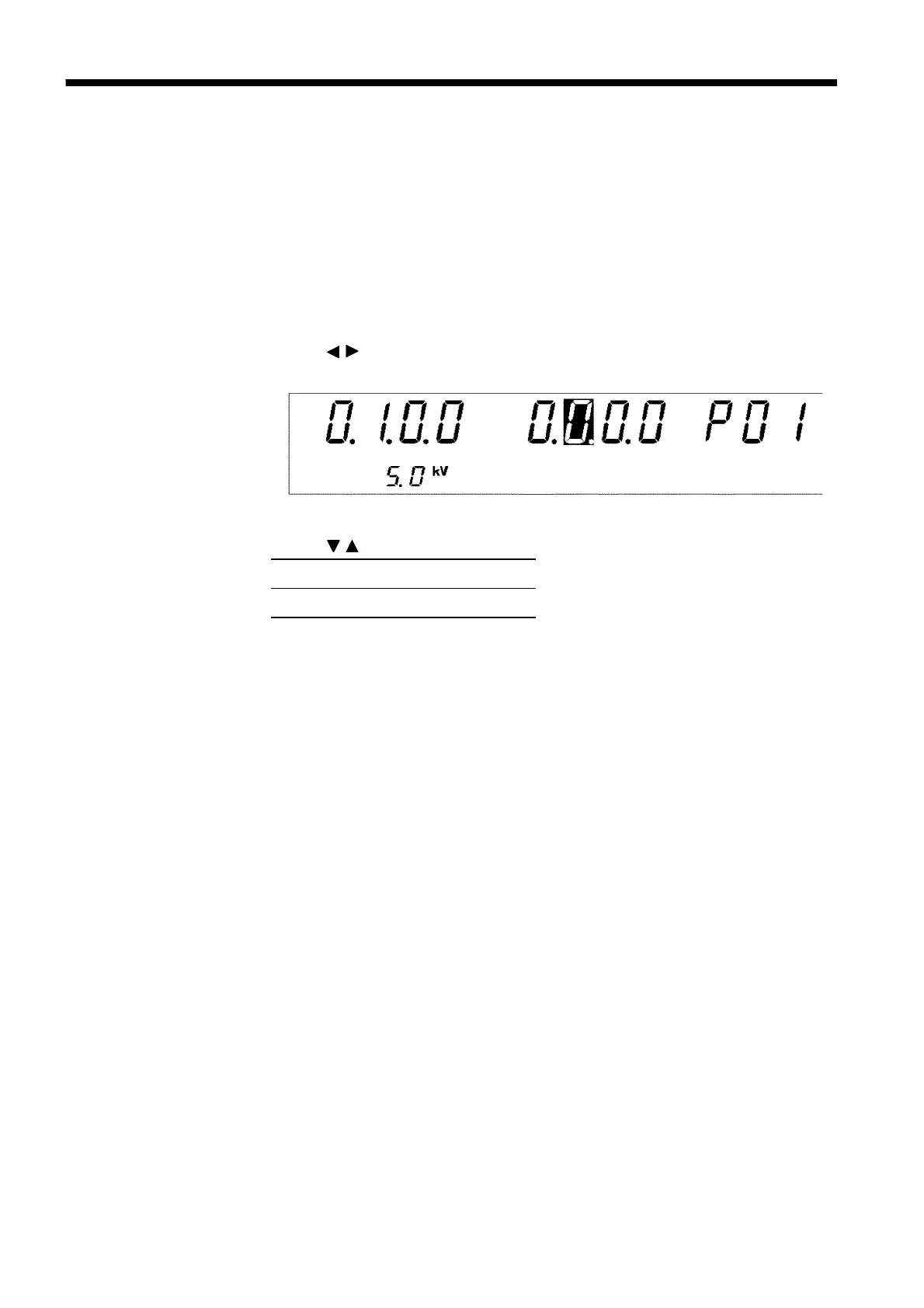
2. Use the
/
keys to move the flashing cursor to the position shown in the
figure.
3. Use the
/
keys to set a value at the flashing cursor location.
4. To complete the optional settings, press
SHIFT
+
STOP
keys. The unit
reverts to the READY state.



 To Next Page