27
_____________________________________________________________________________________________
3.3 "SETTING" State
______________________________________________________________________________________________
3.3.3 Setting the Test Time
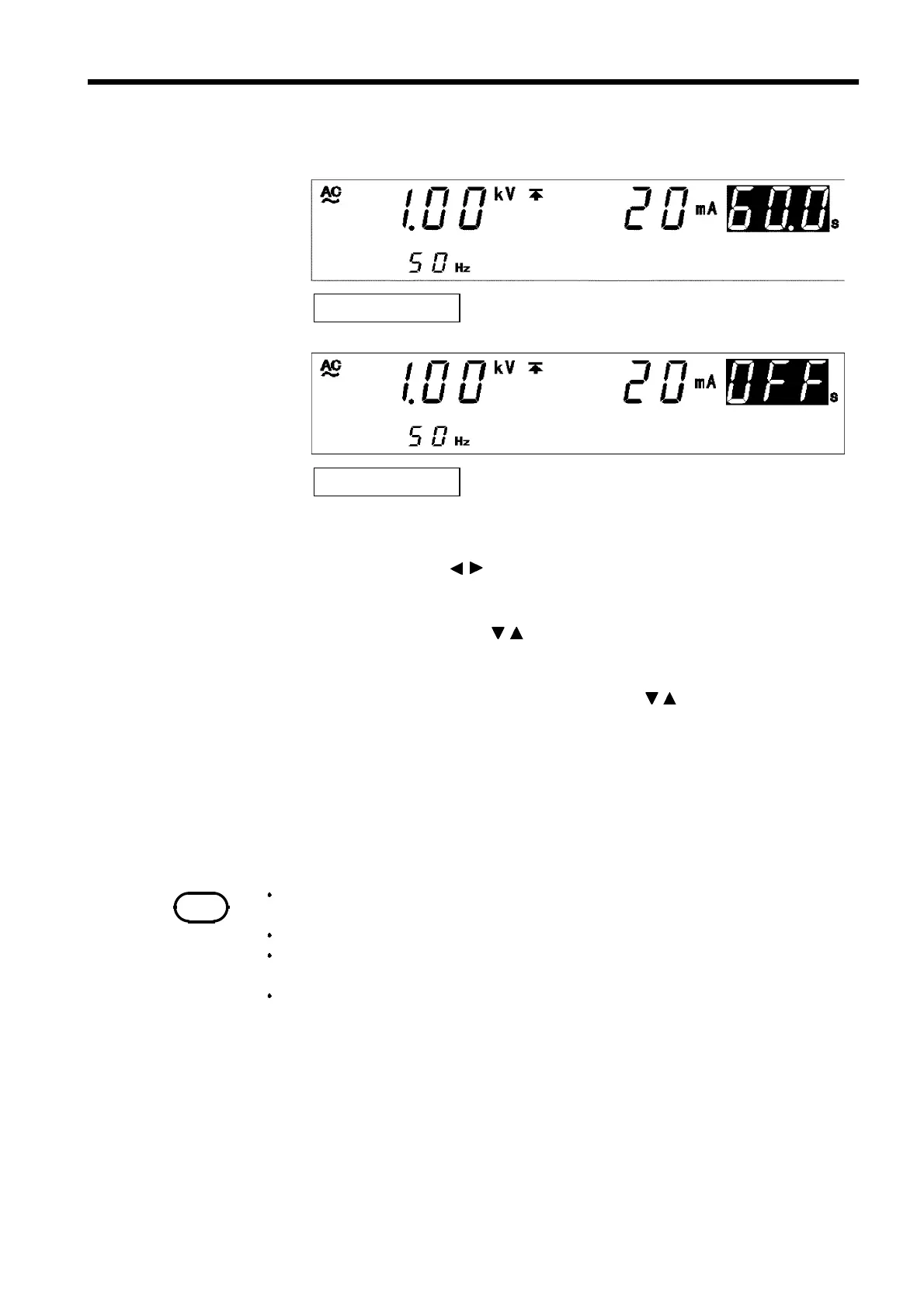
Test Time: 60.0 s
Test Time: OFF
NOTE
The setting resolution of the test time is 0.1 s between 0.3 and 99.9 s, and
becomes 1 s between 100 and 999 s.
If a test time has been set, the reduction timer will operate during the test.
If the test time is set to OFF, the time elapsed during the test is displayed. When
this time exceeds 999 s, "---" will appear, but the test will continue.
In the withstand-voltage test, because of the circuit response time, the output
voltage may take some time to reach the test voltage depending on the load. As a
result, the actual test time is "time taken to reach the accurate test voltage + pre-
set test time".
1. If no flashing cursor is displayed in the withstand-voltage mode READY
state, press either the / key to display the cursor in the test time
position.
2. Set the test time using the
/
keys.
With time set the time changes in 0.1 s increments
(1 s increments when the set time scale is 100 s to 999 s).
With time set at 0.3 s to 99.9 s, press
SHIFT
+
/
keys. The time
changes in 1 s increments
(10 s increments when the set time scale is 100 s to 999 s).
Settings may be made along a scale ranging from 0.3 s to 999 s.
If no testing time is required, turn off the
ON/OFF
key.
3. To finalize the test settings, press the
STOP
key. The settings are
confirmed and the unit returns to the READY state.



 To Next Page