53
_____________________________________________________________________________________________
4.3 "SETTING" State
______________________________________________________________________________________________
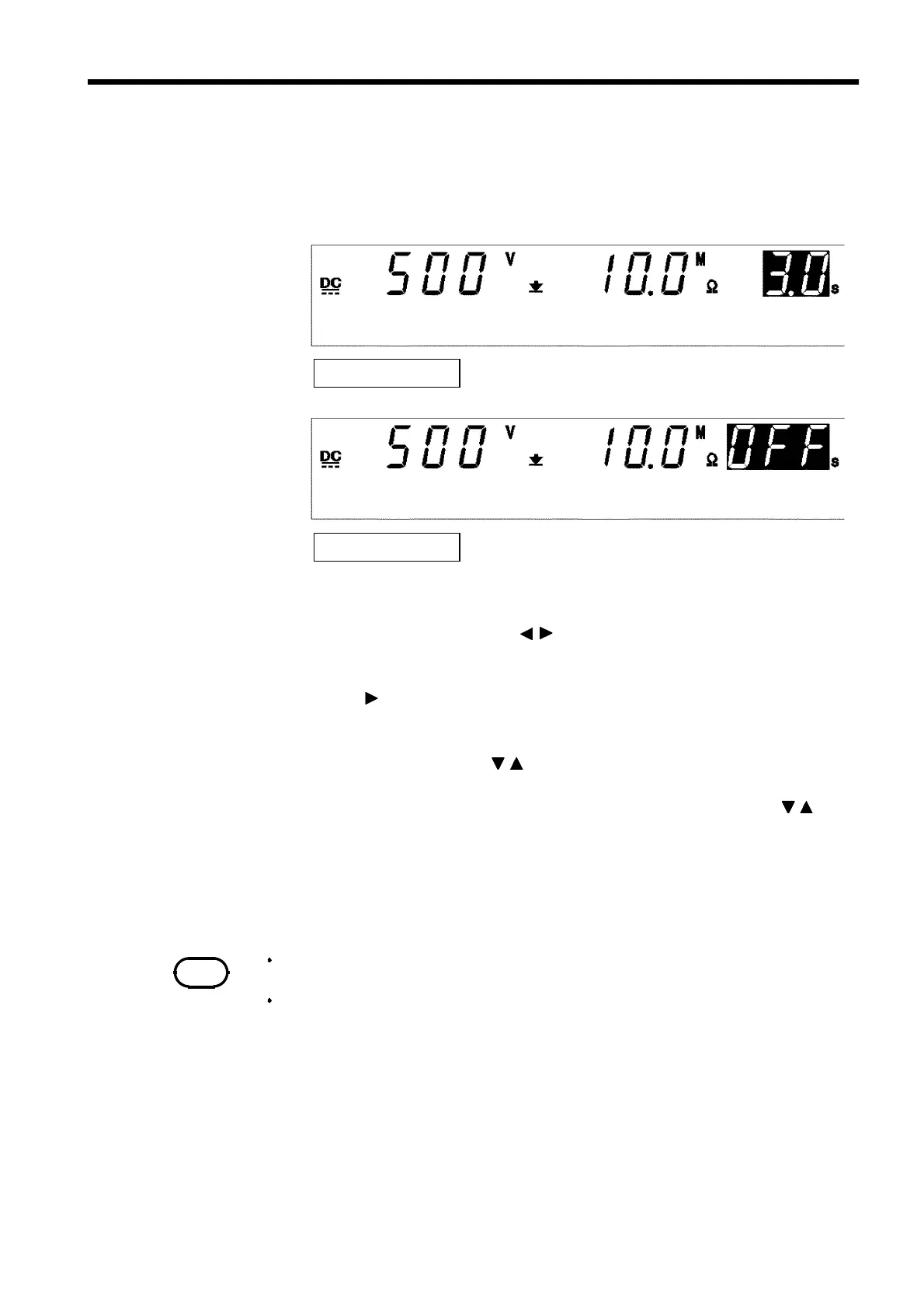
4.3.4 Setting the Delay Time
Delay time: 3.0 s
Delay time: OFF
NOTE
After the delay time is set, if it is turned OFF and turned ON again using the
ON/OFF
key, the delay time is reset to the initial value (0.1 s).
When the dela
time ≧ test time
the unit will not start the test.
Time during which screening is not performed from the start of a test (delay
time) can be set. This is effective when a test object contains a capacity
load.
1. If no flashing cursor is displayed in the insulation-resistance mode
READY state, press either the / key to display the cursor in the test
time position.
2. When the key is pressed, the
UP/DELAY
lamp lights up to enable the
delay time to be set.
3. Set the test time using the
/
keys.
With time set the time changes in 0.1 s increments.
With time set the time changes in 1 s increments, press
SHIFT
+
/
keys.
Settings may be made along a scale ranging from 0.1 s to 99.9 s.
If no testing time is required, turn off the
ON/OFF
key.
4. To finalize the test settings, press the
STOP
key. The settings are
confirmed and the unit returns to the READY state.



 To Next Page