114
_____________________________________________________________________________________________
7.4 Momentary Out
______________________________________________________________________________________________
0:
Not set (Initial setting)
1:
Set
NOTE
Priority for control of the
START
key is in the following order: the switch on the
REMOTE CONTROL BOX, the external I/O, and the front panel of the unit.
7.4 Momentary Out
The momentary out function allows current output only while the
START
key
is held down. Releasing the
START
key is equivalent to pressing the
STOP
key and ends the test.
To perform PASS/FAIL screening, hold down the
START
key until the preset
test time elapses.
The
START
key on the remote control or the START signal via external I/O
has the same effect.
1. Press
SHIFT
+
STOP
keys while in READY state to display the Optional
function setting screen.
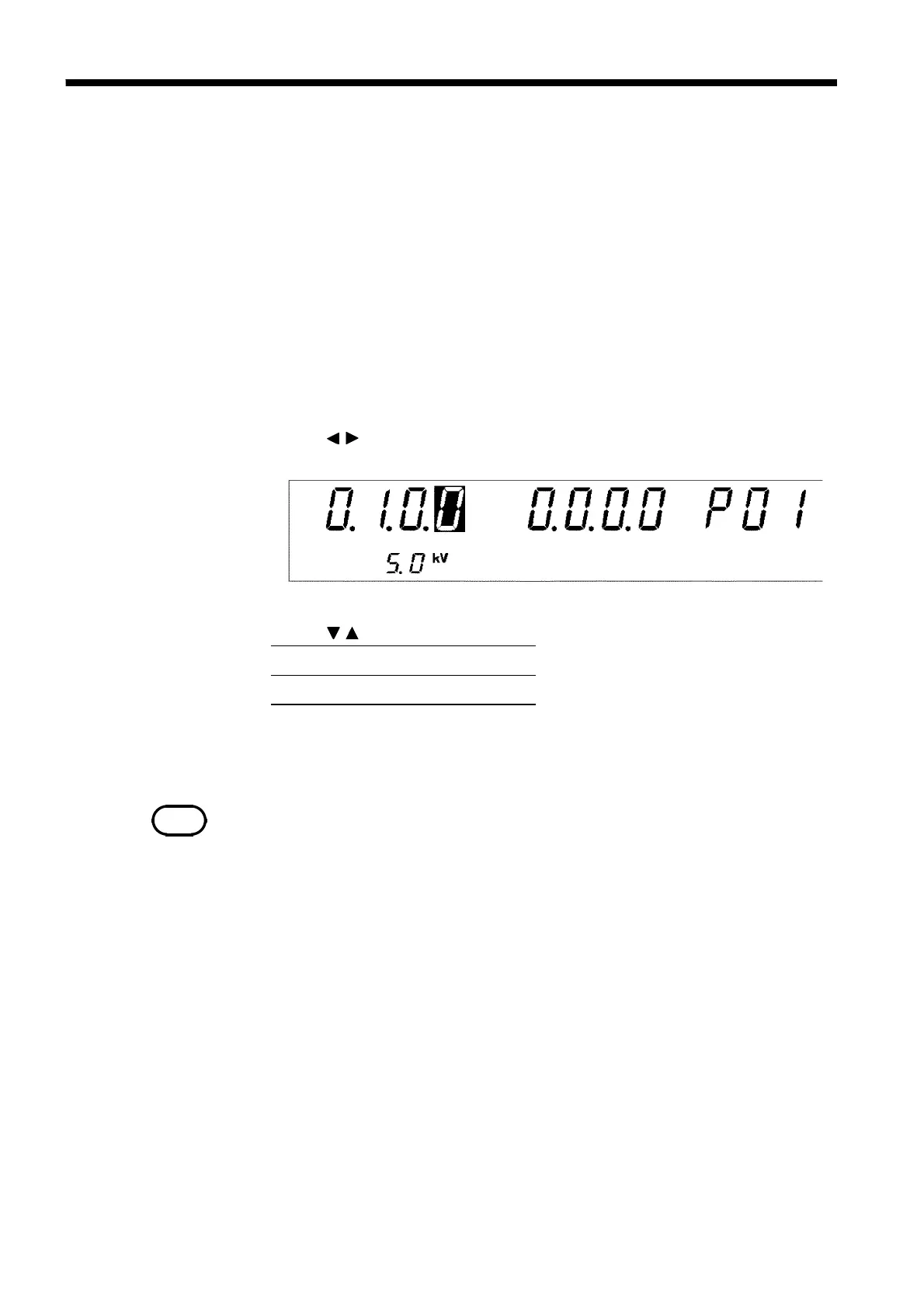
2. Use the
/
keys to move the flashing cursor to the position shown in the
figure.
3. Use the
/
keys to set a value at the flashing cursor location.
4. To complete the optional settings, press
SHIFT
+
STOP
keys. The unit
reverts to the READY state.



 To Next Page