142
_____________________________________________________________________________________________
9.1 External I/O Terminal
______________________________________________________________________________________________
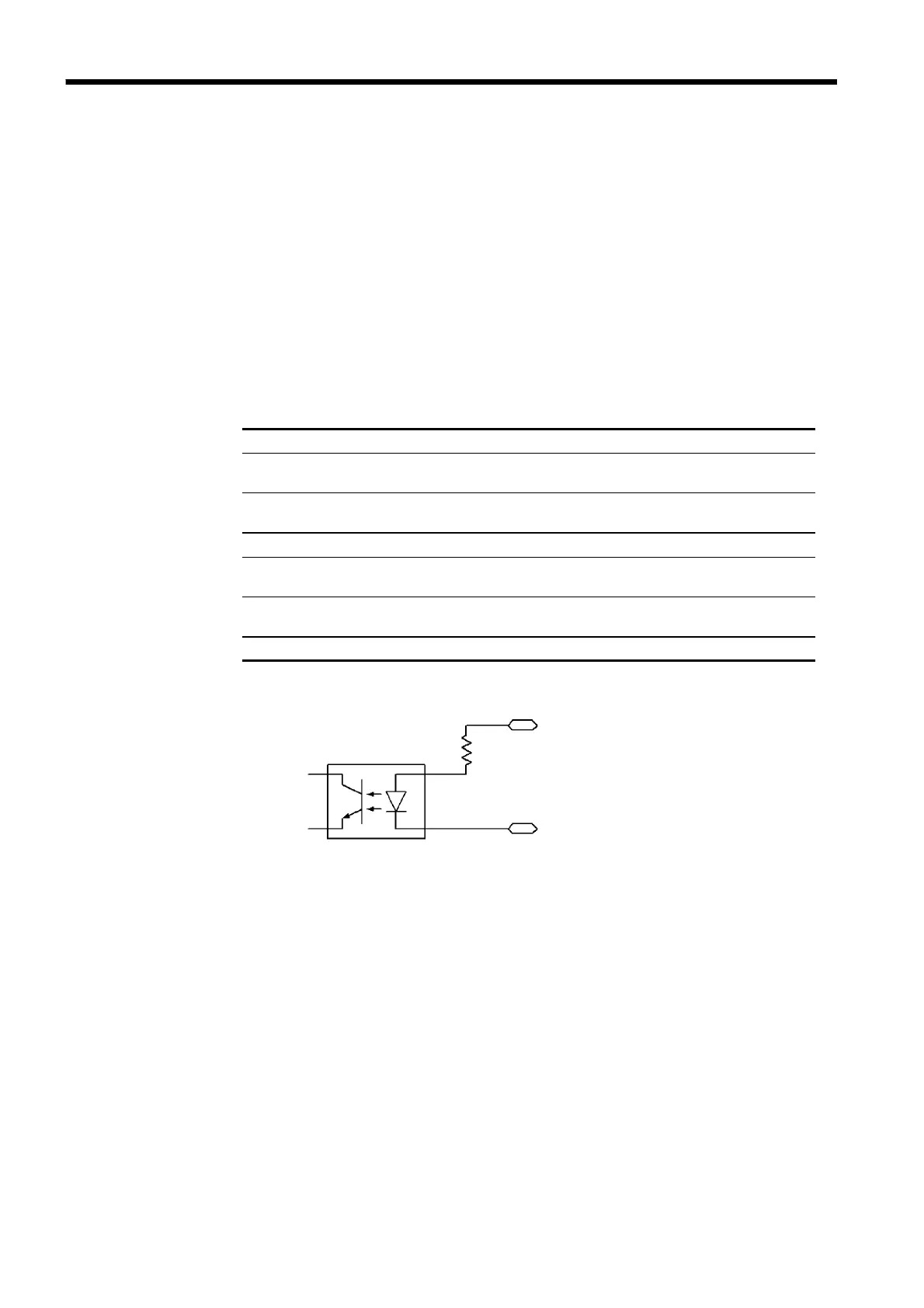
9.1.2 Example of Input Signal Connection
External power supply V
EXT
: EXT.DCV-EXT.COM
Maximum external
input voltage
30 V DC
Minimum external
input voltage
5VDC
Input signal Active low input (photocoupler isolated)
HIGH level voltage
(HI)
Maximum : V
EXT
+ 1 V (30 V DC or less)
Minimum : V
EXT
- 1.5 V
LOW level voltage
(LO)
Maximum : V
EXT
-4V
Minimum : 0 V
Input signals EXT-E, START, STOP, INT.LOCK, FILE-E, FILE-0 to 4
EXT.DCV
4.7 kΩ
Photocou
ler
External I/O Terminal
The unit can be controlled externally using the external I/O input signal.
Program test files can also be selected. Provide a connector that conforms to
the external I/O specifications.
To enable the external I/O signal, set the
EXT-E
―――――――――
signal (Pin 7) to LOW
level. Connect the
EXT-E
―――――――――
signal to ISO.GND for the GND signal (Pins 15,
16), which is insulated from the unit's internal power supply.
To enable the file selection terminal, set the
FILE-E
――――――――――
signal (pin 21) to LOW
level. To load a file, Connect the
FILE-E
――――――――――
signal to ISO.GND for the GND
signal (Pins 15, 16), which is insulated from the unit's internal power supply.
See Section 9.15.
EXT I/O Input signals Specifications



 To Next Page