138
_____________________________________________________________________________________________
8.2 Loading Preset Values
______________________________________________________________________________________________
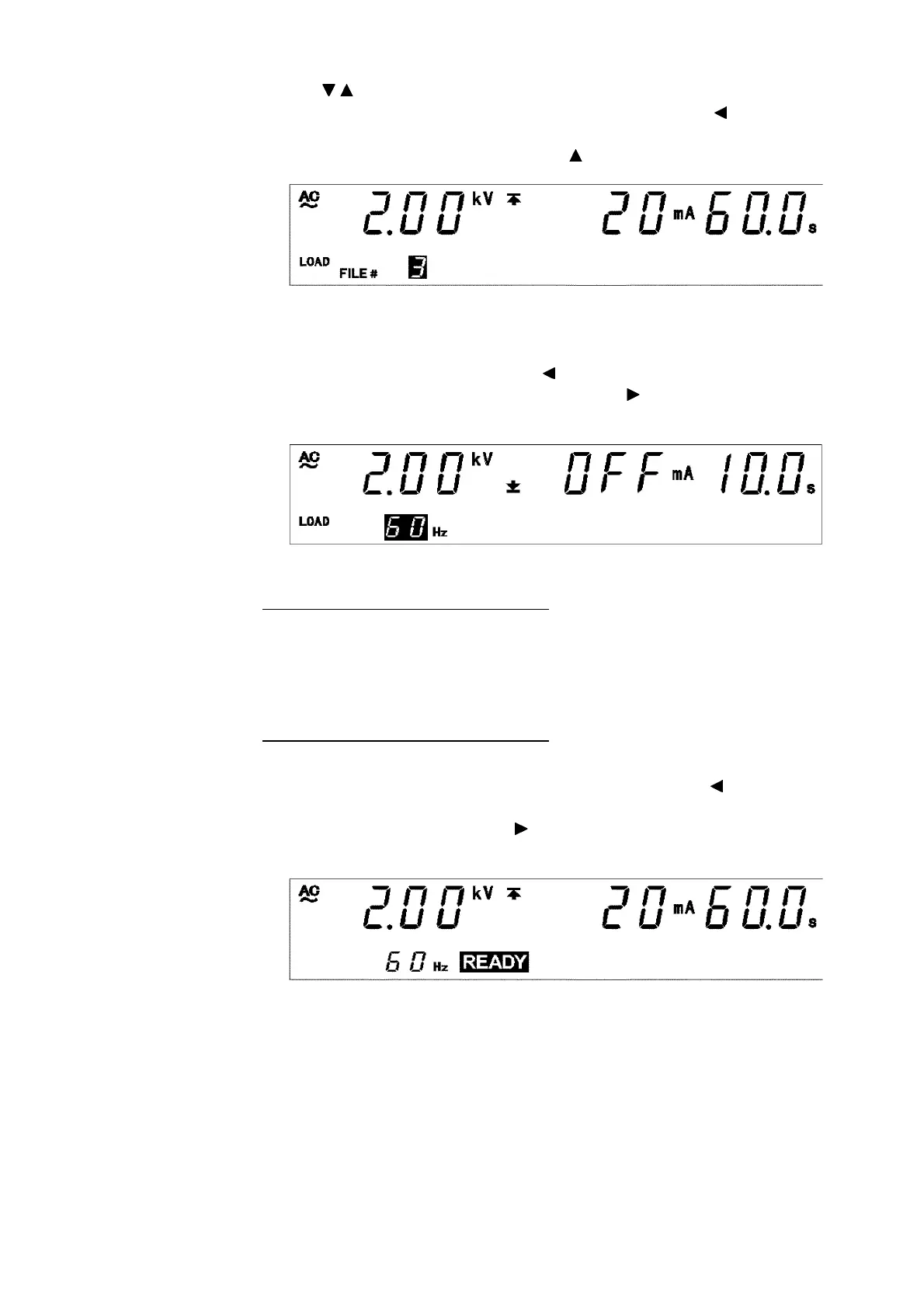
Test type: AC 60 Hz
Test-voltage value: 2.00 kV
Upper-limit value: 20 mA
Lower-limit value: OFF
Test time: 60.0 s
Ramp-up time: 10.0 s
Ramp-down time: OFF
2. Use the
/
keys to select File No.3.
If a test frequency is displayed in "File number," press the key to
display the file number.
This example shows File No. 1. Press the key twice to display File No.3.
3. The "test voltage" and "test frequency" (in the case of AC-withstand-
voltage) can be confirmed using the key, the "upper-limit value" and
"lower-limit value" can be confirmed using the key, and the "test time"
and "ramp-up/down time" can be confirmed using the
ON/OFF
key.
In this example, File No. 3 contains the following settings.
4.If a test frequency is displayed in "File number," press the key to
display the file number.
To load the data, press
SHIFT
+ keys. The unit reverts to the READY
state. To abort the load procedure, press the
STOP
key.



 To Next Page