13
_____________________________________________________________________________________________
2.5 Powering On and Off the Unit
______________________________________________________________________________________________
1
2
3
4
5
6
7
8
9
10
11
12
13
14
A
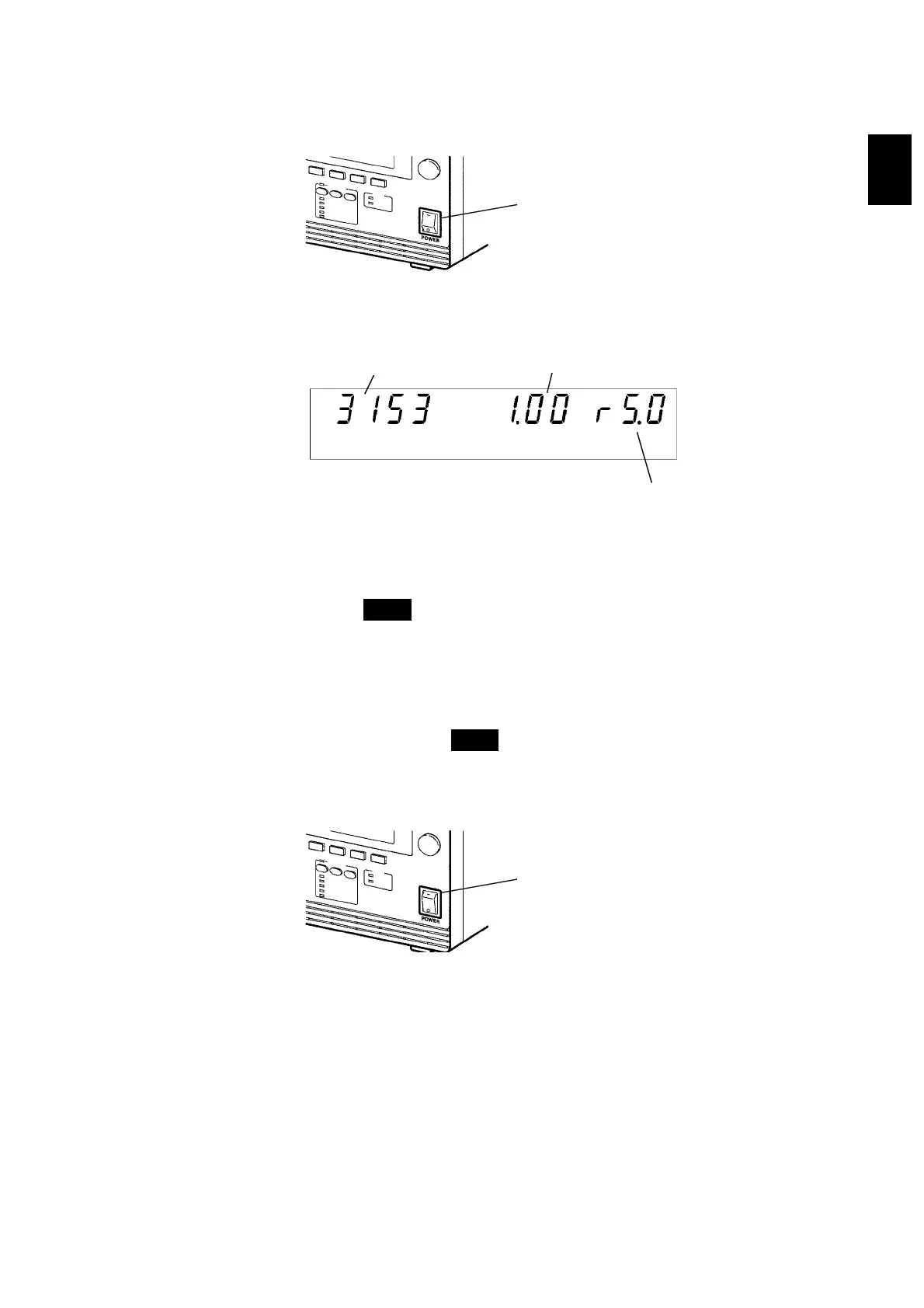
Main power switch
Model name
Software version
"Version 1.00" is displayed.
Interface
"RS-232C 9600 bps" is displayed.
"rS.0"
:
RS-232C 9600 bps
"rS.1"
:
RS-232C 19200 bps
"G.XX"
:
GP-IB address XX
Main power switch
(1) Powering on the unit
1. Turn the main power switch to ON
(
l
)
.
2. The model name and version number are displayed as below:
3. When the
READY
lamp is lit (it does not light up in the Double Action
mode), the keys are ready for operation. (See Section 7.5)
(2) Powering off the unit
1. Following a test, make sure the analog voltmeter is at 0 kV, the
DANGER
lamp is OFF, and the
READY
lamp is lit.
2. Turn OFF the Main Power switch.



 To Next Page