MDP-621/641/640 Chapter 6
Operation manual Plotter operation
(c) Setting the mark shape
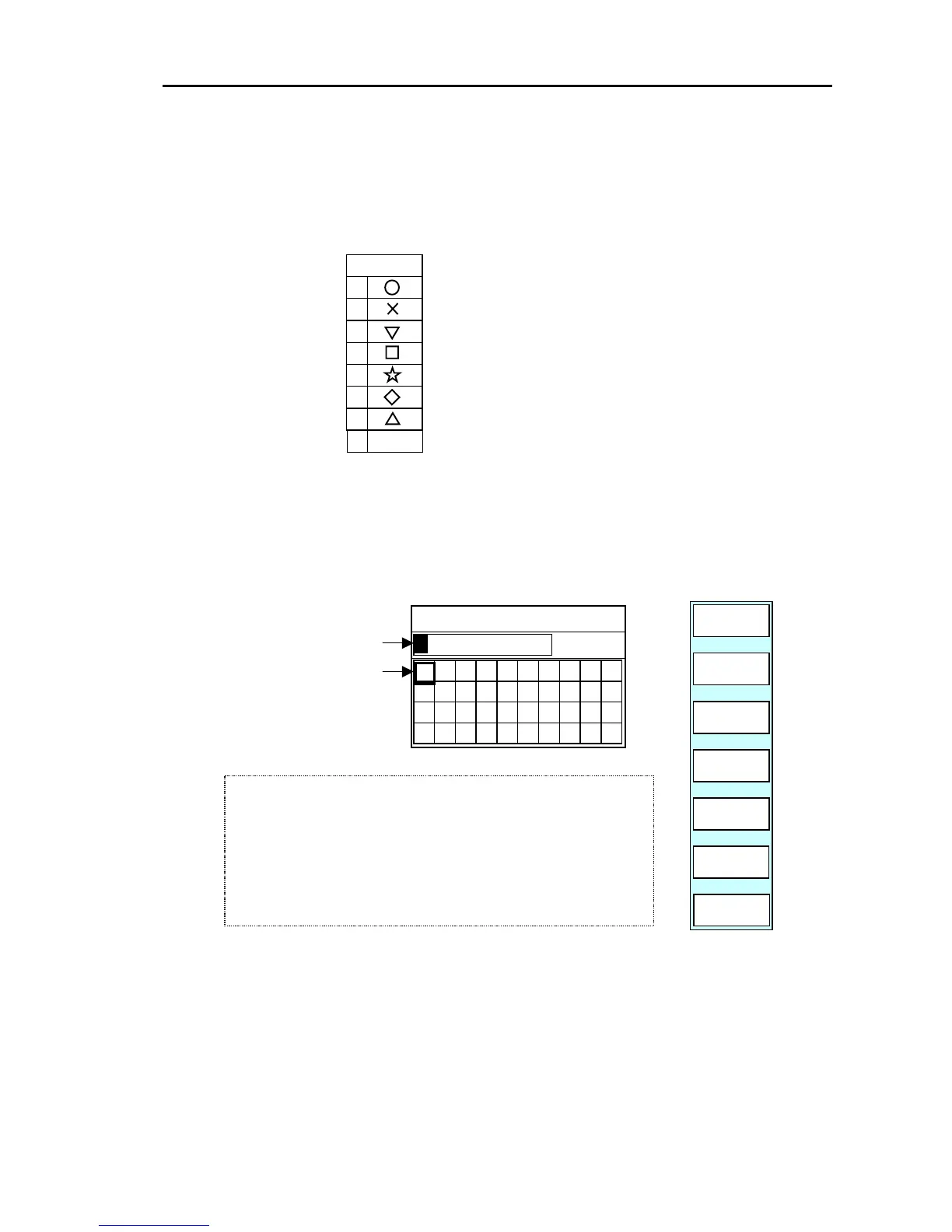
Press the “SHAPE” key to display the SHAPE settings box. Select the shape of the mark you
want to search for.
7 ALL
SHAPE
6
5
4
3
2
1
0
Use the up / down key to set the shape.
The mark shape that has been set is displayed
in the soft menu.
If ALL is selected, all shapes will be assigned
for the search.
(d) Setting the comment
Press the “CMNT” key. The following soft menu and comment settings box are displayed.
Enter the comment you want to search for. If the ”ENTER” key is pressed, the entry is
completed.
GOTO/WPT SEARCH/CMNT
CANCEL
E⇔W
PLOTTER
PAGE1
N⇔S
CLEAR
ENTER
01
2
3
456
control.
.
4) Enter the number with the rotary control.
5) When completed, press the ENTER key to finish the settings.
3) Place the cursor on to the next point to be changed with the
left/right cursor key.
1) Place the cursor on to the point to be changed with the left/right
cursor key.
2) Enter the number with the rotary control.
(4) Changing the display data (NOTE: Japanese draft has been reedited in this paragraph)
The display data can be changed to suit your needs. The following display items can be changed:
All marks and mark numbers can be turned ON or OFF, respectively.
The waypoint data can be changed to lat/lon, date/time or comment/depth.
Use the following procedure to do so.
0093161022-06 6-25



 To Next Page