Chapter 6 MDP-621/641/640
Plotter operation Operation manual
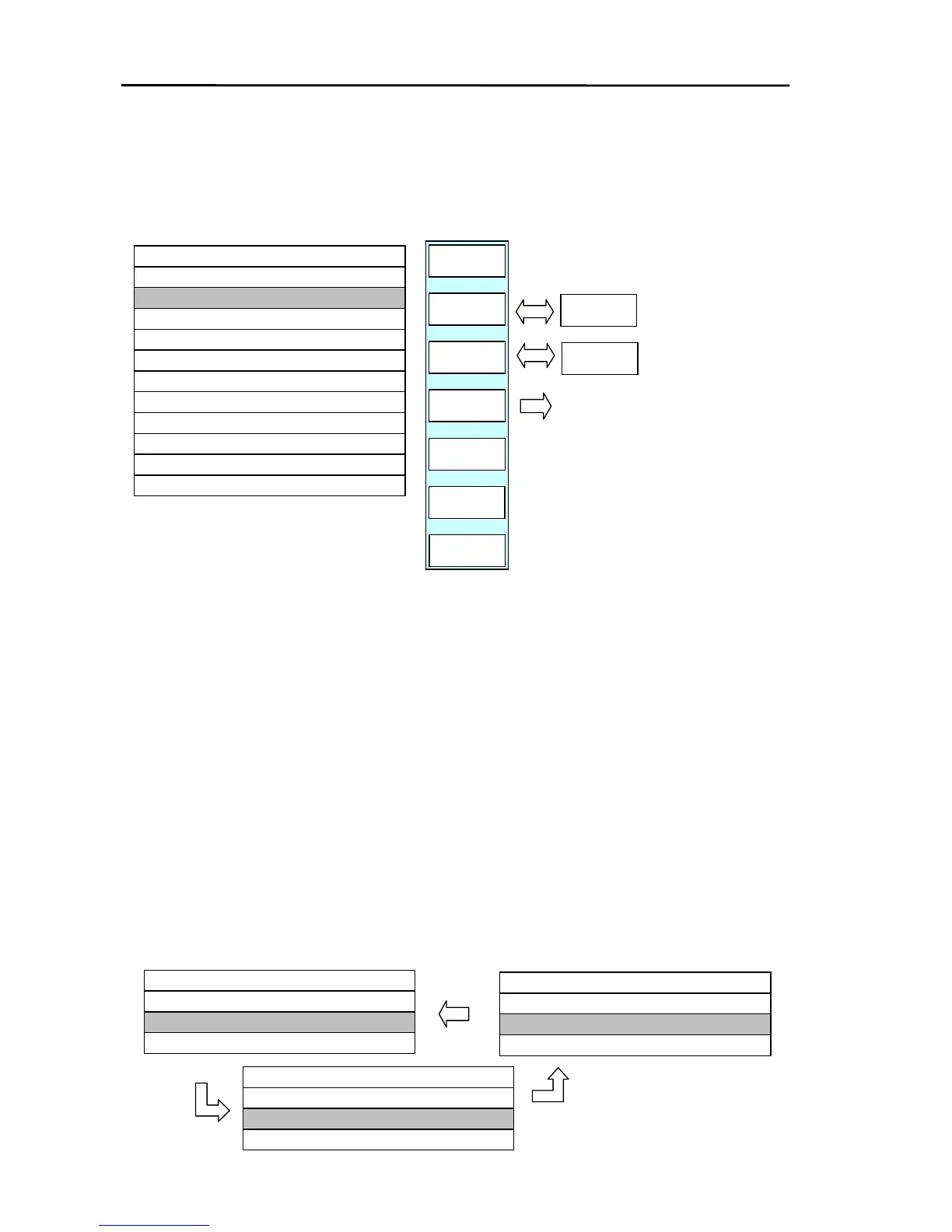
Press the “SET D DISP”key to display the following waypoint list. Marks, mark number and data
display (lat/lon, comment/depth or date/time) can be turned on or off by pressing the relevant key
described below.
GOTO/WPT/SET D DISP
SYMBOL
ON
M NO
ON
RETURN
CHG
D DATA
PLOTTER
PAGE1
20/100/8300
LON
LAT
M.NO
★ 0009 35°90.000N 135°90.000E
● 0008 35°80.000N 135°80.000E
× 0007 35°70.000N 135°70.000E
0006
0005
▲ 0004 35°40.000N 135°40.000E
● 0003 35°30.000N 135°30.000E
● 0002 35°20.000N 135°20.000E
■ 0001 35°10.000N 135°10.000E
▲ 0000 35°00.000N 135°00.000E
WPT LIST
M NO
OFF
SYMBOL
OFF
Every time the key is
pressed the displayed data
changes from LAT/LON →
COMMENT/DEPTH →
DATE/TIME.
(a) Changing the mark display (Applies to all registered data in the LIST irrespective of the
cursor)
Every time the “SYMBOL” key is pressed all marks shown on the screen can be turned on or
off.
If non-display (OFF) is set, the mark of the WPT LISTis displayed shaded in.
(b) Changing the mark number display (Applies to all registered data in the LIST irrespective of
cursor)
Every time the “M NO” key is pressed all mark numbers shown on the screen can be turned
on or off.
If non-display (OFF) is set, the mark number of the WPT LISTis displayed shaded in.
(c) Changing the WPT LIST display data
Every time the “D DATA CHG” key is pressed the display data of the WPT LIST changes.
WPT LIST
▲ 0000 35°00.000N 135°00.000E
■ 0001 35°10.000N 135°10.000E
M.NO
LAT
LON
20/100/8300
■ 0001 MNOPQRSTUV 123 ft
WPT LIST
▲ 0000 ABCDEFGHIJKL 530 ft
M.NO
COMMENT
DEPTH
20/100/8300
20/100/8300
TIME
▲ 0000 2003/10/25 05:38:23
■ 0001 2003/11/30 11:23:48
M.NO
DATE
WPT LIST
6-26 0093161022-06



 To Next Page