103
Chapter 3
z
Exam type and preset
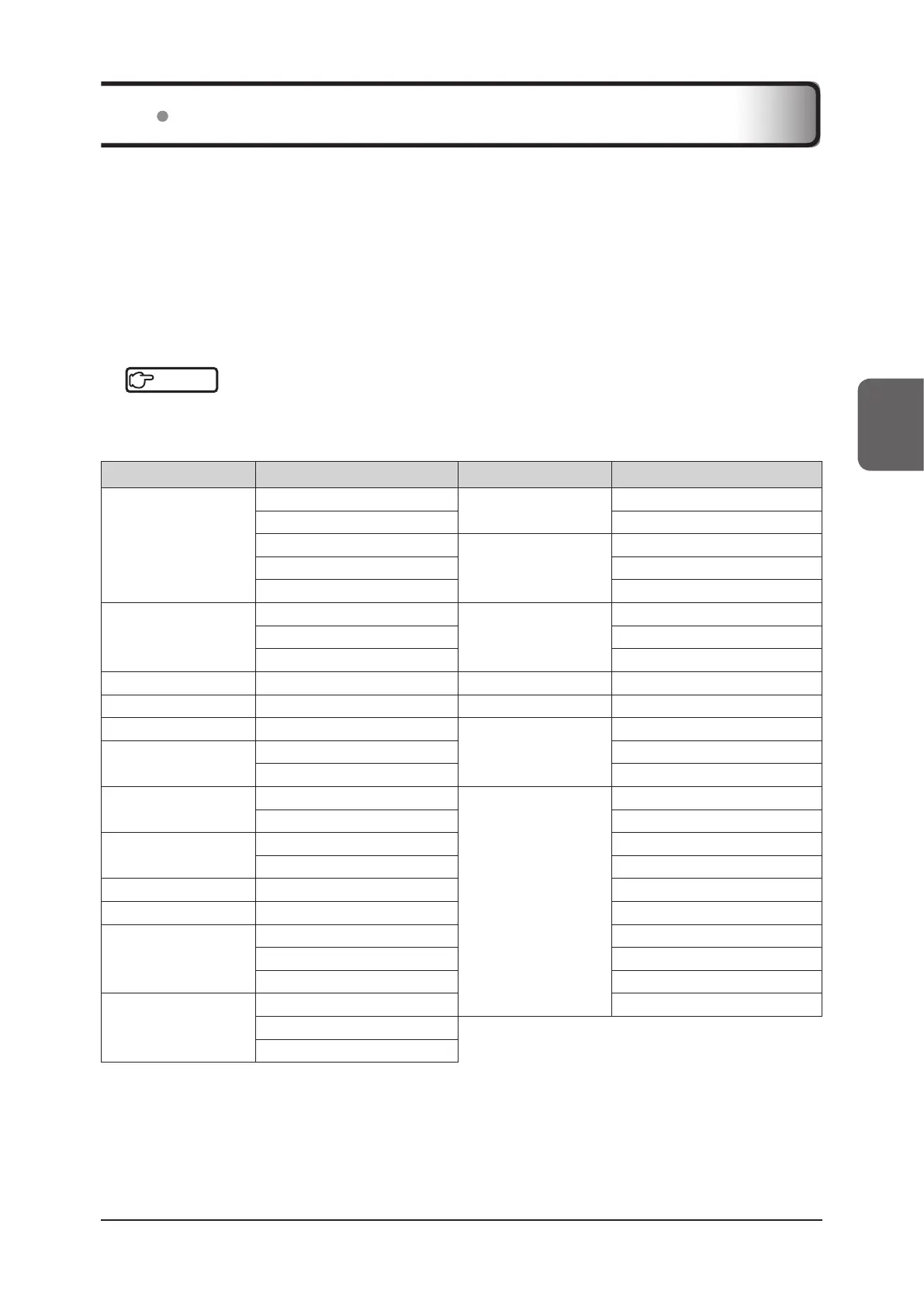
Exam types are provided with preset items, each of which is related to any of the exam types.
Exam items can be enabled/disabled on the [Setup] screen, and only presets or user presets related to eective
exam types are selectable.
z
User Preset
This function allows you to assign original names to the parameters that can be set for each preset and to register
them in the system. A user preset, if pre-registered, helps you conduct an examination in quick and simple way be-
cause the settings of parameters can be reproduced only by selecting the user preset during an examination.
Reference
•••••••••••••••••••••••••••••••••••••••••••••••••••••••••••••••••••••••••••••••••••••••••••••••••••••
• For details on the settings and conrmation of Exam, presets, and user presets, refer to "Exam & Preset Screen" of
the "Operation Manual: Applications".
•••••••••••••••••••••••••••••••••••••••••••••••••••••••••••••••••••••••••••••••••••••••••••••••••••••••••••••••••••••
Exam Preset Exam Preset
[Abd]
[Aorta]
[Pediatric]
[General]
*
1
[General]
*
1
[Neonatal]
[Liver]
[RA]
[General]
*
1
[Renal] [Hand / Foot / Wrist]
[GB] [Shoulder / Knee / Elbow]
[OB]
[1st Trimester]
[Anesthesiology]
[General]
*
1
[2nd / 3rd Trimester]
*
1
[Supercial]
[Fetal Heart] [Deep]
[Breast] [Breast]
*
1
[Supercial] [Supercial]
*
1
[Thyroid] [Thyroid]
*
1
[Lung] [Lung]
*
1
[Testicle] [Testicle]
*
1
[Pain]
[General]
*
1
[GYN]
[Uterus]
*
1
[Supercial]
[Ovary] [Deep]
[Cardiac]
[Adult Echo]
*
1
[EM]
*2
[Abdomen]
*
1
[Pediatric Echo] [FAST]
[Urology]
[General]
*
1
[OB]
[Prostate] [GYN]
[Cranial] [General]
*
1
[Adult Heart]
[Surgical] [General]
*
1
[Pediatric Heart]
[MSK]
[General]
*
1
[Carotid]
[Hand / Foot / Wrist] [AAA]
[Shoulder / Knee / Elbow] [Vascular]
[Vascular]
[Arterial]
*
1
[Supercial]
[Carotid]
[Venous]
*
1: Preset item that is selected as default when selecting an exam type.
*
2: As a default, this setting cannot be selected as an area for exam. To select it, change the [Exam List Settings]. For details, refer
to "Exam & Preset Screen" in the "Operation Manual: Applications".
3.4 Exam Type Selection



 To Next Page