4.4 Basic Scanning Mode
144
4.4.3 Color Flow-mode
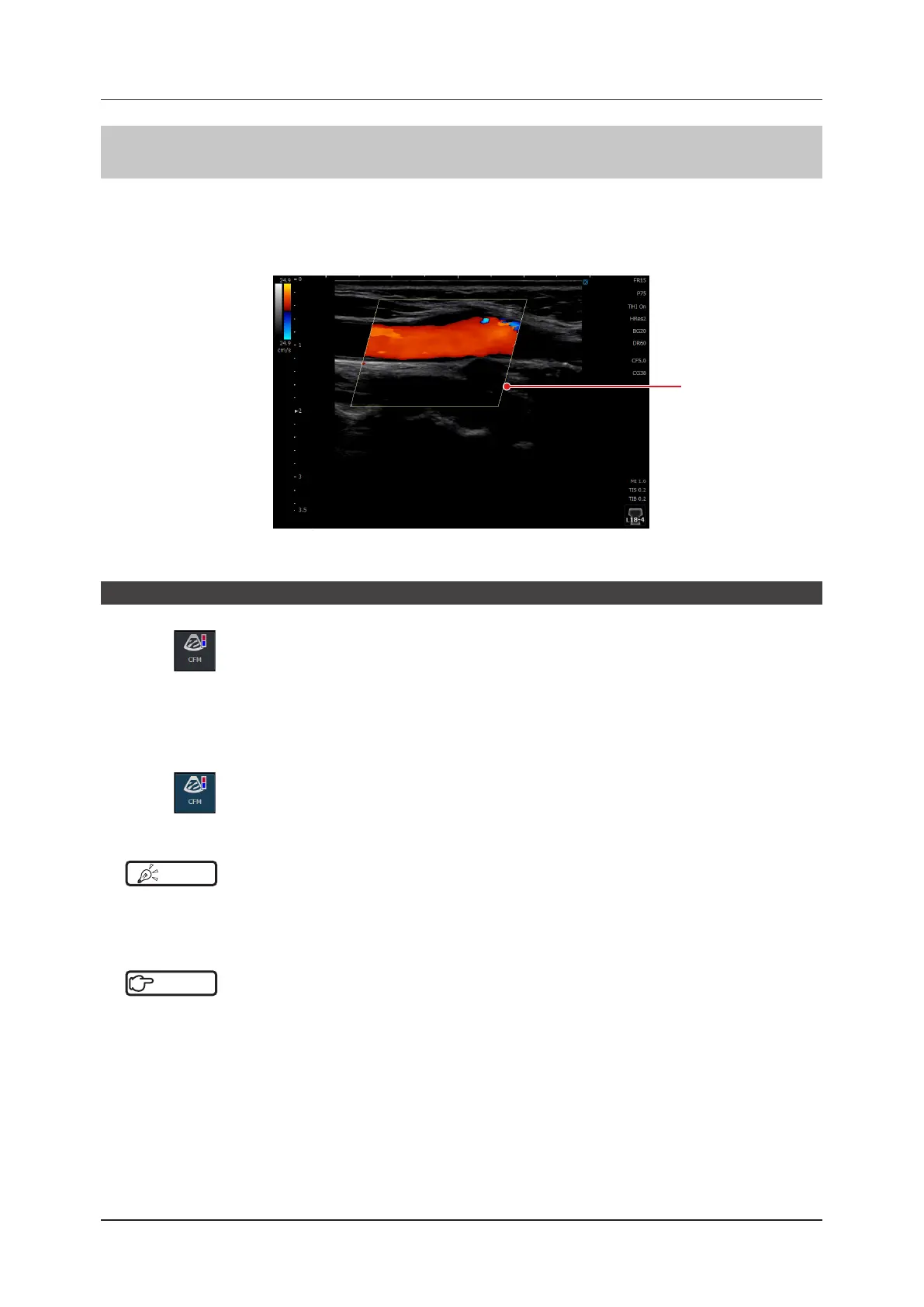
In Color Flow-mode, color blood ow patterns are displayed within the Region of Interest (ROI) in a B image.
ROI is called "C ROI" in Color Flow-, Power Doppler-, 2D-TDI- and SCF-mode.
This mode is suitable for the study of the character, average velocity and direction of blood ow. It also allows a B-
mode image to be displayed, and a C ROI to be displayed or sized in the B image.
C ROI
<Color image>
Start of Color Flow-mode
1
Press .
• A C ROI appears on the B image.
• CFM stands for Color Flow Mapping.
z
To exit
1
Press again.
• Exits Color Flow-mode and returns to B-mode.
HINT
•••••••••••••••••••••••••••••••••••••••••••••••••••••••••••••••••••••••••••••••••••••••••••••••••••••
• Touching and dragging a C ROI permits you to change the position and size of the C ROI and also to select the area
of the C ROI to be color-processed.
•••••••••••••••••••••••••••••••••••••••••••••••••••••••••••••••••••••••••••••••••••••••••••••••••••••••••••••••••••••
Reference
•••••••••••••••••••••••••••••••••••••••••••••••••••••••••••••••••••••••••••••••••••••••••••••••••••••
• In addition to the HINT above, there are useful functions available for manipulation of a C ROI. Refer to "5.6.1 Opera-
tion Items".
•••••••••••••••••••••••••••••••••••••••••••••••••••••••••••••••••••••••••••••••••••••••••••••••••••••••••••••••••••••



 To Next Page