5.6 Common Functions
210
5.6.5 Left/right Layout Switch Function
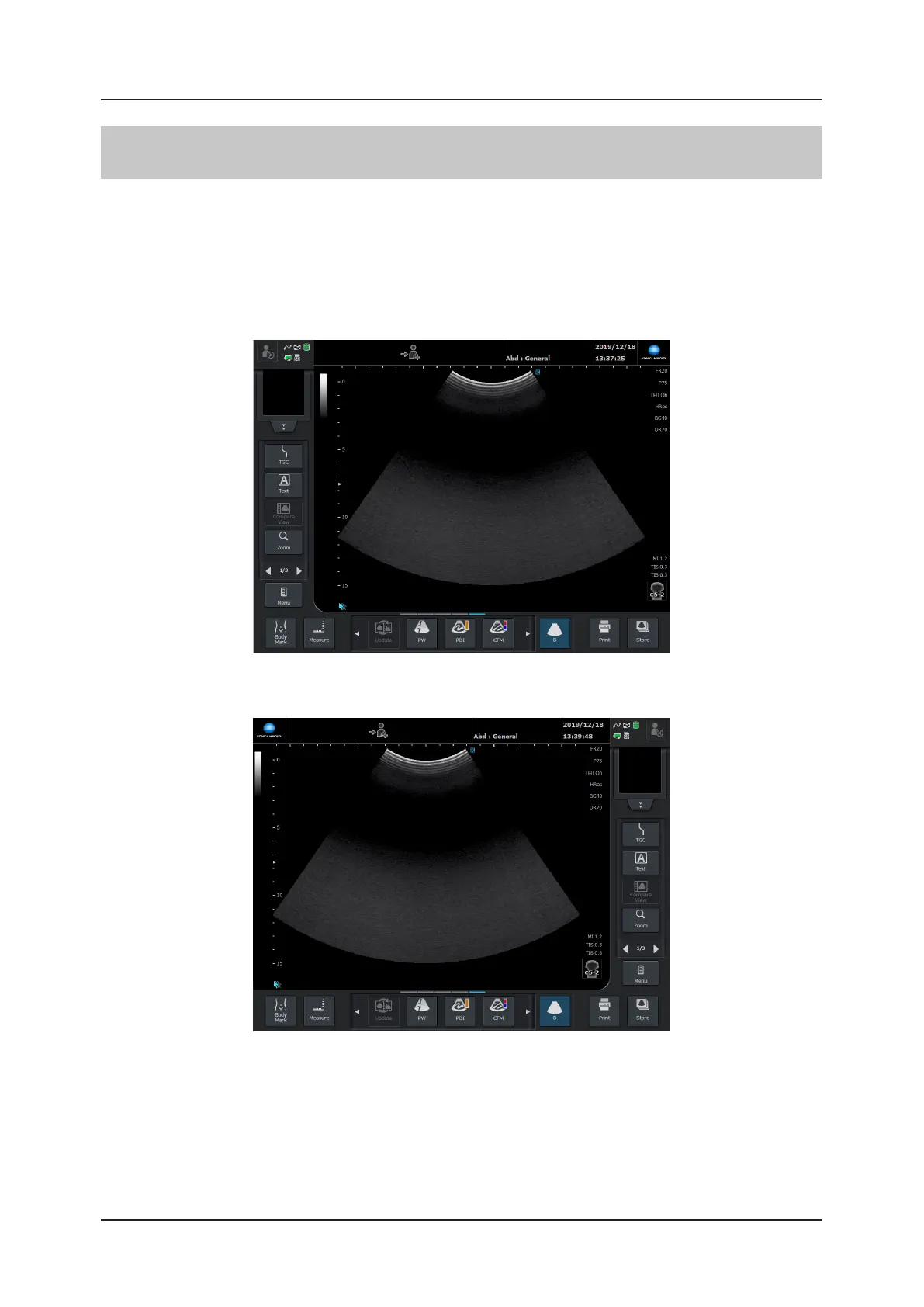
This function allows you to switch between placing the operation button area to the right or left side of the image
area.
1
Press [Menu] button > [Other] tab > [Set] button > [System] tab > [Menu Layout].
• The system needs to be restarted after setting this.
z
When [Menu Layout] is set to [Left] (factory default state)
z
When [Menu Layout] is set to [Right]



 To Next Page