3.3 Registering Patient Information
98
3.3.2 Entering Letters Using the Software Keyboard
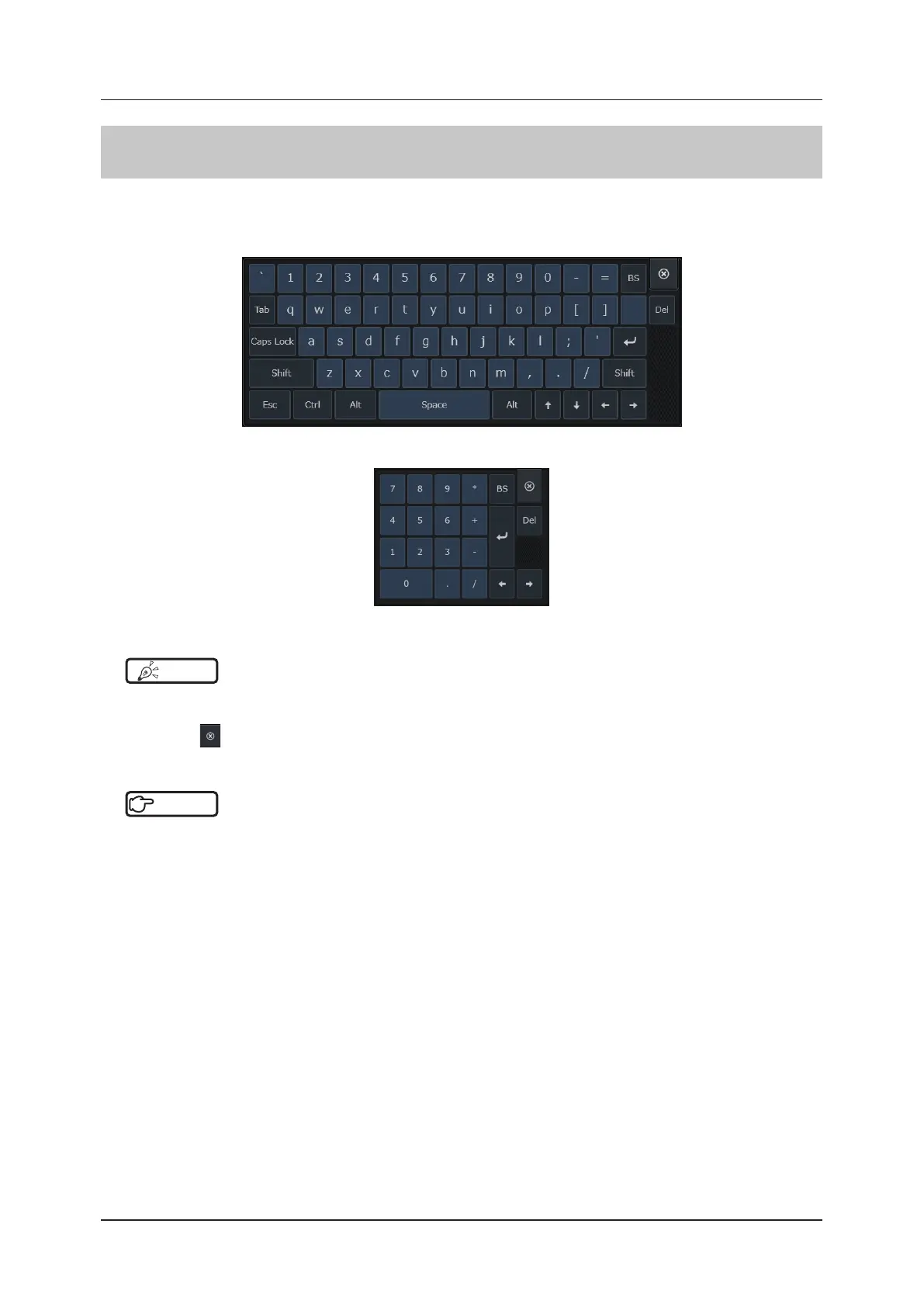
Use the software keyboard for entering letters.
Touching a letter type eld will display the keyboard, and touching a numerical type eld, such as the one for age, will
display the numerical keypad.
<Keyboard type>
<Numerical keypad>
HINT
•••••••••••••••••••••••••••••••••••••••••••••••••••••••••••••••••••••••••••••••••••••••••••••••••••••
• The button options and input ow of the software keyboard are the same as those of a commonly-used PC.
• To move the software keyboard, drag it to a destination while holding down any portion other than the key buttons.
• Press the
button to end the software keyboard.
•••••••••••••••••••••••••••••••••••••••••••••••••••••••••••••••••••••••••••••••••••••••••••••••••••••••••••••••••••••
Reference
•••••••••••••••••••••••••••••••••••••••••••••••••••••••••••••••••••••••••••••••••••••••••••••••••••••
• For setting change of display letters / input letter language / numerical keypad size, refer to "System Screen"of the
"Operation Manual: Applications".
•••••••••••••••••••••••••••••••••••••••••••••••••••••••••••••••••••••••••••••••••••••••••••••••••••••••••••••••••••••
1
Touch your desired eld.
• The software keyboard starts up on the screen.
• Touching a letter type eld will display the keyboard, and touching a numerical type eld, such as the one for
age, will display the numerical keyboard.
2
Press your desired keys.
• The characters of the pressed keys are entered.



 To Next Page