291
Chapter 11
If the following error messages appear, follow their respective solutions.
If any error message does not appear, or if you have implemented the solution and are still having trouble, contact
your service representative.
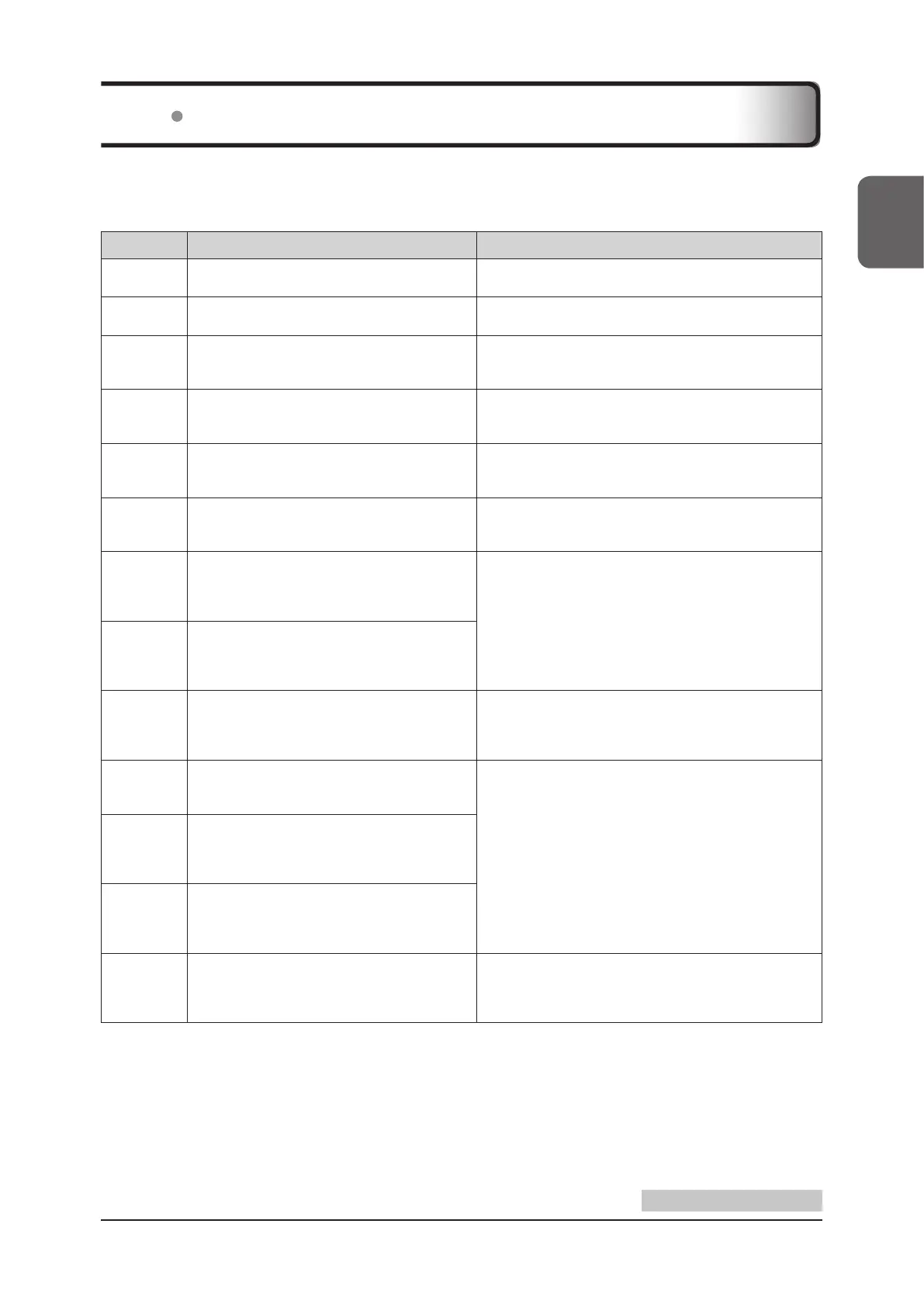
Error code Display message Phenomenon / Solution
CA00001
Please connect the AC adapter, otherwise the
system will shutdown within 2 minutes.
Please connect the AC adapter.
CA00002 Low Battery. Shutting down.
Please start the system after the battery is charged or con-
nected to the AC adapter.
CA00003
External storage device was failed to be ejected.
Please disconnect the external storage device
after shutting down the system.
Please disconnect the external storage device after shutting
down the system.
CA00004
The display connection Error!!
Please contact your service representative to
schedule maintenance.
Please stop use of the system, and contact your service
representative to schedule maintenance.
CA00005
The battery Error!!
Please contact your service representative to
schedule maintenance.
Please contact your service representative to schedule
maintenance.
CA00006
Disk space is almost full.
Please delete Patient / Study data in internal
storage database.
Please erase patient data or study data to make more free
space.
CA00007
The system has been unstable.
Please reboot.
If an error has occurred again after rebooting,
Please contact your service representative.
Please reboot.
If an error has occurred again after rebooting, please con-
tact your service representative.
CA00008
The system has been unstable.
Please reboot.
If an error has occurred again after rebooting,
Please contact your service representative.
CA00009
The CMOS Battery has expired.
Please contact your service representative to
schedule maintenance.
Ultrasound images will not be aected, but there is no guar-
antee that the time and date settings are kept intact.
Please contact your service representative to schedule
maintenance.
CA00010
Fan Error!!
Please contact your service representative to
schedule maintenance.
Check that the vent holes are not blocked.
If you still have the error even after checking, please stop
use of the system, and contact your service representative
to schedule maintenance.
CA00012
System temperature Error!!
The system will soon shutdown.
Please contact your service representative to
schedule maintenance.
CA00013
CPU temperature Error!!
The system will soon shutdown.
Please contact your service representative to
schedule maintenance.
CA00014
The battery temperature Error!!
The system will soon shutdown.
Please contact your service representative to
schedule maintenance.
Please contact your service representative to schedule
maintenance.
11.2 Error Code List
Continued on the next page



 To Next Page