59
Chapter 1
1.6 System Conguration and Part Name
1.6.5 Monitor
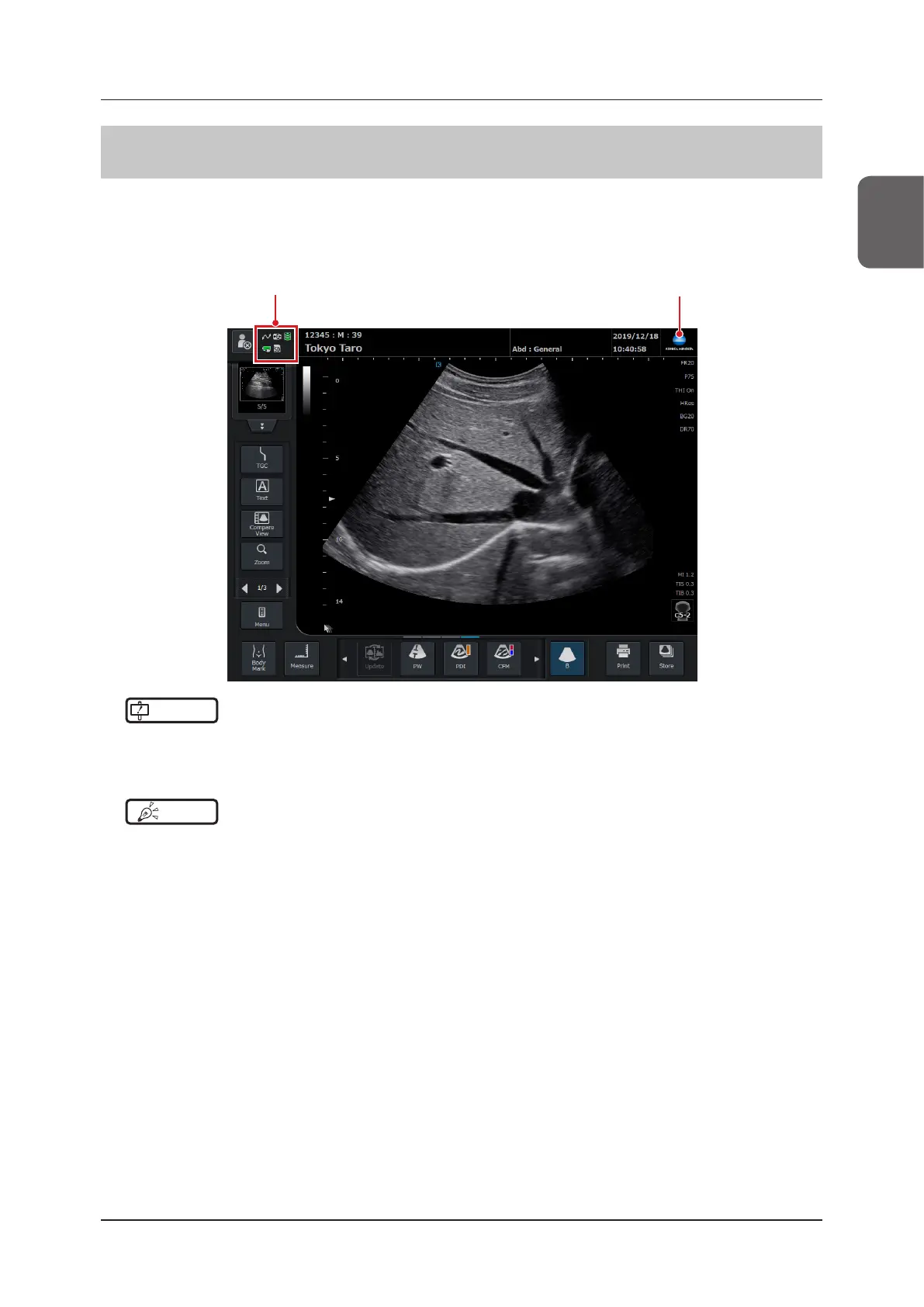
The LCD monitor displays various pieces of information including ultrasound images.
The system can be operated using the touch panel, in addition to the keys on the mini console.
This section describes the displays and functions shared by screens and the handling of the keys on the monitor and
mini console.
KONICA MINOLTA LogoStatus indicator icon
IMPORTANT
•••••••••••••••••••••••••••••••••••••••••••••••••••••••••••••••••••••••••••••••••••••••••••••••••••••
• There may be some missing dots or light-emitting dots on the LCD monitor screen. This is common with LCD panels
and does not mean that the LCD monitor is defective.
•••••••••••••••••••••••••••••••••••••••••••••••••••••••••••••••••••••••••••••••••••••••••••••••••••••••••••••••••••••
HINT
•••••••••••••••••••••••••••••••••••••••••••••••••••••••••••••••••••••••••••••••••••••••••••••••••••••
• Using the right/left layout switch function changes the screen layout. The screens pictured in this manual are not us-
ing the left/right layout switch function.
• For left/right layout switch function, refer to "5.6.5 Left/right Layout Switch Function".
•••••••••••••••••••••••••••••••••••••••••••••••••••••••••••••••••••••••••••••••••••••••••••••••••••••••••••••••••••••



 To Next Page