81
Chapter 2
2.3 Power ON/OFF
2.3.4 Security Functions
The system is equipped with the following security functions: Account management, Login / Logout, Security log, and
Screen lock.
z
Login function
The [Login] screen appears during the start-up of the system or after logging out of the system. The login function is
enabled when the [Login required] setting for the security functions is set to ON.
IMPORTANT
•••••••••••••••••••••••••••••••••••••••••••••••••••••••••••••••••••••••••••••••••••••••••••••••••••••
• You cannot perform any operations other than Login or Shutdown during the [Login] screen display.
•••••••••••••••••••••••••••••••••••••••••••••••••••••••••••••••••••••••••••••••••••••••••••••••••••••••••••••••••••••
Reference
•••••••••••••••••••••••••••••••••••••••••••••••••••••••••••••••••••••••••••••••••••••••••••••••••••••
• For more details about security functions, such as Login / Logout functions and others, and their settings, refer to
"User Account Settings" of the "Operation Manual: Applications".
•••••••••••••••••••••••••••••••••••••••••••••••••••••••••••••••••••••••••••••••••••••••••••••••••••••••••••••••••••••
1
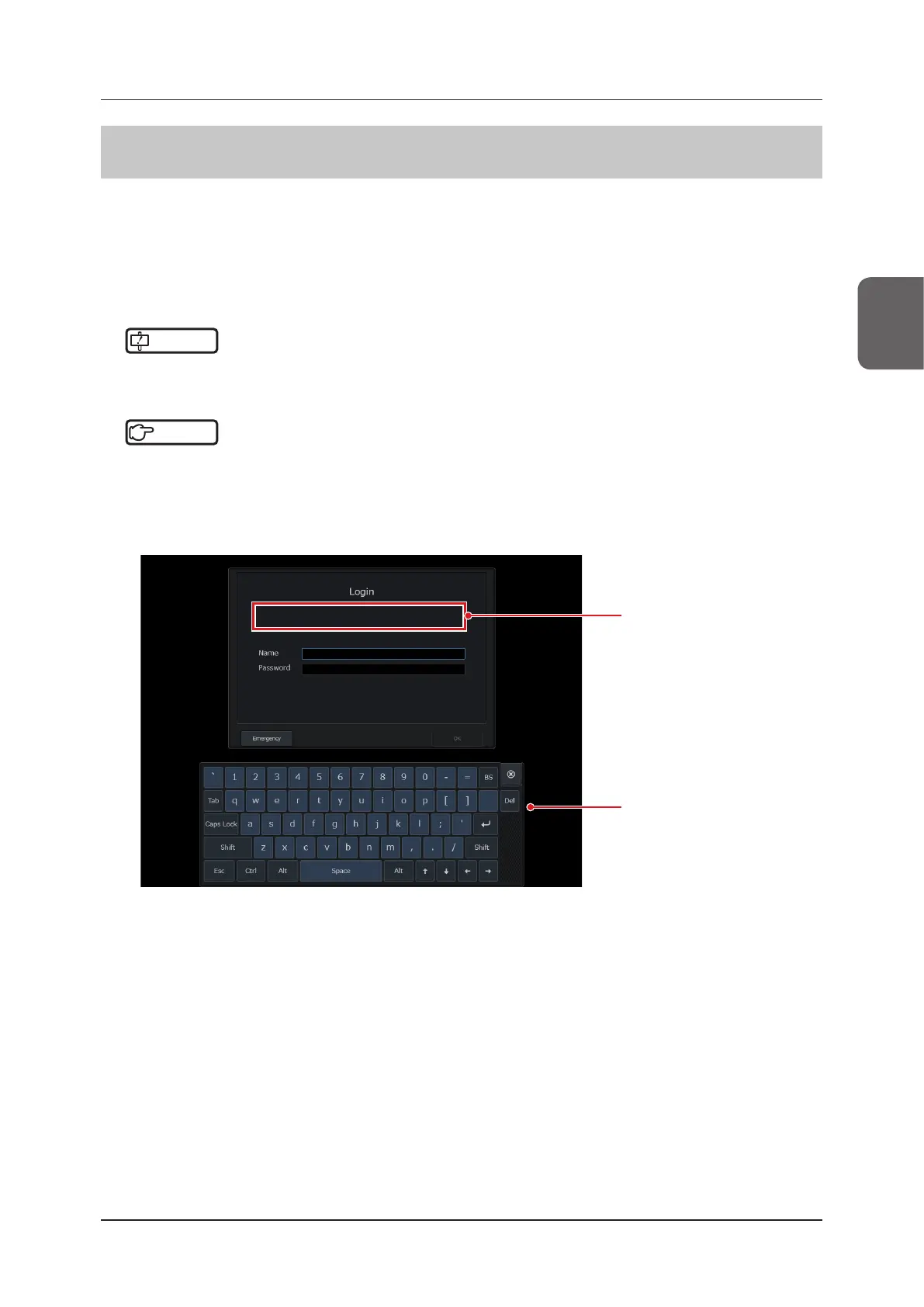
Type in [Name] and [Password] on the [Login] screen using the software keyboard.
Message display area
• Displays messages, if any.
Software keyboard



 To Next Page