82
2.3 Power ON/OFF
2
Press the [OK] button.
• Performs a user authentication operation to put the system into a login state.
• Ultrasound examinations become available once logged in.
Item Functions
[Name] Enter your user account name.
[Password] Enter your password.
[OK] button
Compares the entered account name / password with the registered account list. If there is
a match, the system shifts from the [Login] screen to the login state.
• If there is no match, a message appears and the [Login] screen is unchanged.
[Emergency] button
Executes emergency login.
• This login item allows you to use only examination.
• [Setup] and [User Preset] operations are disabled.
• Some operations are restricted on the Patient Registration and Review functions.
Refer to "3.9 Emergency Examination" of this manual and "Patient Screen" of the "Opera-
tion Manual: Applications".
z
Logout function
Logout function is intended to shift the system from the login state to the state where a user authentication operation
has not be performed, when a user temporarily suspends or terminates the use of the system.
You cannot start examination with the system in the logout state.
IMPORTANT
•••••••••••••••••••••••••••••••••••••••••••••••••••••••••••••••••••••••••••••••••••••••••••••••••••••
• This is enabled when the security functions are set up. Refer to "User Account Settings" of the "Operation Manual:
Applications", and set [Login required] to ON.
•••••••••••••••••••••••••••••••••••••••••••••••••••••••••••••••••••••••••••••••••••••••••••••••••••••••••••••••••••••
1
Press the power switch > the shutdown conrmation message > the [Logout] button.
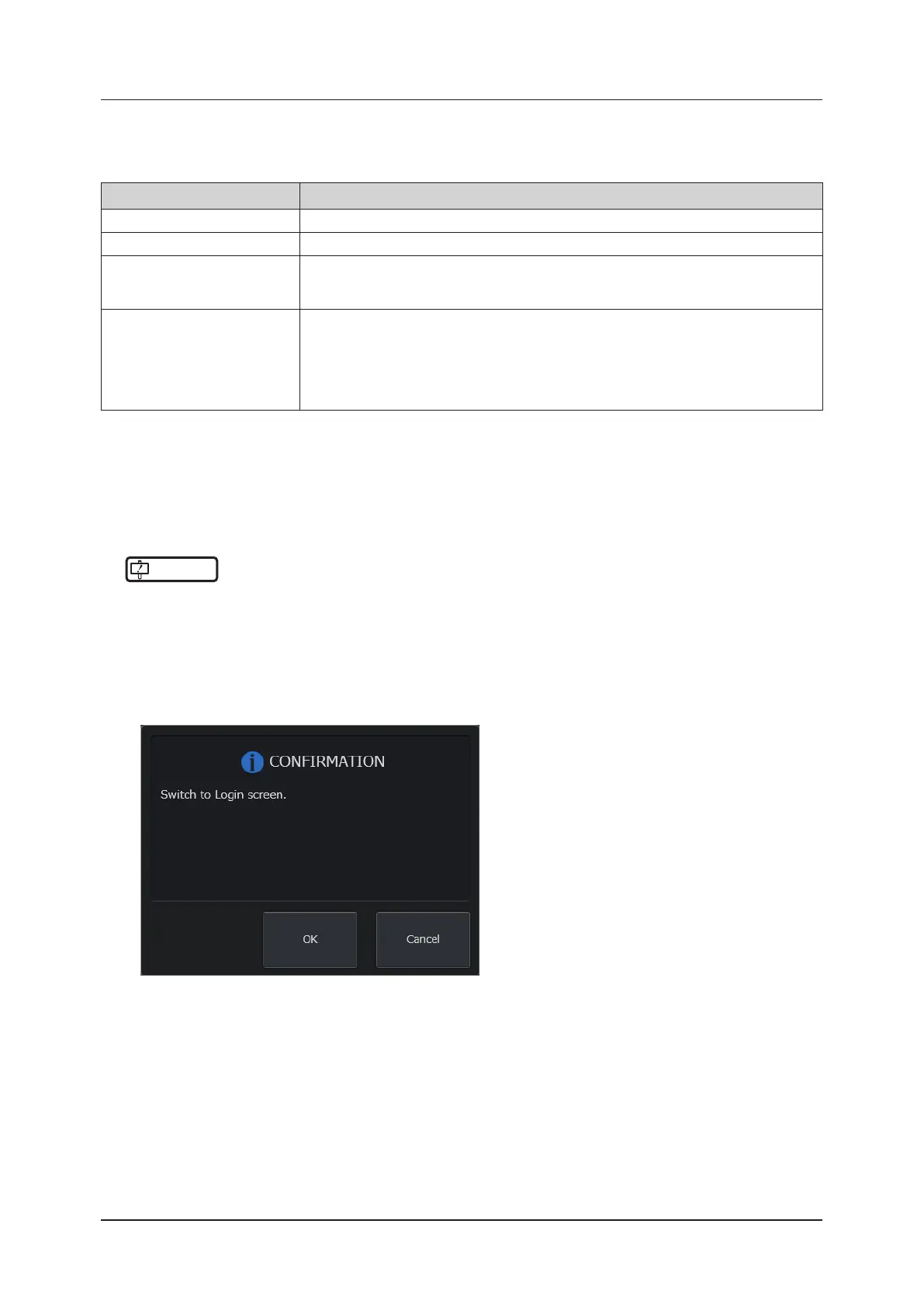
• The logout conrmation dialog appears.
• Alternatively, use the study screen > the [Menu] button > the [Other] tab > the [Logout] button to log out.
2
Press the [OK] button.
• The system becomes in the logout state and the [Login] screen appears.
z
To cancel
Press the [Cancel] button.
• The system returns to the former state without logging out.



 To Next Page