4.6 Multi-image Mode
166
4.6.2 Split Mode
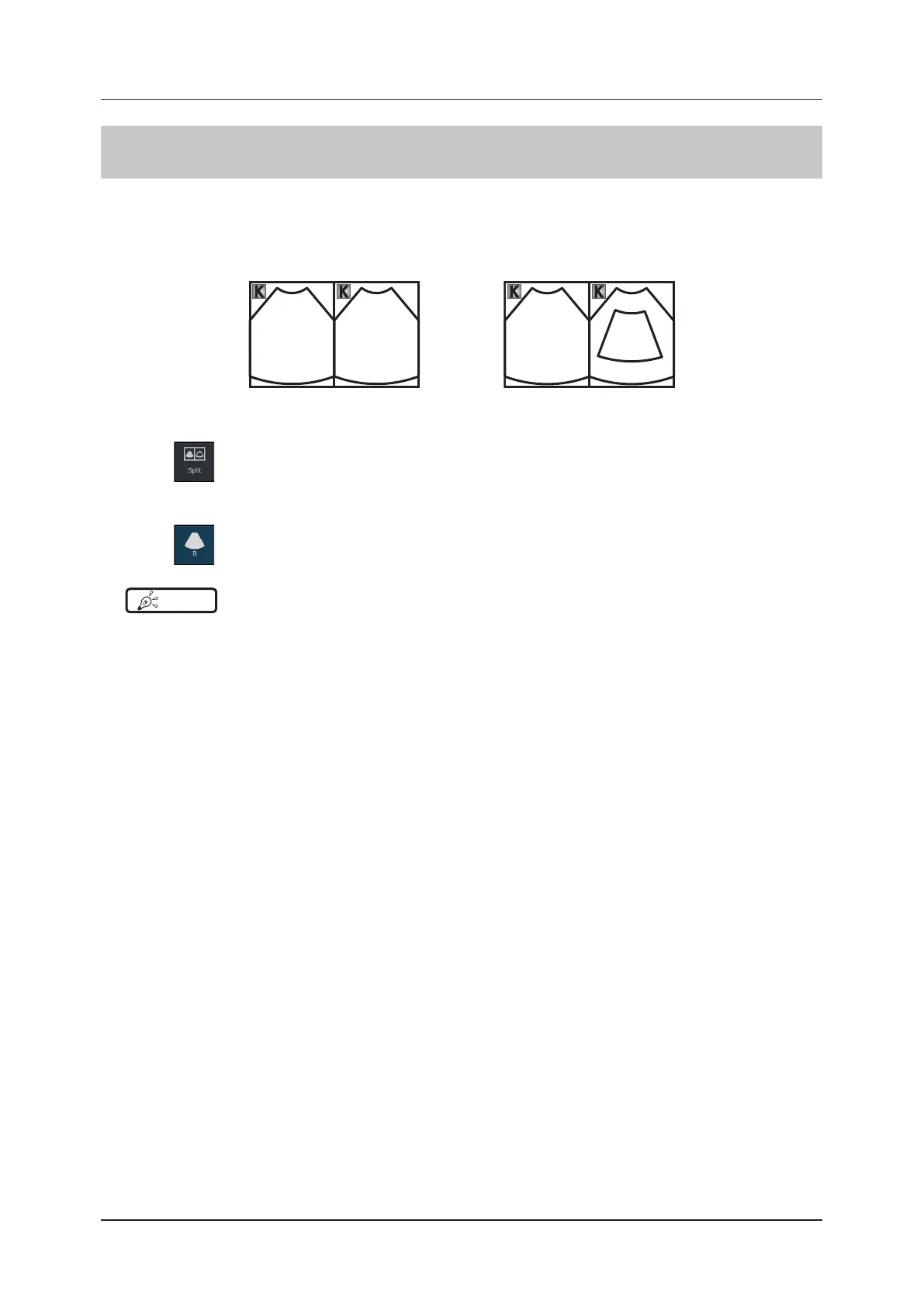
Split mode is a mode that splits the screen into two windows positioned side by side (L/R) or one above the other (U/
D) for display.
Unlike the dual mode, in the Split mode both B images or Bc images are put either in a live or frozen state and both
windows are always active.
Live Live
Live Live
<L/R without color> <L/R with color>
1
Press in the mode button area.
z
To exit
1
Press .
HINT
•••••••••••••••••••••••••••••••••••••••••••••••••••••••••••••••••••••••••••••••••••••••••••••••••••••
• In Elastography-mode, you can switch to Split-mode by pressing [Display Mode] menu button.
•••••••••••••••••••••••••••••••••••••••••••••••••••••••••••••••••••••••••••••••••••••••••••••••••••••••••••••••••••••



 To Next Page