276
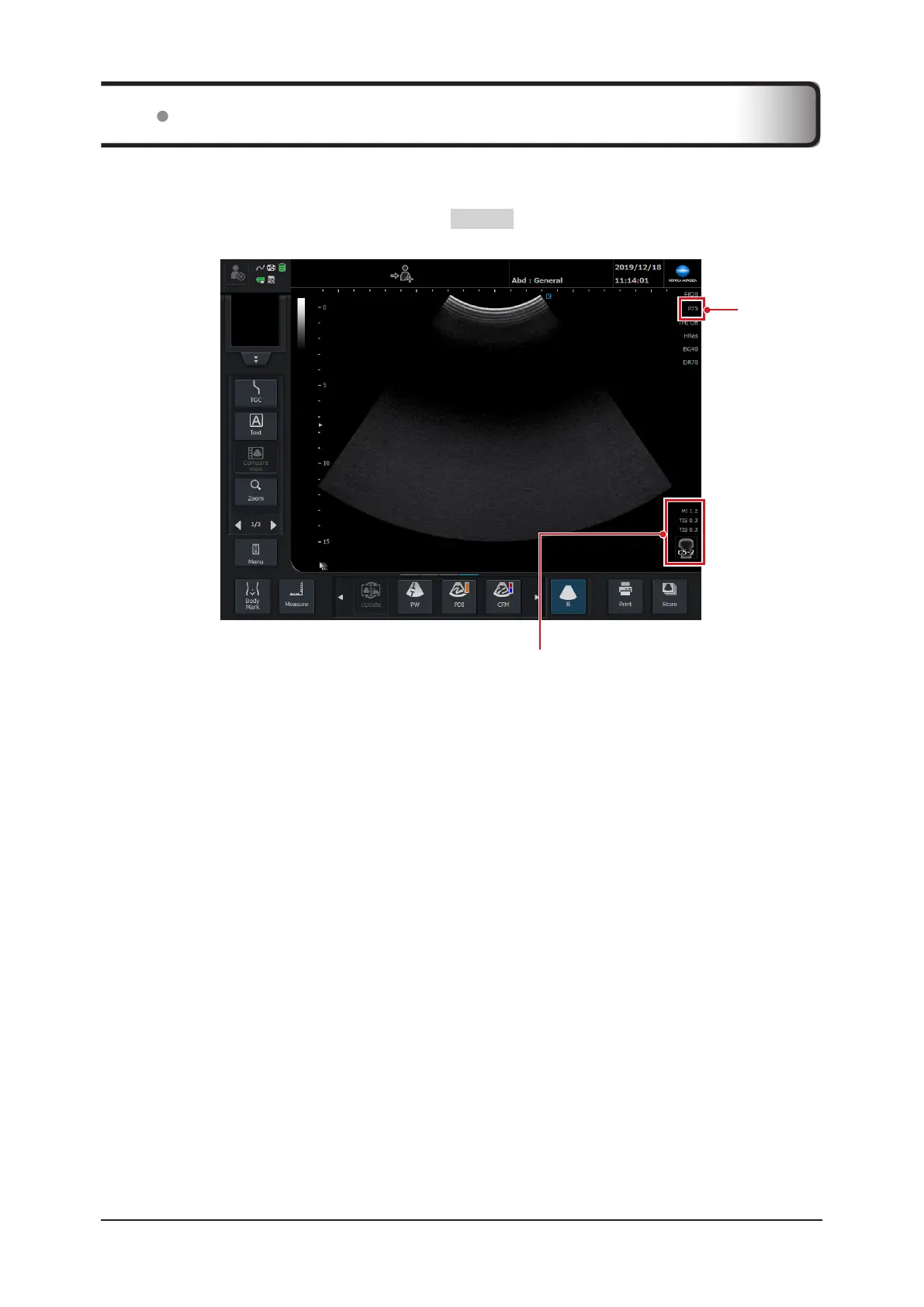
The system displays the Mechanical and Thermal Indices during real-time imaging, in all imaging modes.
To check MI/TI values, the image on the study screen needs to be in a live state.
• MI/TI values are hidden during frozen state. Press the FREEZE button to cancel the frozen state.
• MI/TI values are dependent on mode and [Tx Level] changes.
Tx Level
Mechanical and Thermal Indices display area
Indices are displayed in the abbreviated form as shown below:
[MI] : Mechanical Index
[TIS] : Soft Tissue Thermal Index
[TIB] : Bone Thermal Index (or [TIC] : Cranial Thermal Index)
9.4 Display Layout of MI/TI Values



 To Next Page