136
According to the intended examination, a scanning mode is selected from the mode button area.
4.4.1 B-mode
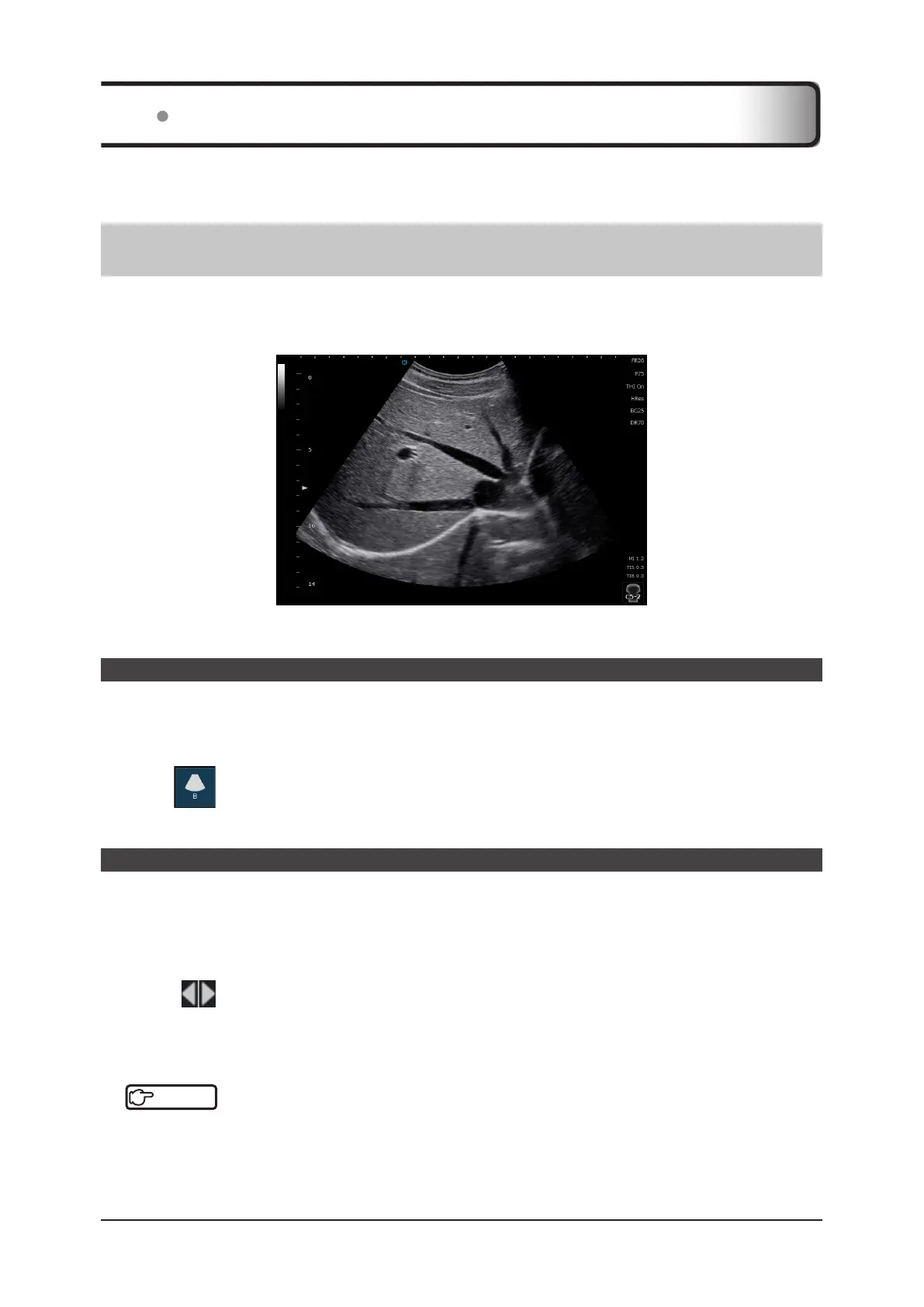
B-mode is a basic scanning mode of the diagnostic ultrasound system, which displays a brightness-modulated cross-
sectional image of the organ being imaged. 2D cross-sectional images along the scanning direction are displayed in
real time.
<B image>
Start of B-mode
At the startup of the system, B-mode is selected by default.
z
To return to B-mode from another scanning mode
1
Press .
• Changes to B-mode.
How to change parameters
Any of the following procedures are used to change the parameters and the operation area varies according to the
function.
Shared by all modes.
• Use the mini console keys.
• Go to the Study screen on the touch panel > the [Menu] button > and the present mode tab. Select the desired
item using
for adjustments.
• Operate the buttons in the mode button area, operation button area, parameter display area or basic information
area.
• Directly touch and drag an operation item or appropriate area.
Reference
•••••••••••••••••••••••••••••••••••••••••••••••••••••••••••••••••••••••••••••••••••••••••••••••••••••
• There are also functions useful for changing parameters. Refer to "5.6 Common Functions".
• About changes to the settings in the parameter display area, refer to "Parameter display area" of "3.1.2 Displaying
Common Data".
•••••••••••••••••••••••••••••••••••••••••••••••••••••••••••••••••••••••••••••••••••••••••••••••••••••••••••••••••••••
4.4 Basic Scanning Mode



 To Next Page