26
Labels
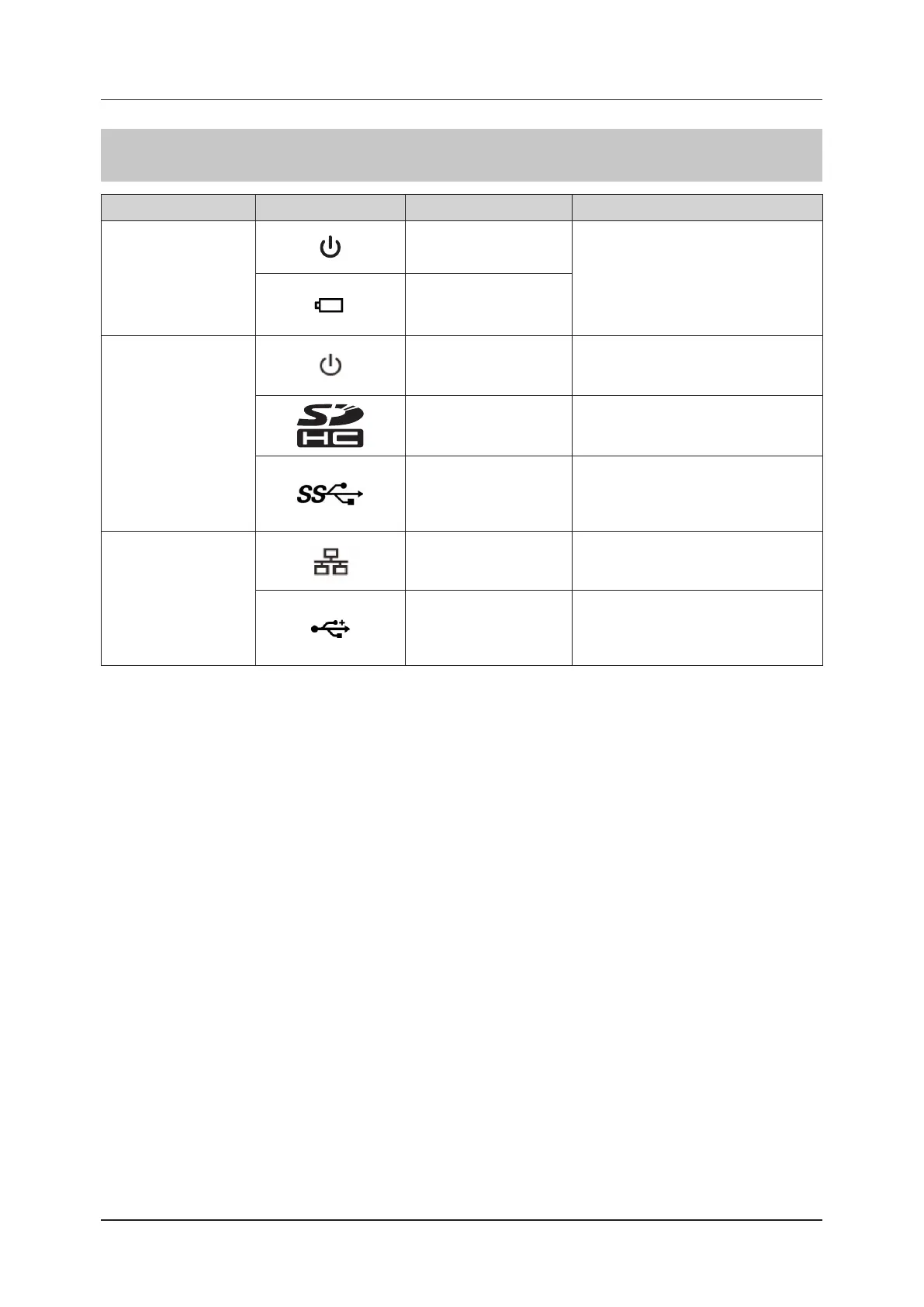
Description of graphic symbols
Location Graphic symbols Description Remarks
Status indicator LED
SET
FREEZE
User
1
User
2
F2 F1
Gain
EXIT
Displays the start-up status.
Refer to "Status indicator LED" of "1.6.3
Mini Console" for details.
Indication of the state of
readiness of the batteries
Side panel left side
Power switch
(Standby switch)
The power switch (standby switch) is
located on the left side of the side panel of
the system.
Type of SD memory card
Refer to "SD memory card" of "1.6.6 Com-
patible Peripheral Devices" for details.
USB connector (USB3.0)
Do not use the system in an examination
while it is connected to any USB devices
other than the devices authorized by Konica
Minolta.
Rear panel
Ethernet connector
(100BASE-T)
To use DICOM Storage function, the op-
tional DICOM Storage License is required.
Please consult your service representative.
USB connector (USB2.0)
Do not use the system in an examination
while it is connected to any USB devices
other than the devices authorized by Konica
Minolta.



 To Next Page