4.4 Basic Scanning Mode
146
4.4.4 Power Doppler-mode
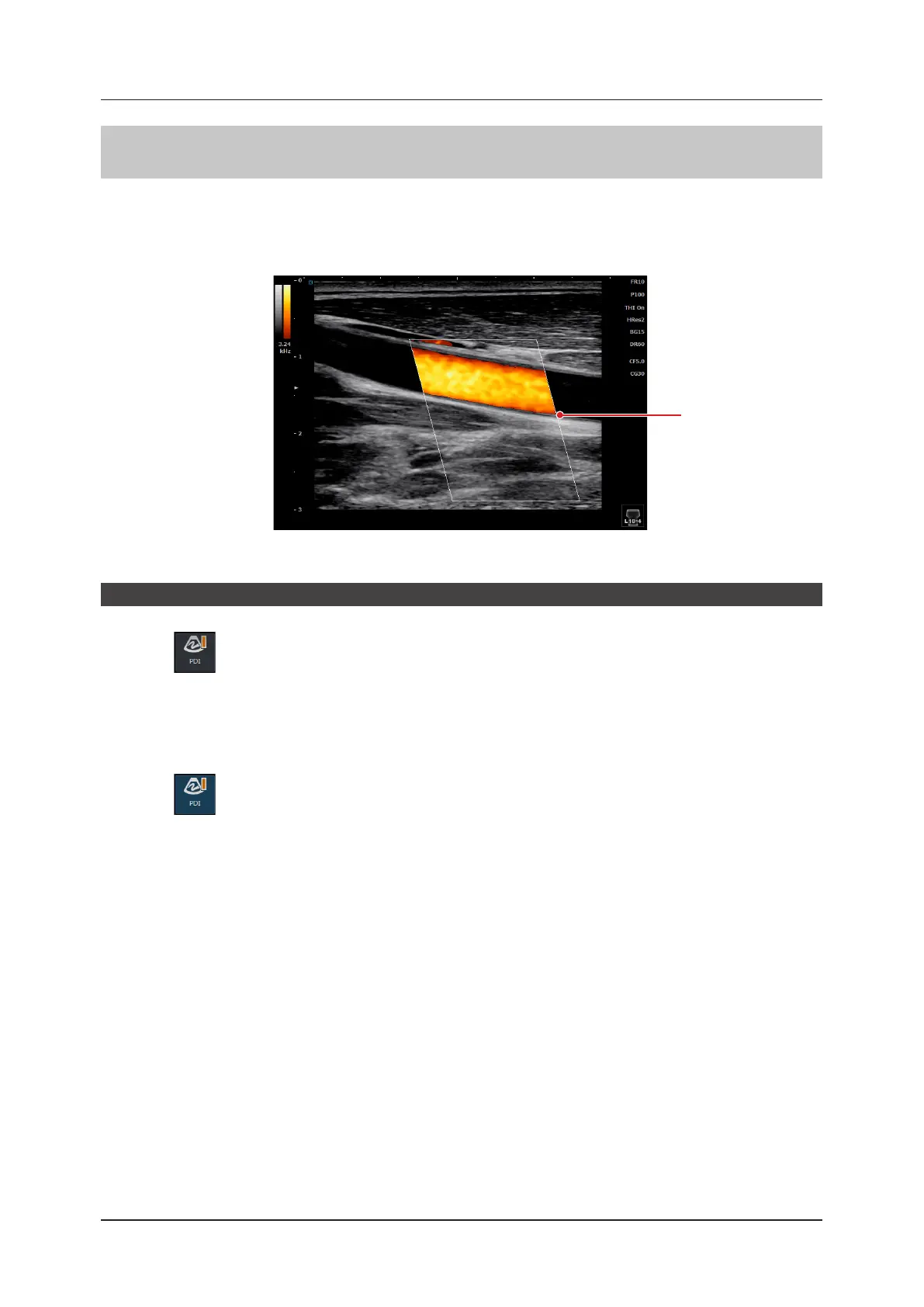
In Power Doppler-mode, the intensity of blood-ow color is displayed in the ROI in a B image.
This mode is suitable for the study of the character and volume of blood ow. It also allows a C ROI to be displayed
or sized in the B image.
• For details on how to operate C ROI, refer to "4.4.3 Color Flow-mode".
C ROI
<Power image>
Start of Power Doppler-mode
1
Press .
• A C ROI appears on the B image.
• PDI stands for Power Doppler Imaging.
z
To exit
1
Press again.
• Exits Power Doppler-mode and returns to B-mode.



 To Next Page