4.4 Basic Scanning Mode
150
4.4.6 SCF-mode
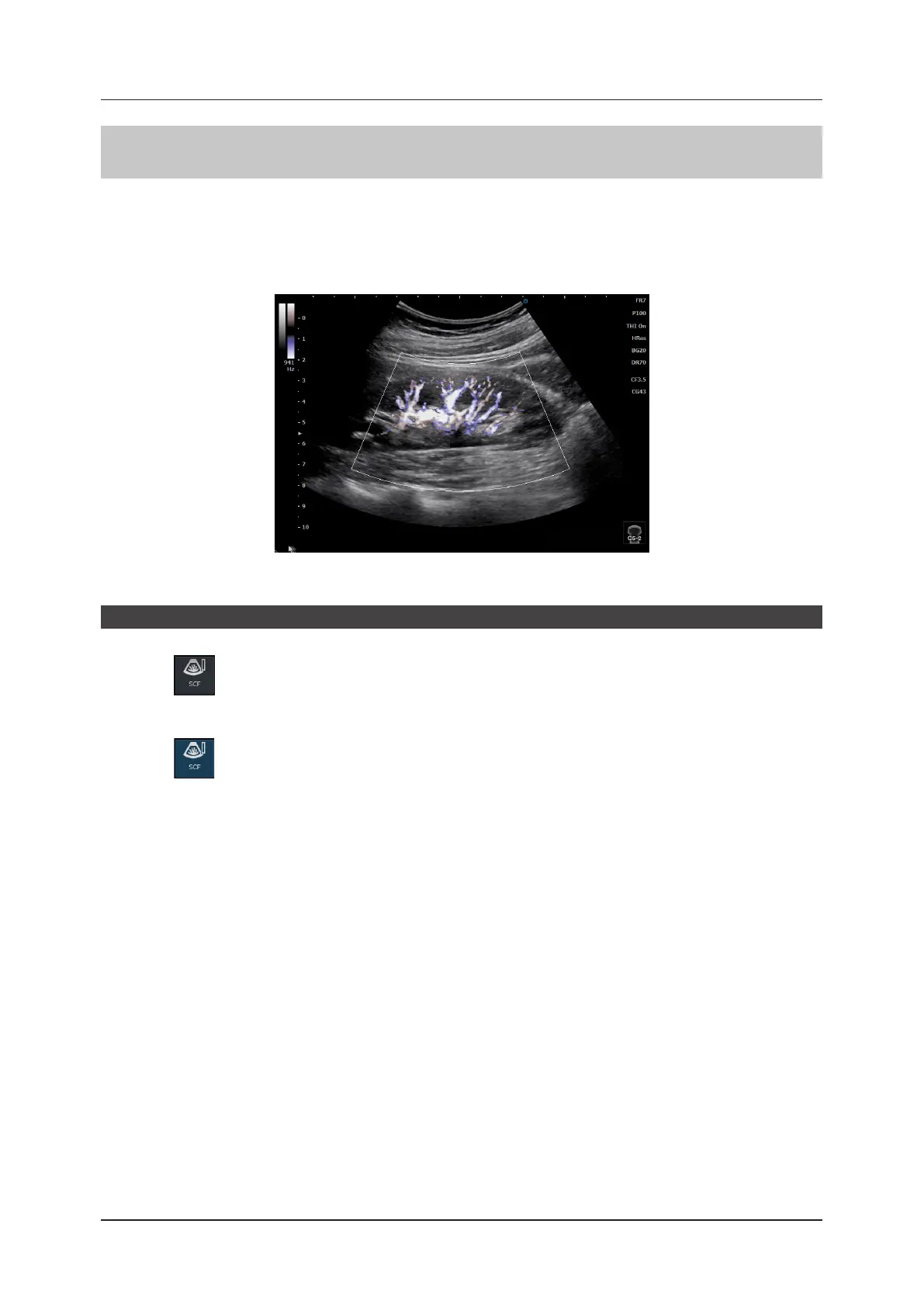
In SCF-mode, color blood ow patterns are displayed within the Region of Interest (ROI) in a B image.
This mode is suitable for a study to display blood ow in a section close to the body surface with resolution higher
than that in the Color Flow-mode. This mode allows you to display a C ROI and adjust the size within a B image.
• For details on how to operate C ROI, refer to "4.4.3 Color Flow-mode".
• For transducers that can use this function, refer to "10.1.1 Transducer Technical Data and Acoustic Output".
<SCF image>
Start of SCF-mode
1
Press .
z
To exit
1
Press again.



 To Next Page