223
Chapter 6
You can display stored image data in the thumbnail display area, and call up past images to delete, transfer, or list
them.
Following images are displayed in the thumbnail display area.
• Image linking to the examination in progress
6.2.1 Displaying Thumbnails
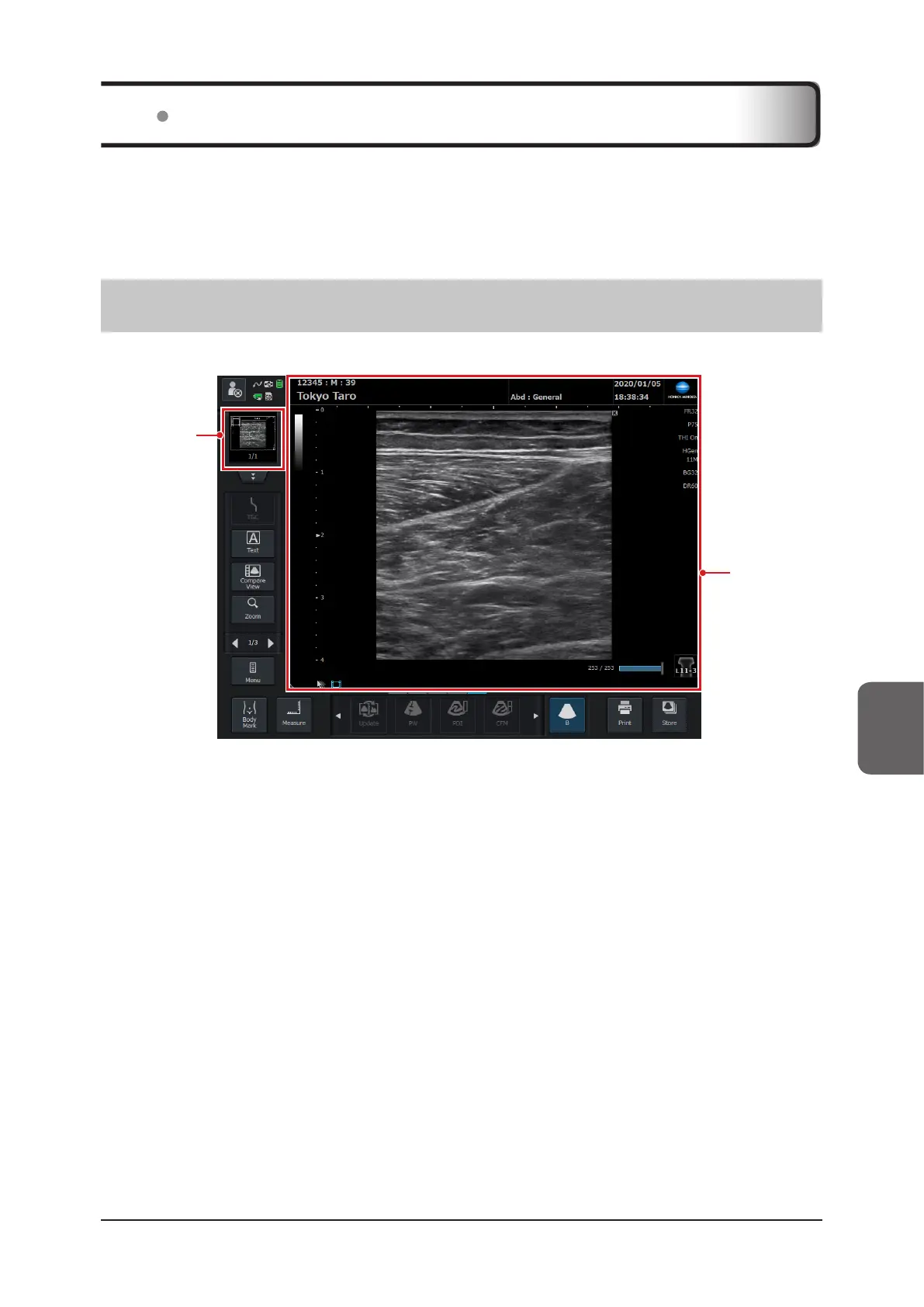
Images stored in the study data are displayed in the thumbnail display area.
Image
display area
Thumbnail
display area
• If the stored data is a clip, a thumbnail of the rst frame image is displayed.
• The display area can be switched between single image display and area-enlarged display by touching the control.
• The latest data is displayed at the top.
• Scroll through the display area to change the image being displayed. If an image is newly added to stored data,
the image data is used for display as a thumbnail.
• To delete an image, press the [Thumbnail List] button and operate from the [Thumbnail List] screen being dis-
played. Refer to "6.2.3 Deleting or Transferring Images during Examination".
6.2 Thumbnail Function



 To Next Page