4.8 Panoramic View
176
IMPORTANT
•••••••••••••••••••••••••••••••••••••••••••••••••••••••••••••••••••••••••••••••••••••••••••••••••••••
• In the following cases, a panoramic image that is dierent from the actual structure may be generated.
– When the rendered cross section changes because of the angle of the transducer
– When the transducer is moved in a direction dierent from the direction of the rendered cross section
– When there is extensive noise in the image
– When the image’s contrast is not suitable
– If there is a strong artifact (acoustic shadow) generated by a hard structural element, such as a bone
– If the radius of the curve of the target is smaller than the set depth
• The following functions close if you start up the panoramic view.
– Text
– Body Mark
– Measurement
– Compare View
– Biopsy
– Simple Needle Visualization
– ECG
– Map editing function
– Hypoechoic Region Characterization
•••••••••••••••••••••••••••••••••••••••••••••••••••••••••••••••••••••••••••••••••••••••••••••••••••••••••••••••••••••
2
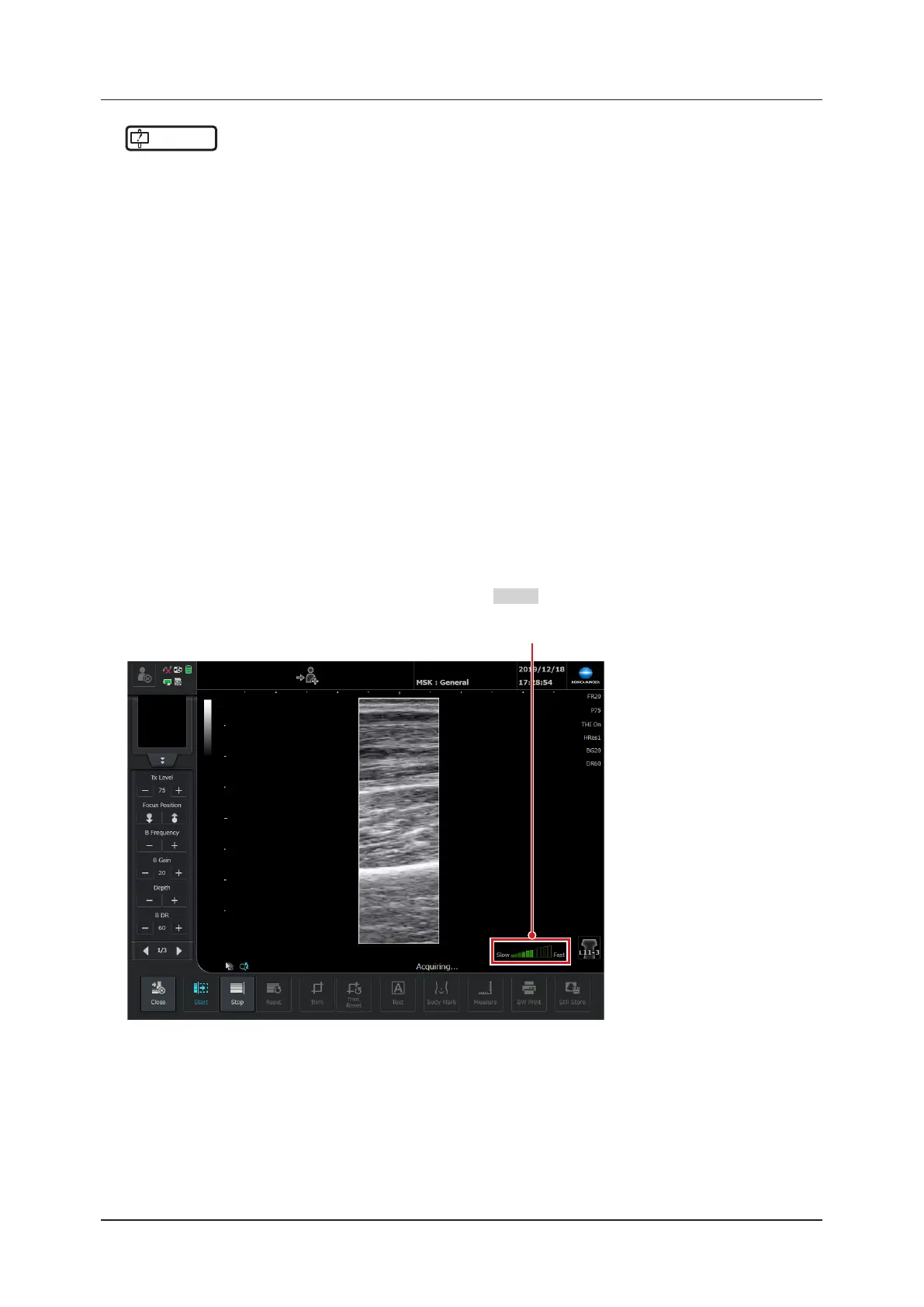
Place the transducer on the position to examine on the patient, and then press the [Start] but-
ton.
• The panorama capture screen appears, and then the B-mode image is trimmed to the size of the panoramic
ROI.
• You can also start capturing a panorama by pressing the
User 2
button.
Speed Guidance



 To Next Page