5.6 Common Functions
202
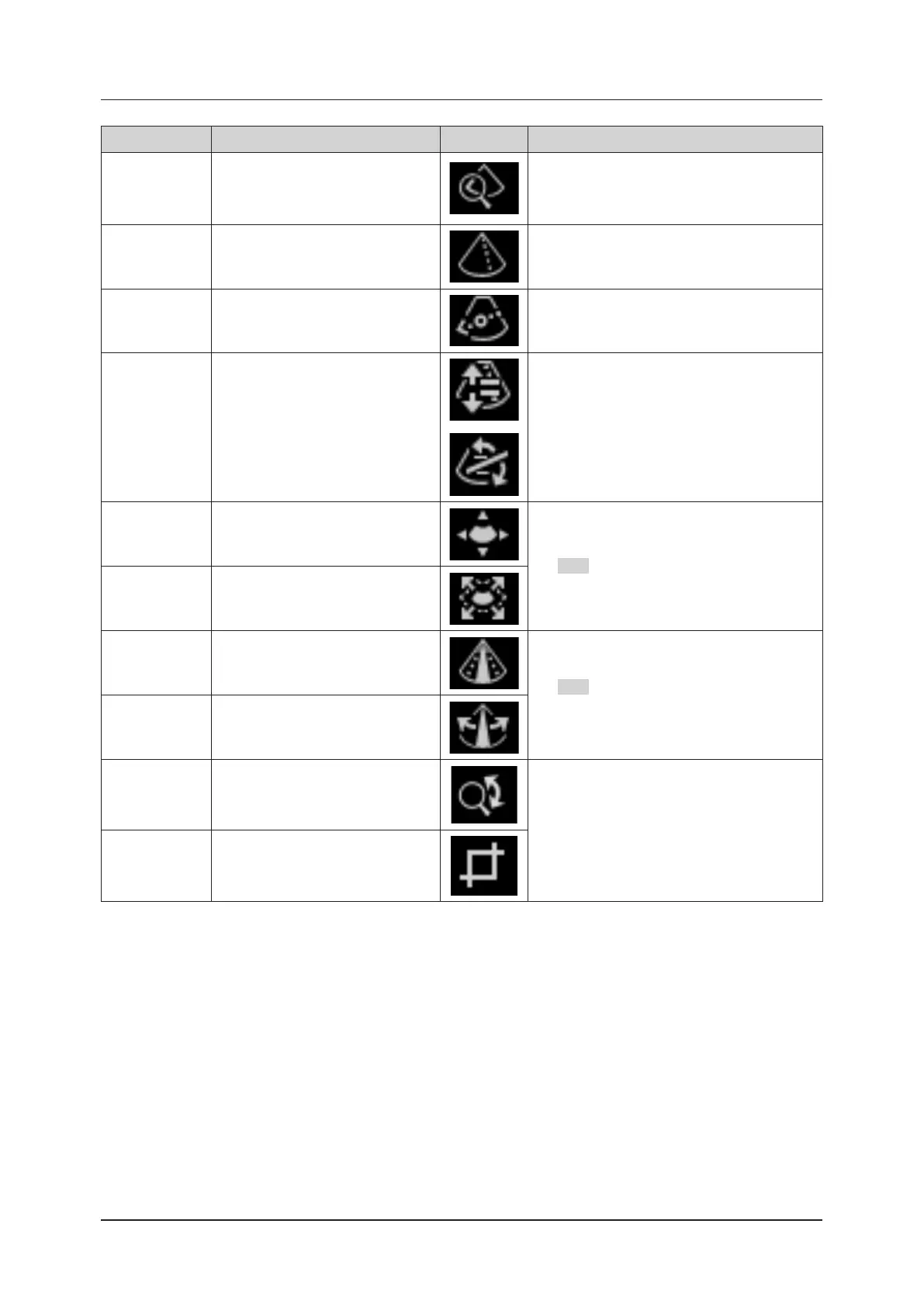
Operation items Function Icon Remarks
Zoom Image Enables Zoom Image.
Changes the position or size of the zoomed region
being displayed.
Changes the position or zoom rate of an ultra-
sound image during Zoom In.
M Cursor
Moves the position of the M cursor on
a B image.
Shows an acoustic line to be used as an M-mode
image for reference.
Anatomical M
Cursor
Moves the position of the Anatomical
M cursor on a B image.
Indicates the area to refer to as an Anatomical M-
mode image.
Doppler Gate
(Cursor)
Changes the Doppler gate position,
the gate size or the angle on a B im-
age.
Shows the position of the gate used to refer to
Doppler spectrum.
C ROI Position Moves the position of ROI.
When one of the two functions is selected, press
the SET button to switch between C ROI Position
and C ROI Size.
C ROI Size
Resizes ROI.
ROI is displayed with a dashed line.
FOV
Controls the scan width (eld-of-view
width).
When one of the two functions is selected, press
the SET button to switch between FOV and POS.
Refer to [FOV/POS] in "B-mode parameter list" of
"4.4.1 B-mode".
POS
Controls the scan position when the
scan width is less than 100 %.
Panoramic view View panoramic images.
Refer to "4.8 Panoramic View".
Trimming pan-
oramas
Trim panoramic images.



 To Next Page