5.6 Common Functions
218
Closing the Hypoechoic Region Characterization function
The Hypoechoic Region Characterization function closes when one of the following operations are done.
• Pressing the [HyRC Display] button in the pop-up menu
• Pressing the [HyRC] button
• Switching to any mode other than B-mode
• Starting up the Panoramic View
• Starting up SNV
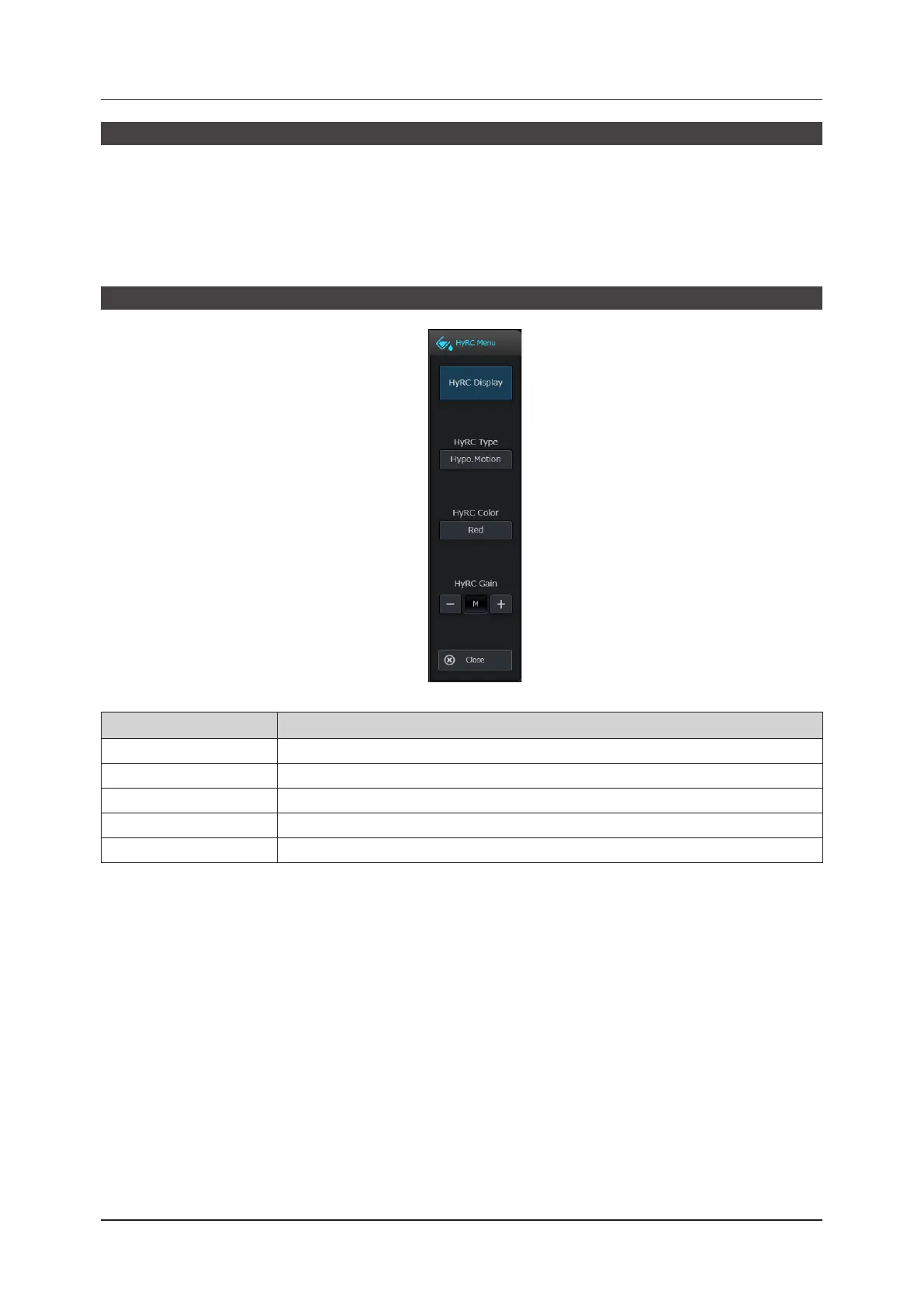
Hypoechoic Region Characterization pop-up menu
Item Functions
[HyRC Display]
Set the Hypoechoic Region Characterization display to on or o.
[HyRC Type]
Select the enhancement type.
[HyRC Color]
Select the enhancement color.
[HyRC Gain]
Set the gain for the enhancement color.
[Close]
Close the Hypoechoic Region Characterization pop-up menu.



 To Next Page