51
Chapter 1
1.6 System Conguration and Part Name
HINT
•••••••••••••••••••••••••••••••••••••••••••••••••••••••••••••••••••••••••••••••••••••••••••••••••••••
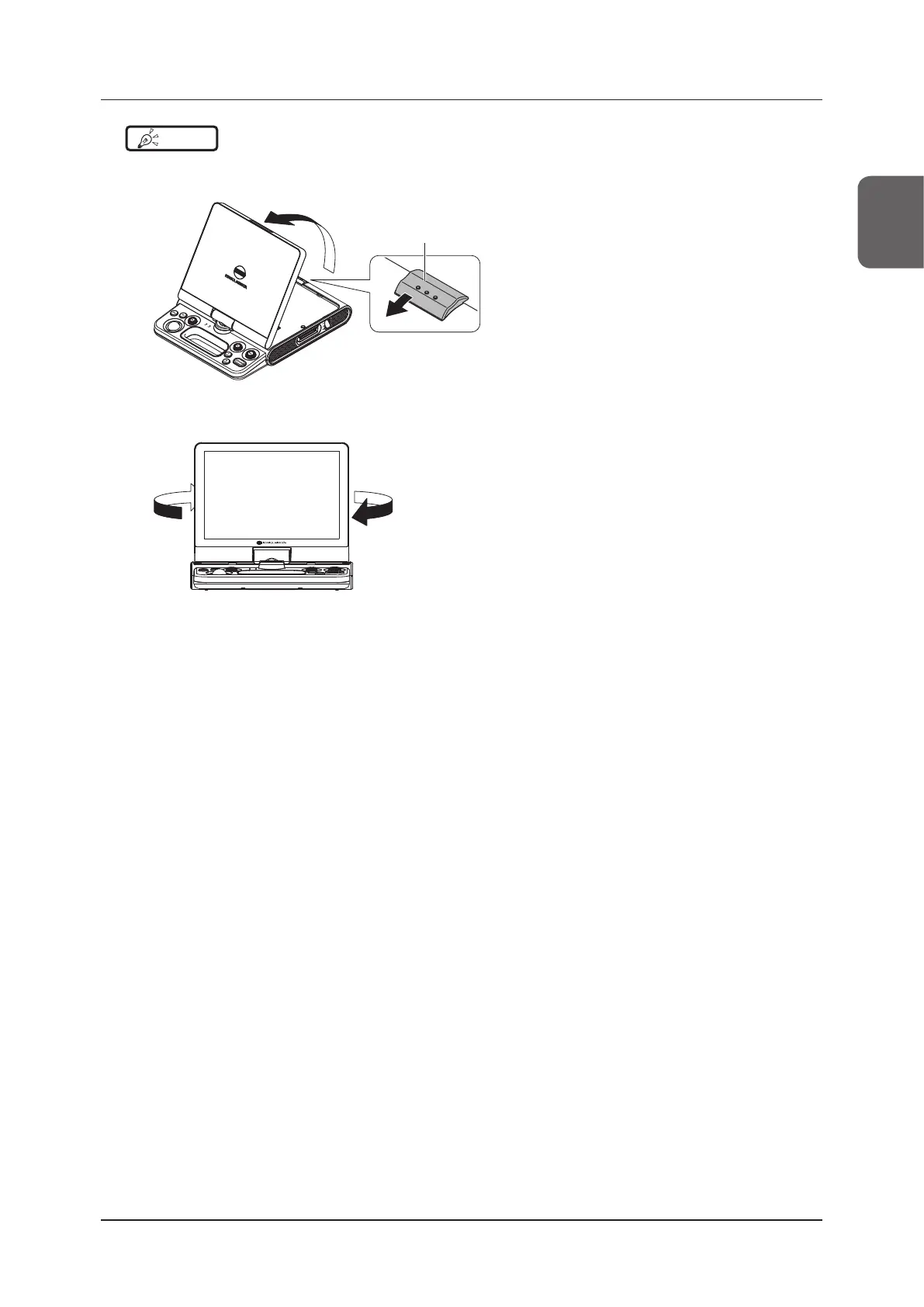
To open the monitor
1 Press the LCD latch, and raise the monitor.
LCD latch
2 Rotate the monitor 180 degrees.
• Rotate it so the monitor surface faces the mini console.
•••••••••••••••••••••••••••••••••••••••••••••••••••••••••••••••••••••••••••••••••••••••••••••••••••••••••••••••••••••



 To Next Page