4-14 824 Reference Manual 11/8/00
Preparing for a Measurement
If the Active ID will provide the desired measurement, press
either the Setup
S
key or
l
to exit from the Setup menu.
The System 824 is now ready to perform a measurement
according to the Setup represented by the Active ID.
If the Active ID is not satisfactory for the measurement, the
following options are available:
• 1. Modify the Active ID as required
• 2. Select and use a different ID (make it the Active ID)
• 3. Select a different ID, make it the Active ID, and mod-
ify it as required.
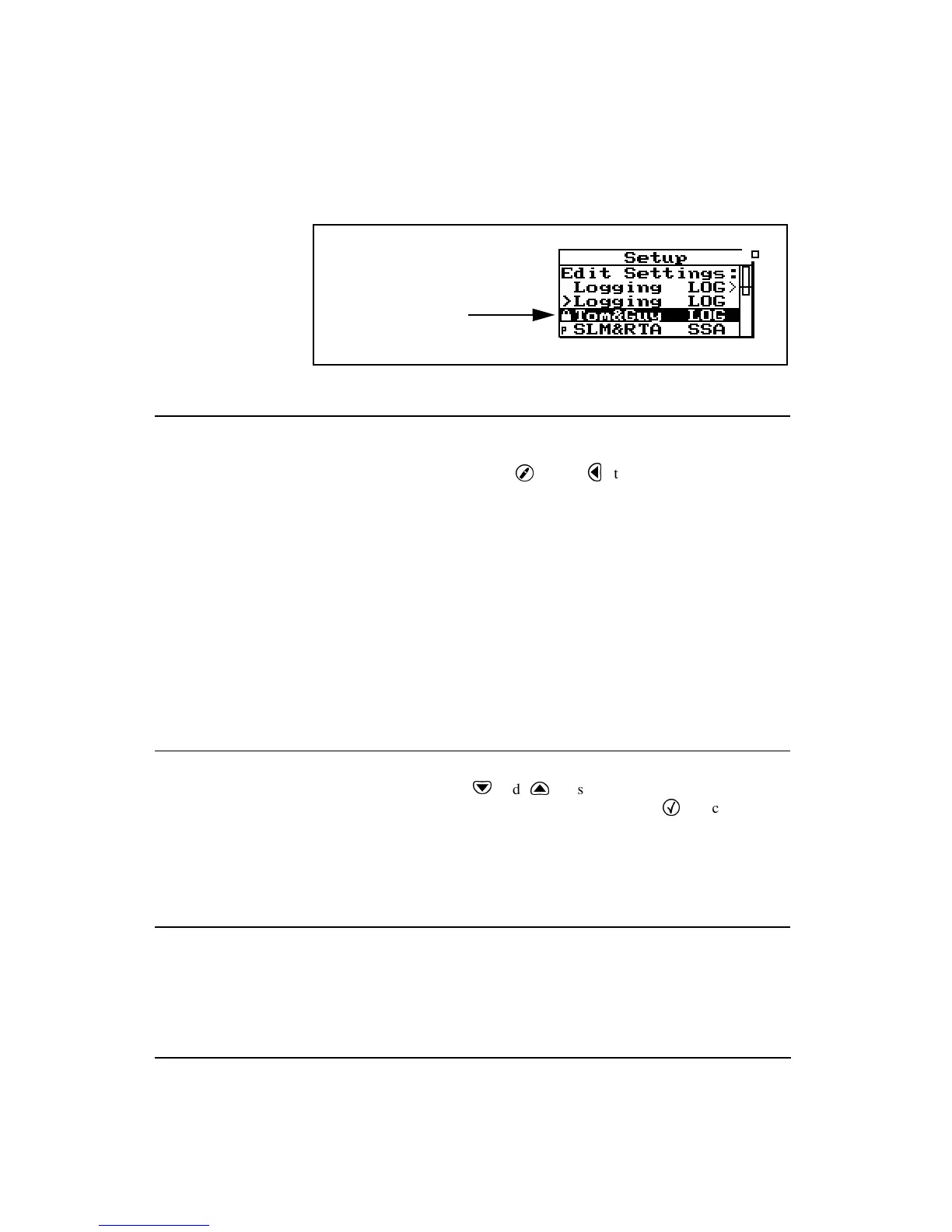
Selecting a Different ID
Use the
d
and
u
keys to highlight the desired ID and
make it the Active ID by pressing the
c
Check key. This
will activate that ID, exit the Setup menu, and display the
main data view. The instrument is ready to perform a mea-
surement by pressing
s
Run/Stop.
Accessing the Settings Menu
It is within the Settings menu and its associated Sub-menus,
that the settings associated with the measurement are
defined. Sound level measurements are made in the ISM
LOG, and SSA Instrument Types, so all of these will include
Indicates ID is write
protected



 To Next Page