11/8/00 Using ID Setting Files 7-61
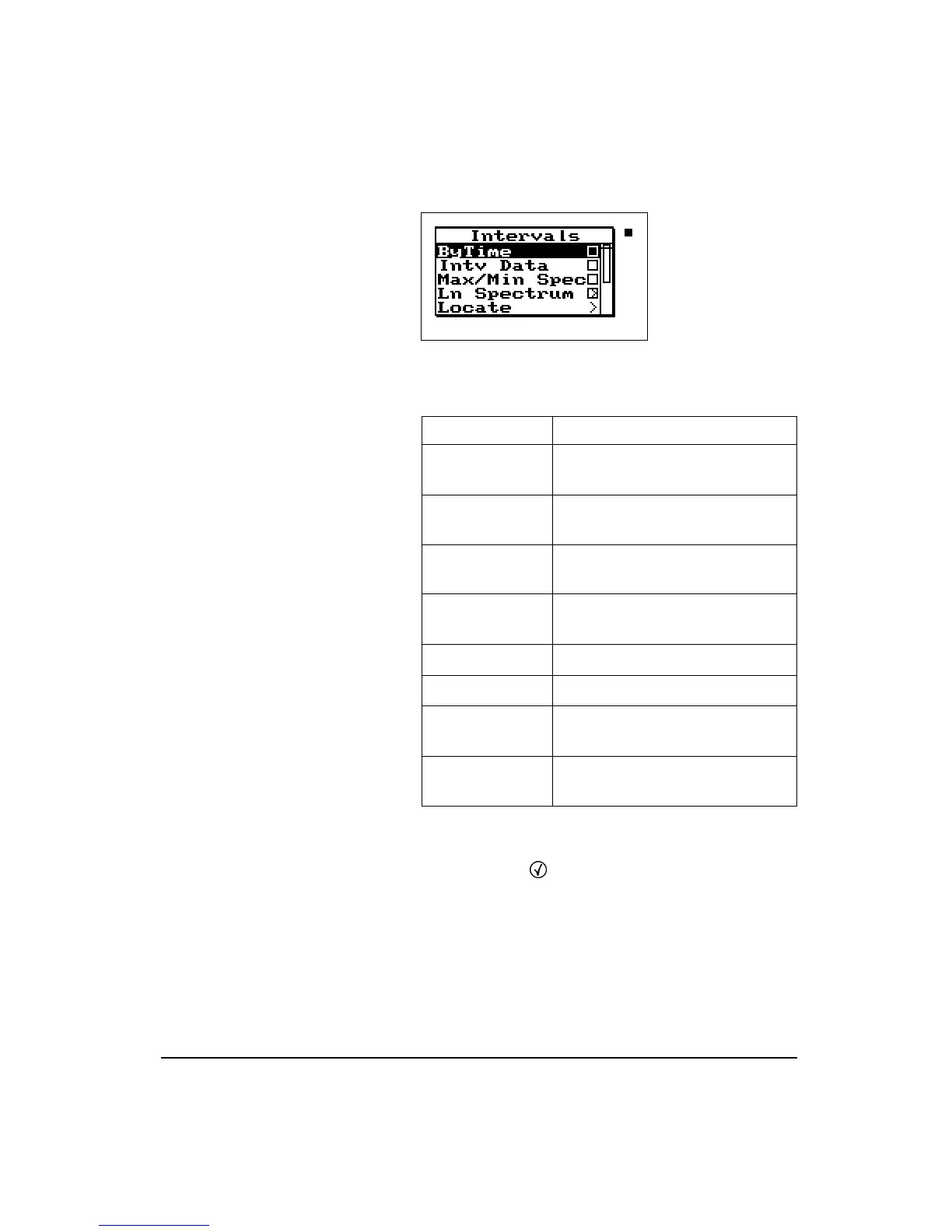
Following is a chart of the “Leq Spectrum” check menu with
a description of each menu item:
Time History Check Menu
Press the Check
c
key while viewing either of the Time
History displays and the following check menus appear:
Menu Items Purpose
ByTime Allows you to view the Leq for each
interval over time
Intv Data Allows you to view the
Interval-a
through
Interval-e
displays
Max/Min Spectra Allows you to view the Max or Min
spectral data
Ln Spectrum Allows you to view the Spectral Ln
data
Locate Locates a specific interval record
Settings Modifies the interval settings
Graph Changes the scaling of the “Leq
Specta” graph
Bandwidth Changes the filters to either 1/1 or
1/3 octave



 To Next Page