3-10 824 Reference Manual 11/8/00
Pause Key
The
p
PAUSE
key has 3 basic functions in the ISM and
SSA instruments: To Pause a measurement to avoid
unwanted noise from entering into the measurement data. To
erase unwanted data from the measurement and to preview
the data coming into the instrument without registering the
data.
Pause
The first function of the Pause key will cause the instrument
to not accept any incoming data. Unlike pressing the stop
key, pressing the pause key will not start a new measure-
ment, but rather will simply pause the existing measurement
for a moment. After the desired pause period, press the
pause key
p
again to resume the measurement. The fol-
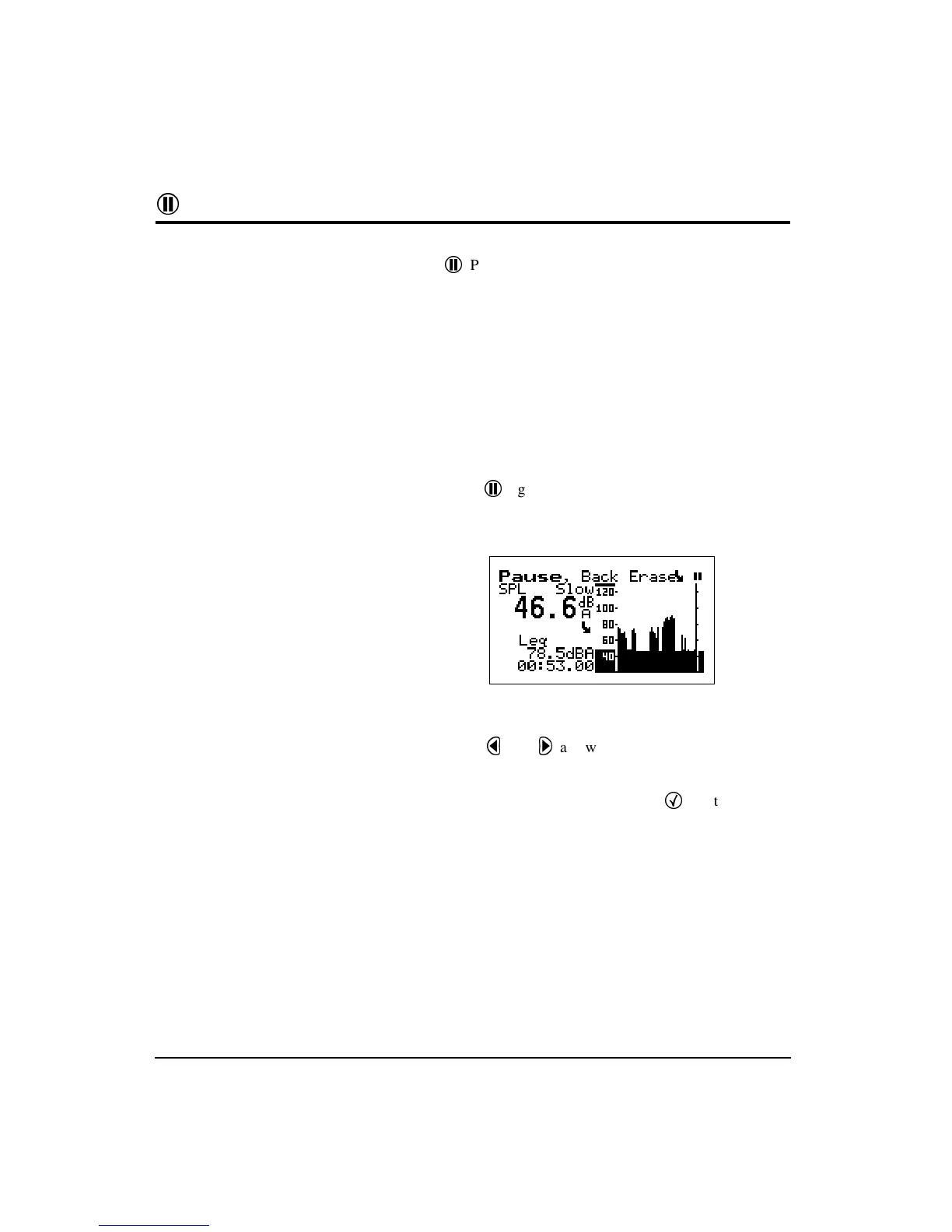
lowing screen will appear.
Pause, Back Erase
The second function of the pause key is to remove unwanted
data from the measurement. The cursor is used for this fun-
citon. The
l
and
r
arrow keys move the cursor across
the graph.
NOTE: Moving the cursor bar left is like
moving back in time.
Once it is at the desired point, press the
c
key to delete the
data to the right of the vertical bar. After the instrument has
deleted the unwanted data, the measurement will resume
automatically.



 To Next Page