6-26 824 Reference Manual 11/8/00
The different views can also be
accessed by simply selecting either
Current or Overall SLM with the
c
Check key from within the main View
menu then cycling through the views
with the
r
and
l
arrow keys.
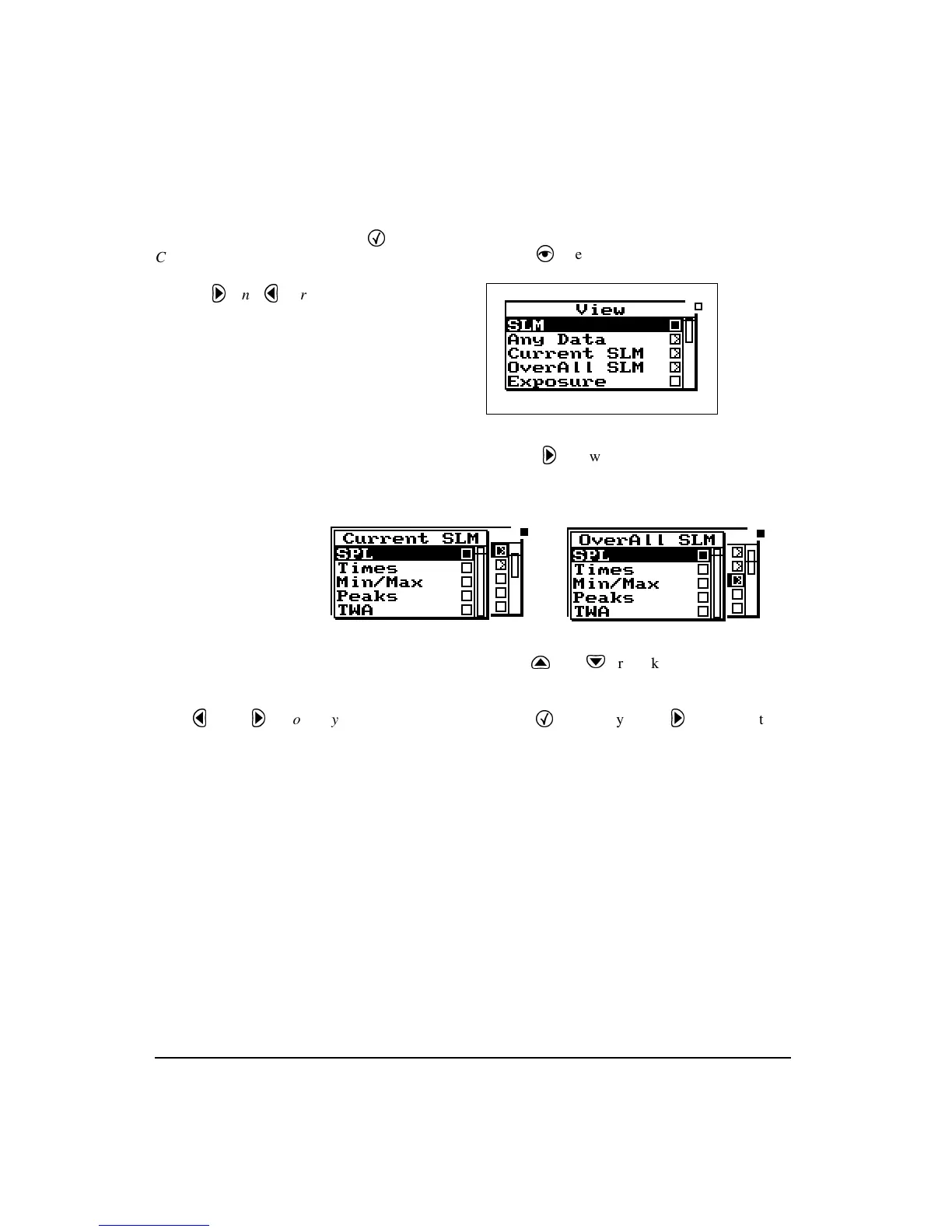
These displays can be accessed directly from the View menu
screen by doing the following:
Step 1
Press the
V
View key to enter the View menu.
Step 2
Highlight either
Current SLM
or
Overall SLM
.
Press the
r
arrow key and one of the following
screen appears:
Step 3
Use the
u
and
d
arrow keys to highlight the
desired view.
The
l
and
r
arrow keys allow
you to move through the view’s avail-
able displays.
Step 4
Press the
c
Check key or the
r
arrow key to
enter the selected view.
Current SLM/Overall SLM
Display-a (SPL)
The
Current/Overall-a SLM
(or
SPL
) display consists of six
major components:
• Display label
• Current SPL reading and weight setting
• Selected detector
• Elapsed time
•Status
• SPL history graph



 To Next Page