7-66 824 Reference Manual 11/8/00
Other Logging (LOG) Check Menus
See page 7-55 for a description of
the (LOG) SLM check menu.
This section presents the LOG instrument’s available Check
menus that are in addition to the SLM Check menu previ-
ously described in this chapter.
Any Data Check Menu
See page 7-58 for a description of the “Any Data” check
menu.
Current SLM / Overall SLM
Check Menu
Current SLM
and
Overall SLM
views have access to the
following Check menu:
Exposure Check Menu
The
Exposure
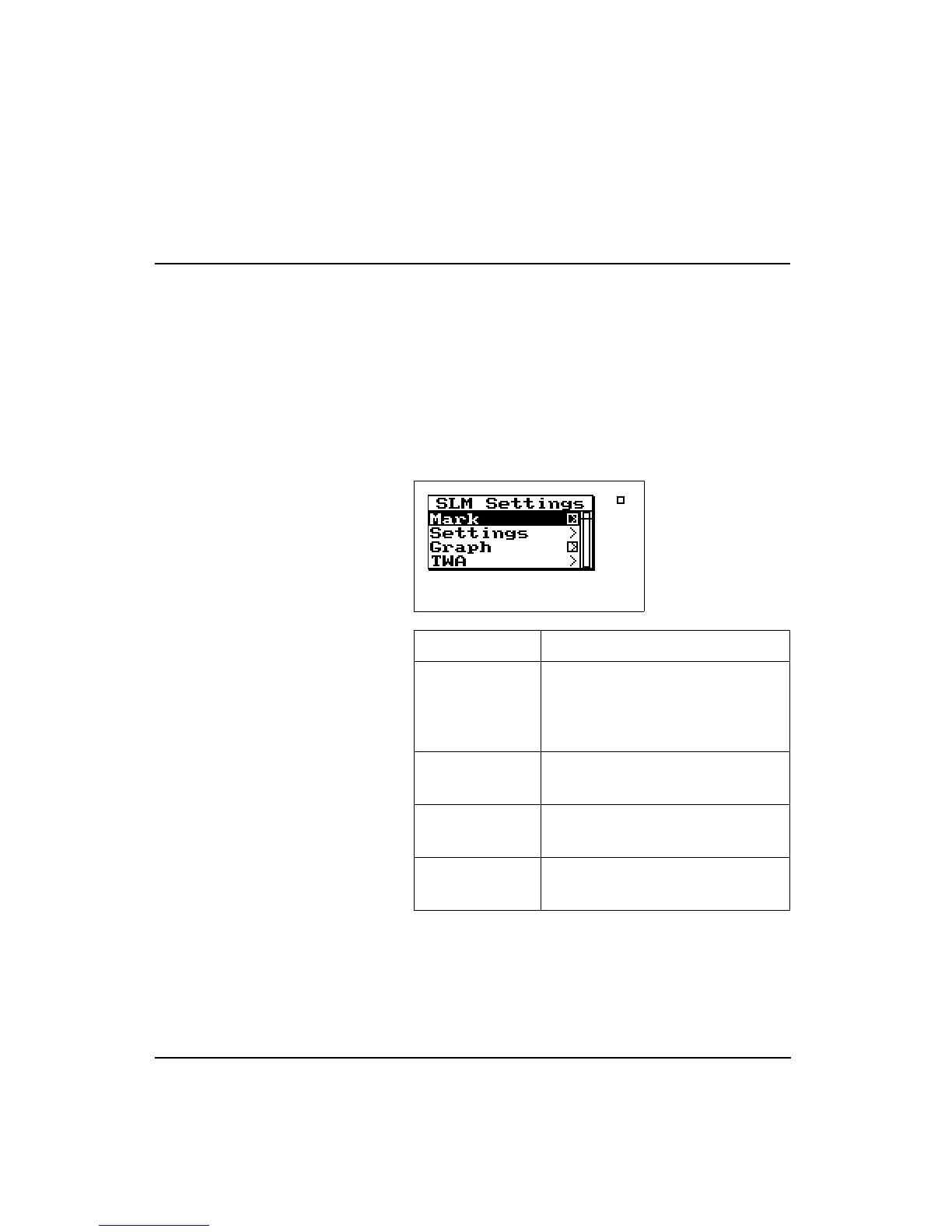
view has access to the following Check
menu:
Menu Items Purpose
Mark Puts a marker in the time history
record if the check
c
key is pressed.
If the right
r
arrow key is pressed it
puts you in the Marker screen.
Settings Modifies the SLM settings for the
selected instrument.
Graph Changes the scaling of the instru-
ment’s SLM history graph.
TWA Modifies the TWA settings for the
selected instrument.



 To Next Page