4-20 824 Reference Manual 11/8/00
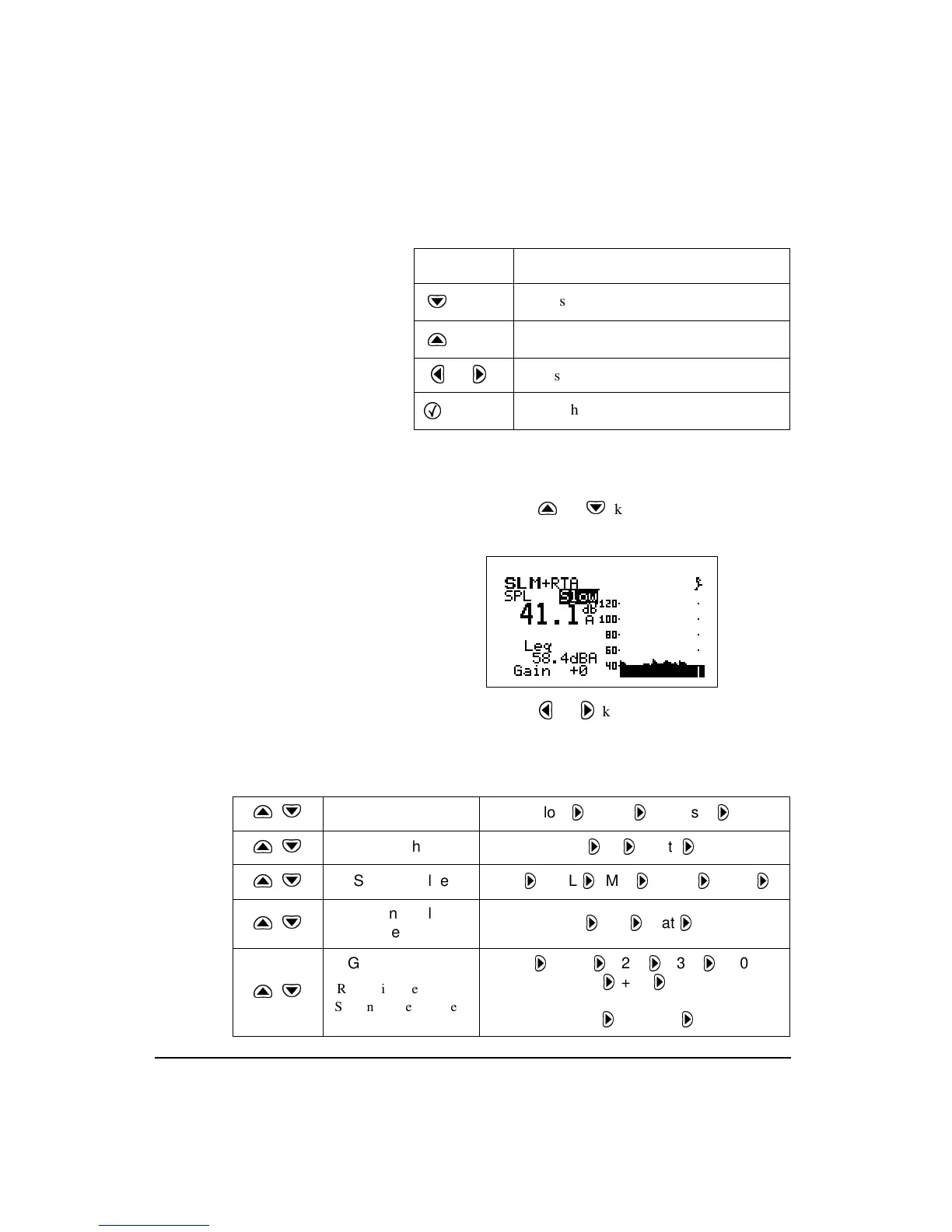
play). The following table describes the keys that are used to
change settings:
The following is an example of how to select the RMS
Detector within the SLM view:
Step 1
Press the
u
or
d
keys to highlight the current
RMS detector (
Slow
,
Fast
,
Impl
).
Step 2
Press the
l
or
r
key to change the selection.
The table below shows how to use the arrow keys to navi-
gate through the settings on the SLM display.
Key Action
d
Moves to the next setting
u
Moves to the previous setting
l
or
r
Adjusts the current setting
c
Enters the setting
ud
Detector Slow
Fast
Impulse
ud
Weight A
C
Flat
ud
Second Value Leq
SEL
Min
Max
Peak
ud
Second Value
Weight
A
C
Flat
ud
Gain or *Range 0
+10
+20
+30
+40
+50
OR
Low
Normal
*Range is used in the
ISM instrument instead
of Gain.



 To Next Page