11/8/00 Using ID Setting Files 7-3
If you have not already saved your
data, you will be prompted to save it
at this step.
Step 2
Select
SLM&RTA SSA
from the menu by using
the
or
keys and then pressing the
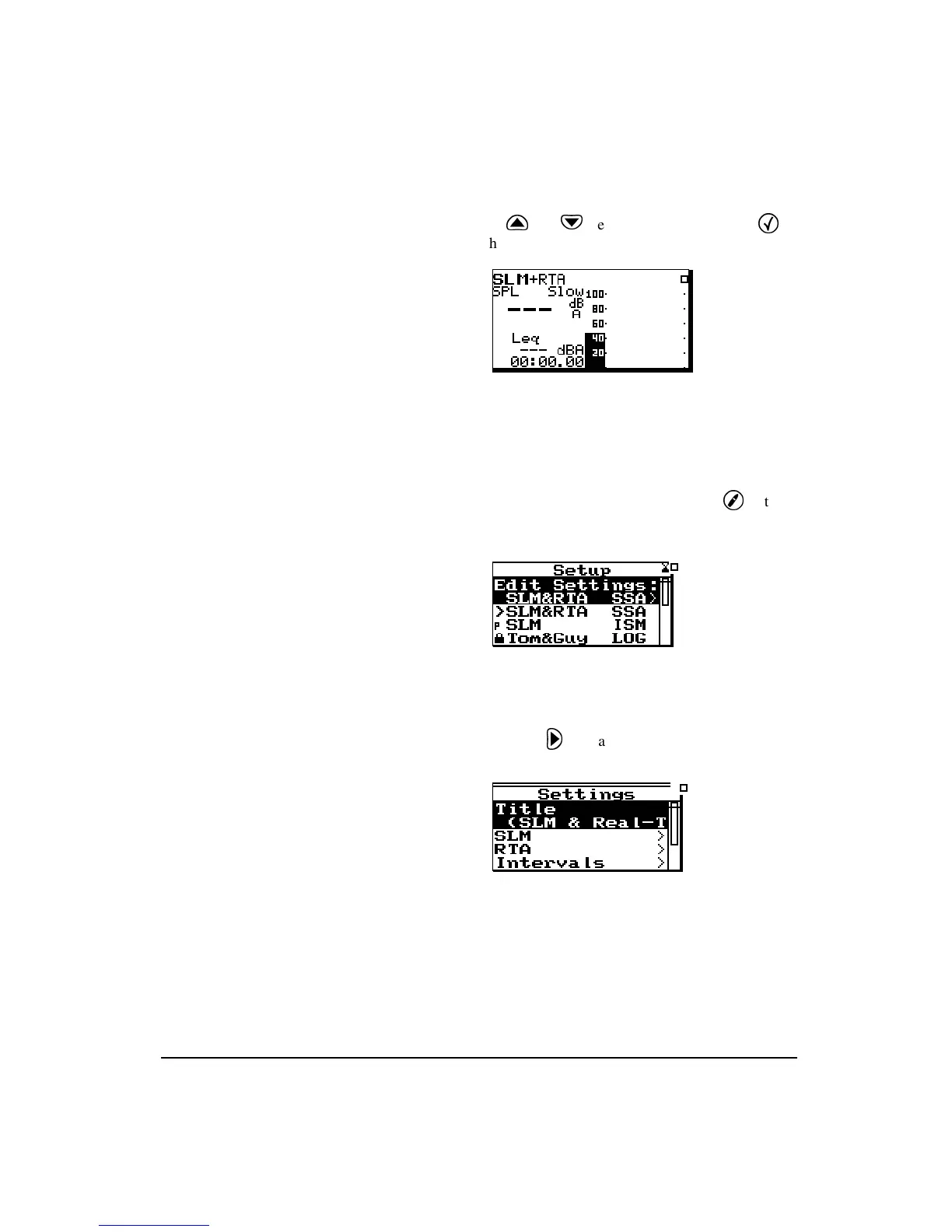
Check key. The SLM+RTA screen appears:
The System 824 is now set to the
SLM&RTA (SSA)
instru-
ment.
Step 3
To access the
Settings
menu, press the
Setup
key. The
Edit Settings: SLM&RTA SSA
is high-
lighted as the
Setup
menu appears:
Step 4
Press the
key and the
Settings
menu for the
SLM&RTA (SSA)
instrument appears:



 To Next Page