SDA Operator’s Manual
INSTALLATION
Software
Checking the Scope Status
To find out the scope's software and hardware configuration, including software version and
installed options, proceed as follows:
• In the menu bar, touch
.
• Touch the
tab.
You can find information related to hard drive memory, etc. as follows:
1. Minimize the instrument application by touching , then selecting Minimize in the drop-
down menu.
2. Touch the Start taskbar button and, per usual Windows® operation, open Windows Explorer.
Default Settings
DDA, SDA, and WaveRunner DSOs
On your front panel, the D
EFAULT SETUP push button does not exist. For these instruments,
therefore, to recall a default setup
1. Press the S
AVE/RECALL push button to the left of the DRIVE ANALYSIS push button.
Note: You can also touch File in the menu bar, then Recall Setup... in the drop-down menu.
2. Touch the "Recall Setup" tab in the dialog.
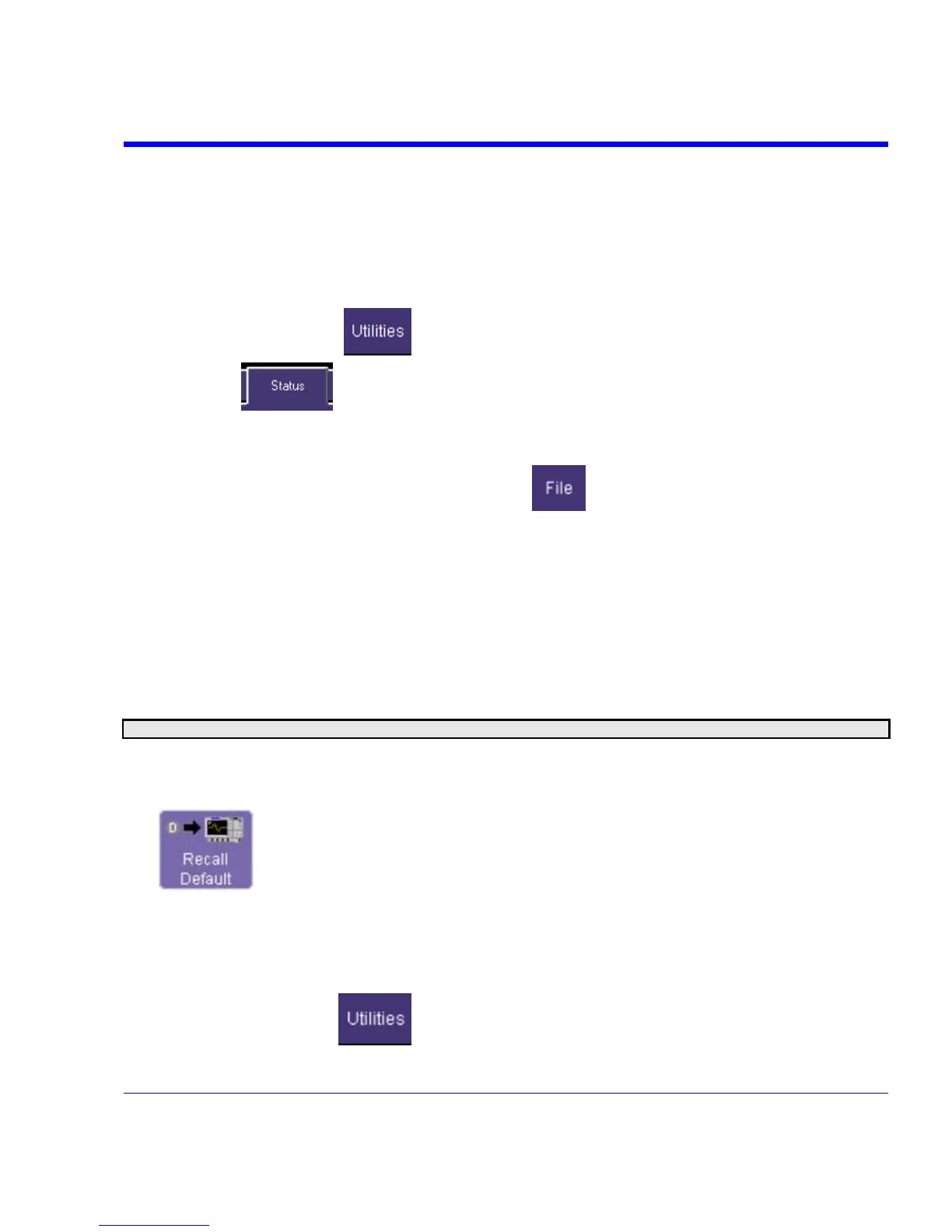
3. Then touch the on-screen Recall Default button:
Adding a New Option
To add a software option you need a key code to enable the option. Call LeCroy Customer
Support to place an order and receive the code.
To add the software option do the following:
1. In the menu bar, touch
.
SDA-OM-E Rev H 53


 To Next Page