State Qualified Trigger Setup
1. In the menu bar, touch Trigger, then Trigger Setup... in the drop-down menu.
2. Touch the State trigger button
.
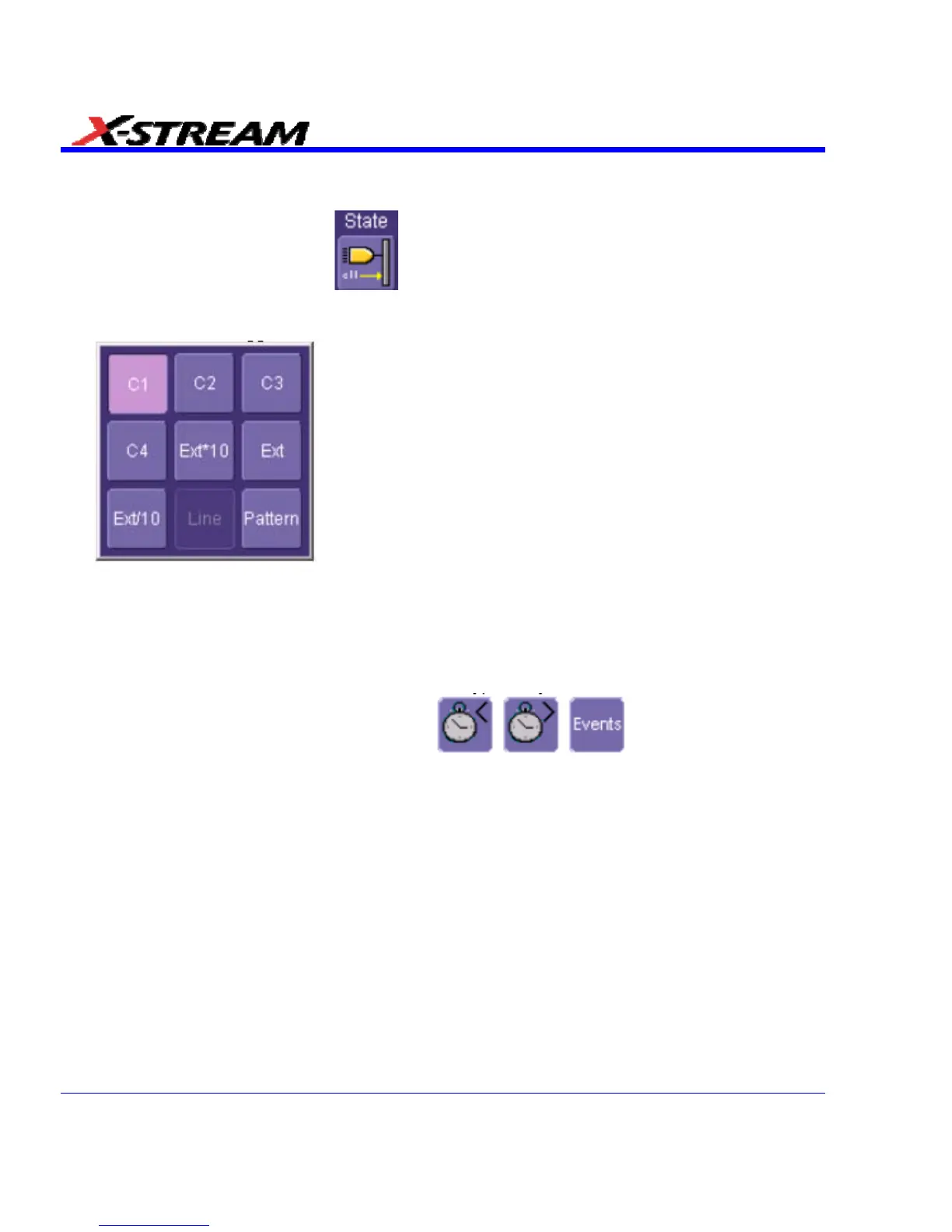
3. Touch inside the Trigger On data entry field and select a source on which to trigger:
4. Select Positive or Negative slope.
5. Touch inside the has gone data entry field and select the qualifying signal source from the
pop-up menu. If you select an input channel or external source, touch inside the has gone
data entry field and select a logic level: Above or Below. Then touch inside the Level field
and set a voltage level using the pop-up numeric keypad. If you want to set a holdoff in time
or events, touch one of the holdoff buttons:
6. Touch inside the field below the holdoff buttons and set a value using the numeric keypad.
Dropout Trigger
Used primarily in single-shot applications, and usually with a pre-trigger delay, Dropout trigger
can detect lost signals. The trigger is generated at the end of the timeout period following the last
trigger source transition. You can set a timeout period from 2 ns to 20 s.
92 SDA-OM-E Rev H


 To Next Page