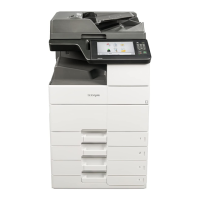
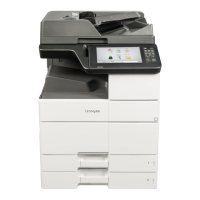
7 Navigate to:
Motor Tests > 2x500‑Sheet Tray Motor Tests
8 Select a motor.
9 Check if the motor runs.
Note: Not all motors run the same way.
The following motors run, and then stop after a preset duration:
• Tray 3 lift
• Tray 4 lift
The following motors continuously run, unless the test is canceled:
• Tray 3 paper feed
• Tray 4 paper feed
• Tray 3 transport
• Tray 4 transport
2500‑Sheet Tray Motor Tests
These tests verify that the 2500‑sheet tray motors are properly working.
Note: If these tests are not performed in safe mode, then the control panel may become unresponsive.
1 Enter the Diagnostics menu, and then close the bottom front door.
2 Navigate to:
Motor Tests > PRINTER MOTOR TESTS
3 Open the bottom front door and right door.
4 Select Registration.
5 Press X three times.
6 Close the bottom front door and right door.
Note: If the engine does not initialize, then the motor test is in safe mode.
7 Navigate to:
Motor Tests > 2500‑Sheet Tray Motor Tests
8 Select a motor.
9 Check if the motor runs.
Note: Not all motors run the same way.
The following motors run, and then stop after a preset duration:
• Elevator UP
• Elevator DOWN
• Transfer guide HOME
• Transfer guide AWAY
7421
Service menus
221



 To Next Page