The weight display header includes the current range (R1, R2, and R3), Max, Min, and d
(or e with devices used in legal metrology) (example: multi-range scale in range R2):
WP-A
R2 Max 2000kg d=
Min 40kg e= 2kg
The [Range limit 1] and [Range limit 2] switch points are the range limits. As soon as the
gross weight exceeds range 1, the next highest range with the next highest scale interval
becomes valid (1, 2, 5, 10, 20, 50). When reducing the weight, the scale interval of the
previous range is kept. When the gross weight is < 0.25 d of range 1, the scale is stable
and not tared, the scale returns to range 1 with the corresponding scale interval.
Note:
During calibration, the multiple range function is always switched o.
Example
Range mode: Multi-range
Range 1: 0…1000 g (when calibrating set scale interval: 0.1 g)
Range 2: 0…2000 g (next highest scale interval: 0.2 g)
Range 3: 0…3000 g (next highest scale interval: 0.5 g)
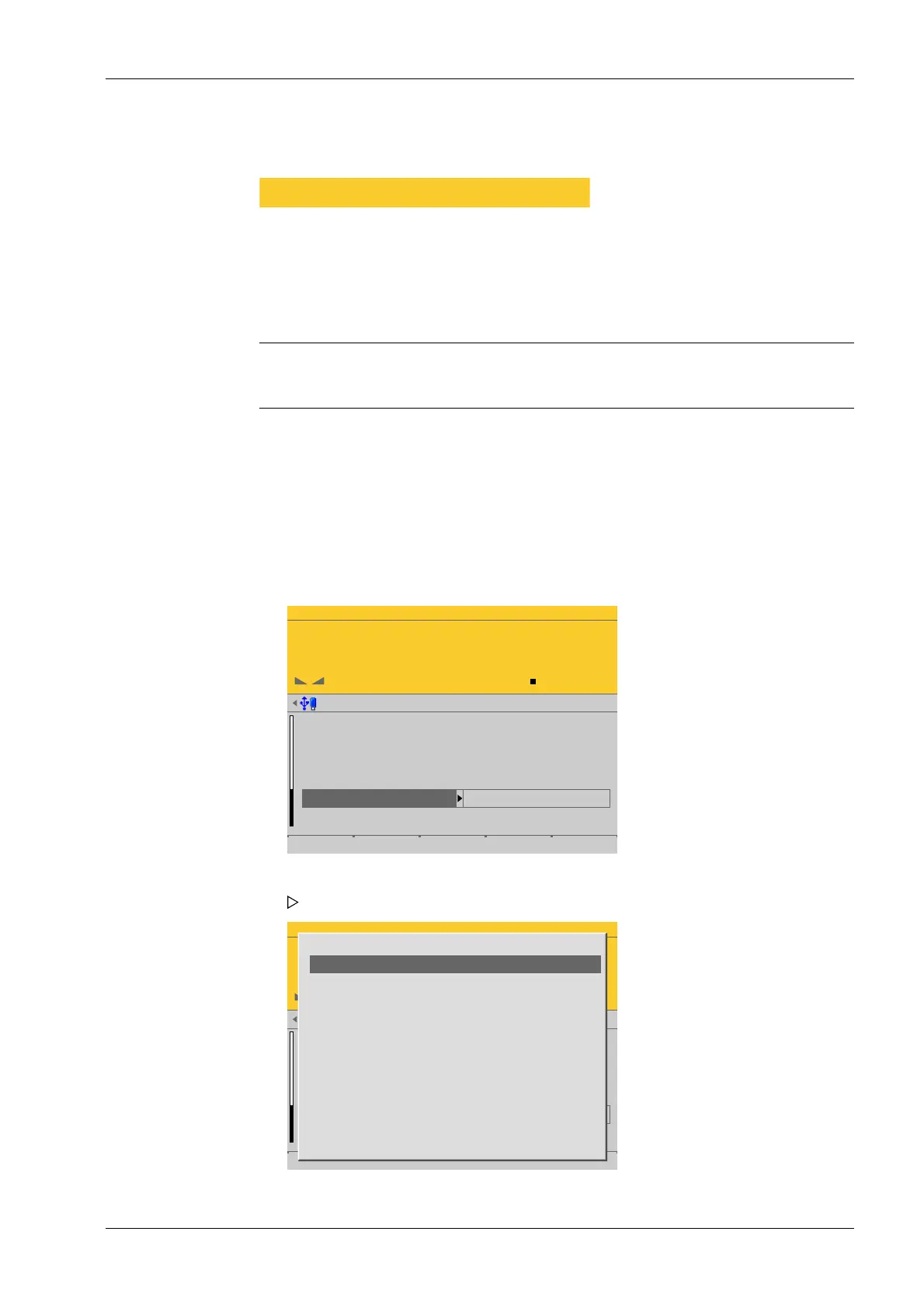
Accessible via MENU - [Operating] - [System setup] - [Weighing points] - [Weighing
point x] - [Parameters] - [Range mode] - [Multi-range] .
WP-A
Max 3000g d= 0.1g
00
+
g
Weighing points @admin
Zerotrack step
Zerotrack time
Overload
Minimum weight
Range mode
0.25 d
1.0 s
9 d
20 d
single range
Default Save
WP-A
Max 3000g d= 0.1g
00
+
g
Weighing points @admin
Zerotrack step
Zerotrack time
Overload
Minimum weight
Range mode
0.25 d
1.0 s
9 d
20 d
single range
Default Save
One area
multiple range
multi-interval
1. Select and conrm [Range mode].
A selection window opens.
4 System setup Process Controller Maxxis 5 PR 5900
EN-99 Minebea Intec



 To Next Page