WP-A
Max 3000g d= 0.1g
00
+
g
Calibration @admin
Max
Scale interval
Dead load at
Max at
calibrated at
Sensitivity
3000.0 g
0.1 g
mV/V
mV/V
mV/V
µV/d
0.040368
1.177688
0.987884
0.471075
30000 d
1 d
102.832 g
3000.000 g
2516.5 g
98.14 cnt/d
New Modify
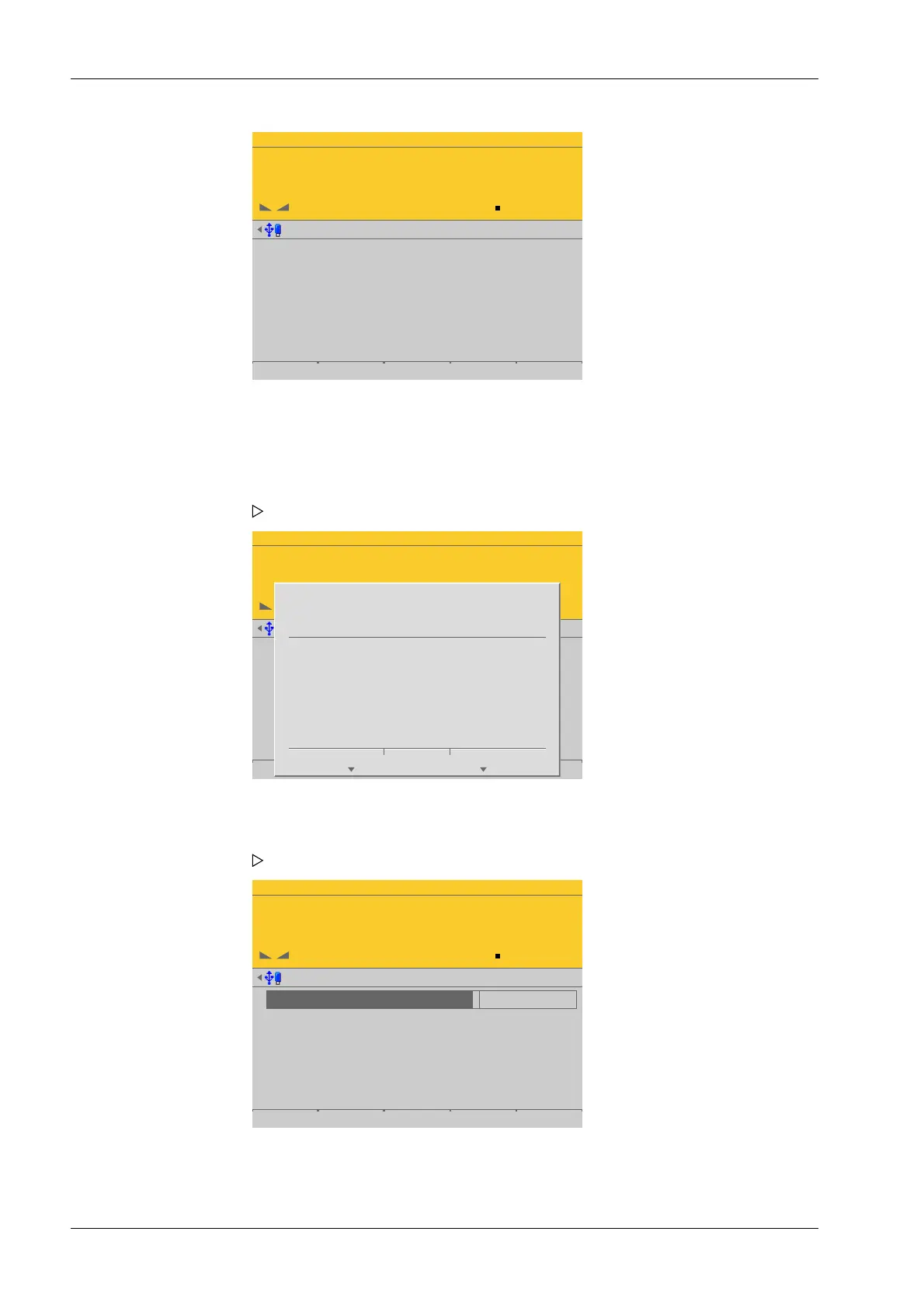
The data from the last calibration is displayed.
When [New] is pressed, the default settings are restored and calibration is then
started.
WP-A
Max 3000g d= 0.1g
00
+
g
Calibration @admin
Max
Scale interval
Dead load at
Max at
calibrated at
Sensitivity
3000.0 g
0.1 g
mV/V
mV/V
mV/V
µV/d
0.040368
1.177688
0.987884
0.471075
30000 d
1 d
102.832 g
3000.000 g
2516.5 g
98.14 cnt/d
Save
?
SPAN and dead load
are reset.
Cancel Continue
Press the [Cancel] soft key to cancel the selection.
WP-A
Max 3000kg d= 1g
00
+
kg
Calibration @admin
1
2
3
Max
Scale interval
Dead load at
Max at
calibrated at
Sensitivity
3000 kg
1 kg
mV/V
mV/V
µV/d
0.000000
1.000000
4.000000
30000 d
1 d
102.832 g
3000.000 g
2516.5 g
98.14 cnt/d
Save
1. Press the [New] soft key.
A window with a prompt is displayed.
2. Press the [Continue] soft key. The factory settings are set.
A selection window opens.
3. Congure and conrm the parameters in the prescribed order.
Process Controller Maxxis 5 PR 5900 4 System setup
Minebea Intec EN-104



 To Next Page