4.7.1.2.1.2 Scale interval
In this menu item (under New/Modify), the scale interval (d) is dened when calibrating
the Internal weighing point weighing electronics.
The scale interval (d) is the dierence between two successive display values.
With a scale used in legal metrology, this value is called the verication scale interval (e),
which corresponds to the scale interval: d = e.
Example:
- Max = 6000 kg, scale interval(1 d) = 2 kg
- Calculation for scale interval for Max (automatic):
- d = Max/scale interval (1 d)
- d = 6000 kg/2 kg
- d = 3000
Accessible via MENU - [Operating] - [System setup] - [Weighing points] - [Weighing
point x] - [Calib] - [New/Modify] - [Scale interval] .
WP-A
Max 3000g d= 0.1g
00
+
g
Max
Scale interval
Dead load at
Max at
calibrated at
Sensitivity
3000.0 g
0.1 g
mV/V
mV/V
mV/V
µV/d
0.040368
1.177688
0.987884
0.471075
30000 d
1 d
102.832 g
3000.000 g
2516.5 g
98.14 cnt/d
Save
For new calibrations, the parameters [Dead load at] and [Max at] are inactive.
The weight unit is taken from [Max]. The number of digits behind the decimal point is
also automatically determined when [Max] is entered.
WP-A
Max 3000g d= 0.1g
00
+
g
Max
Scale interval
Dead load at
Max at
calibrated at
Sensitivity
3000.0 g
0.1 g
mV/V
mV/V
mV/V
µV/d
0.040368
1.177688
0.987884
0.471075
30000 d
1 d
102.832 g
3000.000 g
2516.5 g
98.14 cnt/d
Save
0.1 g
0.2 g
0.5 g
1.0 g
2.0 g
5.0 g
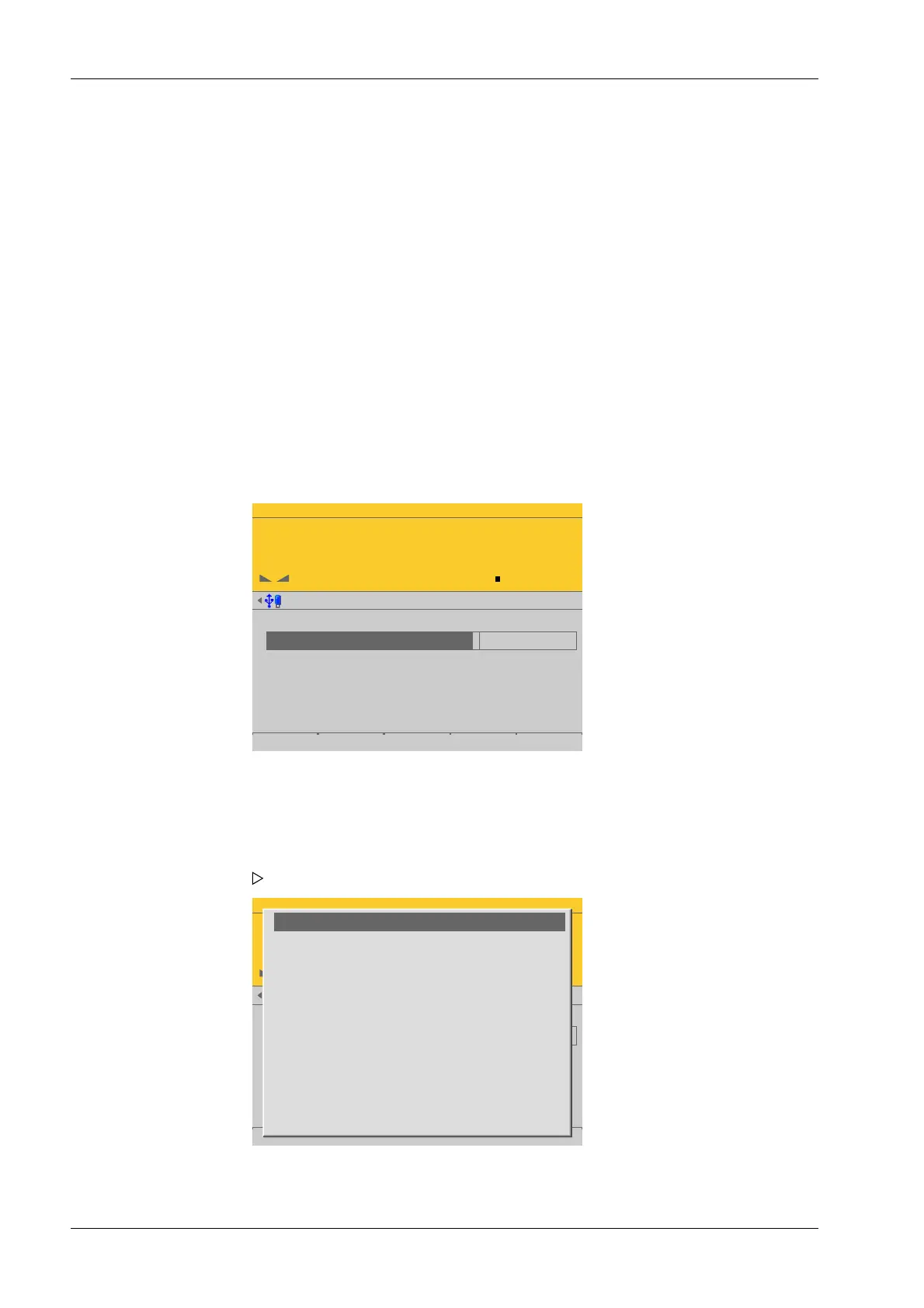
1. Select [Scale interval] (1 d) and activate the input eld.
A selection window opens.
2. Select and conrm the desired value.
Process Controller Maxxis 5 PR 5900 4 System setup
Minebea Intec EN-108



 To Next Page