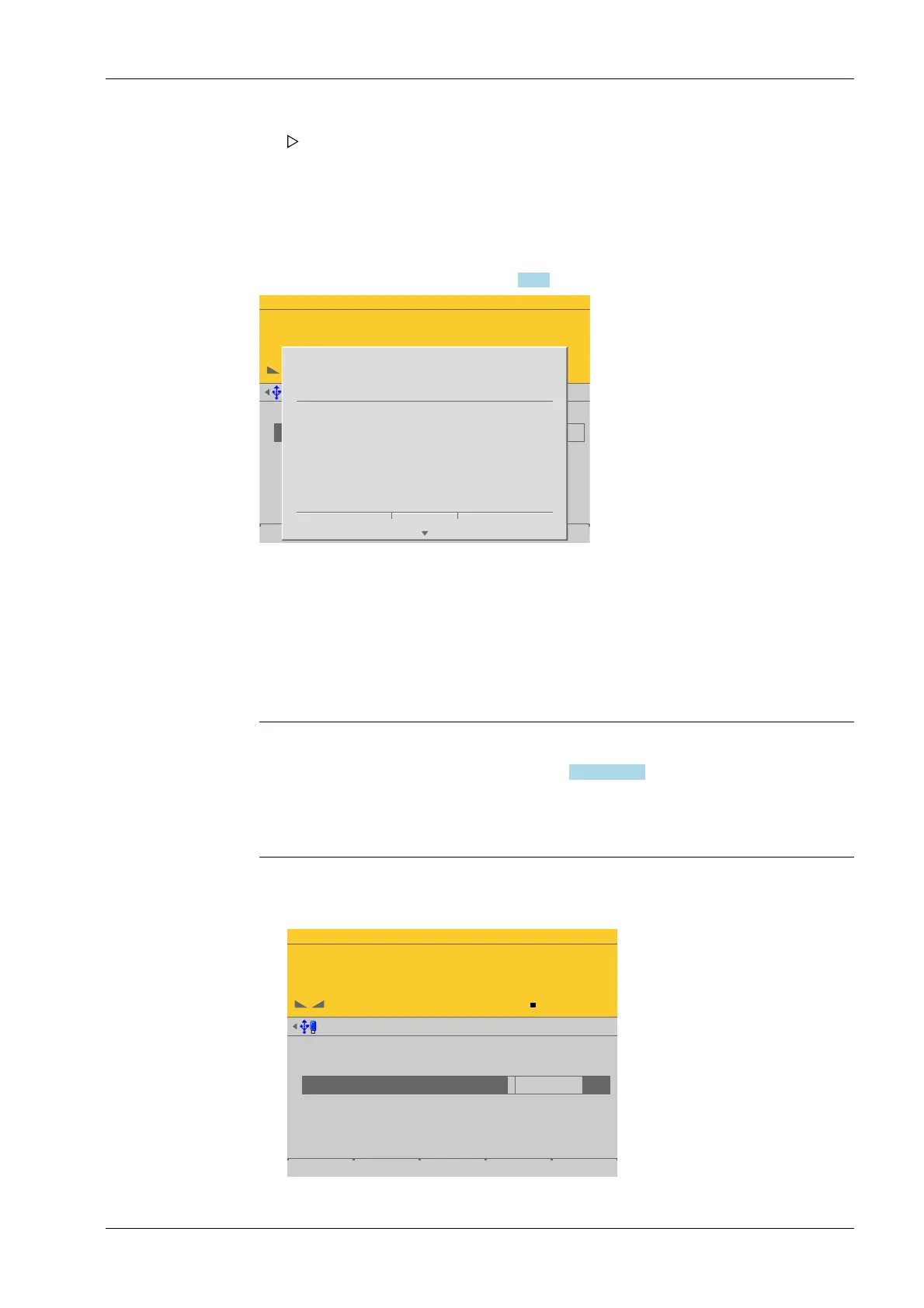
[Save] is deactivated for new calibrations. The next menu item [Dead load at] is
activated.
Possible error messages, see Chapter 9.7.2.
WP-A
Max 3000g d= 0.1g
00
+
g
Max
Scale interval
Dead load at
Max at
calibrated at
Sensitivity
3000.0 g
0.1 g
mV/V
mV/V
mV/V
µV/d
0.040368
1.177688
0.987884
0.471075
30000 d
1 d
102.832 g
3000.000 g
2516.5 g
98.14 cnt/d
Save
STOP
Set LC verification
failed.
Max must be a multiple
of the scale division.
Ok
This message appears if the maximum capacity [Max] of the scale range is not an integer
multiple of the scale interval.
Press [OK] to cancel the setting.
4.7.1.2.1.3 Dead load at
In this menu item (under New/Modify), the dead load (empty scale or vessel) is dened
when calibrating the Internal weighing point weighing electronics.
Note:
If a linearization was carried out (see Chapter 4.7.1.2.1.4.4), the following message
appears once the parameter has been selected: "Cannot be changed while linearization
is active."
Only deleting of the linearization points deactivates the linearization mode!
Accessible via MENU - [Operating] - [System setup] - [Weighing points] - [Weighing
point x] - [Calib] - [New/Modify] - [Dead load at] .
WP-A
Max 3000g d= 0.1g
00
+
g
Max
Scale interval
Dead load at
Max at
calibrated at
Sensitivity
3000.0 g
0.1 g
mV/V
mV/V
mV/V
µV/d
0.040800
1.177298
0.987557
0.470919
30000 d
1 d
103.966 g
3000.000 g
2516.5 g
98.11 cnt/d
by load by mV/V Save
The scale interval (d) is calculated, based on the maximum weight value.
The conrmation is displayed with "setting scale interval…"
3. Press the [Save] soft key to save the calibration.
4 System setup Process Controller Maxxis 5 PR 5900
EN-109 Minebea Intec



 To Next Page